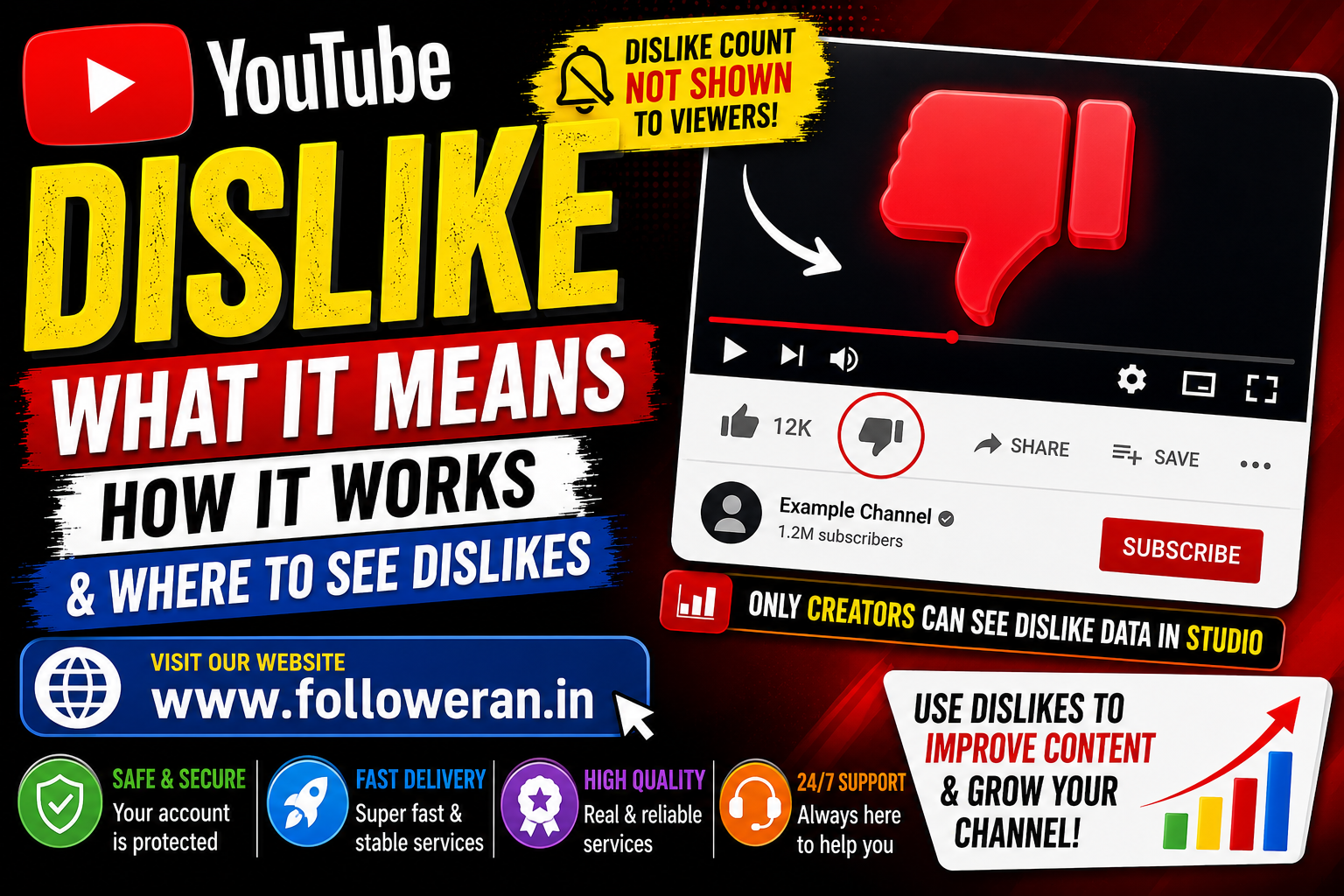
What Is YouTube Dislike?
YouTube dislike is a feedback option that allows viewers to indicate that they did not enjoy or approve of a video.
For long-form videos and livestreams, viewers can still use the thumbs-down button. YouTube says that disliking a video is one way to express an opinion, while inappropriate content should be reported through YouTube's reporting tools.
One major change, however, is that YouTube no longer publicly displays the total number of dislikes on videos.
Why Can't I See the YouTube Dislike Count?
YouTube began making public dislike counts private in November 2021.
The dislike button remained, but the number of dislikes became visible only to the creator through YouTube Studio. YouTube said the change was intended partly to reduce targeted "dislike attacks" against creators.
This means that when you watch a YouTube video today, you can generally click Dislike, but you won't see a public number showing how many other viewers disliked the video.
Can You Still Dislike a YouTube Video?
Yes, for long-form videos and livestreams, the dislike option remains available according to YouTube's current Help documentation.
To dislike a video:
- Open YouTube.
- Open the video.
- Sign in to your account if necessary.
- Select the thumbs-down button.
- Select it again if you want to undo your choice.
Your dislike also provides feedback to YouTube about the content you don't want to engage with.
What Happens When You Dislike a YouTube Video?
A dislike is a form of viewer feedback.
YouTube says viewers can use dislikes to help tune their recommendations and privately share feedback with creators.
However, a dislike isn't simply a public negative score.
YouTube evaluates multiple signals when determining what content to recommend, so one dislike doesn't automatically mean that a video will stop being recommended.
Can You See the Exact Number of YouTube Dislikes?
For Someone Else's Video
The public dislike count is hidden.
YouTube made the dislike count private across the platform, so ordinary viewers cannot simply look below a video and see its exact dislike total.
For Your Own Video
Creators can access their dislike information through YouTube Studio.
YouTube's Analytics documentation says the Engagement section includes a Likes (vs dislikes) report showing how viewers interacted with your videos.
How to Check YouTube Dislikes on Your Own Videos
If you're a creator, you can use YouTube Studio to analyse your video's engagement.
A general route is:
YouTube Studio → Content → Select Video → Analytics → Engagement
YouTube identifies the Engagement tab as the place where creators can review metrics such as watch time, average view duration and the Likes vs dislikes report.
This gives creators more useful information than simply looking at the public watch page.
Why Did YouTube Hide Dislike Counts?
YouTube said it conducted an experiment in 2021 where viewers could still dislike videos but couldn't see the public count.
According to YouTube, the experiment showed a reduction in behaviour where people targeted videos to increase their dislike counts. YouTube also said smaller creators experienced this type of behaviour at a higher proportion.
As a result, YouTube decided to keep the dislike button while making the count private.
YouTube Dislike vs YouTube Report
These two options have different purposes.
Dislike
Use a dislike when you simply don't like or don't find a video useful.
Report
Use YouTube's reporting functionality when you believe content violates YouTube's policies.
YouTube specifically advises viewers to report inappropriate content rather than relying on a dislike.
Does a YouTube Dislike Hurt a Video?
A dislike is a negative engagement signal, but it doesn't automatically determine whether a video succeeds or fails.
YouTube uses multiple engagement and recommendation signals.
Creators should therefore look at a wider range of analytics, including:
- Views
- Watch time
- Average view duration
- Audience retention
- Likes
- Dislikes
- Comments
- Subscribers gained
- Traffic sources
YouTube's Analytics tools provide creators with broader engagement information than the public Like/Dislike display alone.
Why Are Dislikes Sometimes Different in YouTube Analytics?
YouTube notes that engagement metrics are continuously checked for legitimacy.
The platform says its systems work to identify legitimate engagement and may adjust metrics when activity is determined to be invalid.
YouTube also explains that Likes and dislikes can sometimes change as invalid interactions are removed.
Therefore, creators shouldn't assume that every temporary change in a metric indicates a problem with their channel.
What Is the YouTube Dislike Ratio?
Before public dislike counts were hidden, viewers could calculate a video's approximate like-to-dislike ratio using the displayed numbers.
For example:
Like ratio = Likes ÷ (Likes + Dislikes) × 100
Today, viewers generally don't have access to the public dislike number needed to calculate this ratio directly for another creator's video.
Creators can still analyse their own Likes vs dislikes information through YouTube Studio.
Are YouTube Dislikes Still Useful?
Yes.
Although the public number is hidden, the dislike action still provides feedback.
For viewers, it can help YouTube understand what content they don't want to engage with. For creators, dislike data can provide another perspective when evaluating content performance.
However, dislikes should be considered alongside other metrics rather than viewed in isolation.
YouTube Dislike on Shorts
YouTube's treatment of Shorts has also been changing.
YouTube's current community update says it is introducing a new feedback experience for Shorts, including changes to the Like/Dislike controls. The update states that historical dislike data remains available to creators in Studio, while dislike reporting for Shorts is being changed.
Because YouTube continues to roll out product changes, the exact interface can vary by account, device and rollout status.
How Creators Should Respond to Dislikes
Don't panic when a video receives dislikes.
Instead, examine the bigger picture.
Ask:
- Did viewers watch most of the video?
- Did the video generate comments?
- Did viewers subscribe?
- Was the title accurate?
- Did the thumbnail match the content?
- Did viewers leave early?
- Was the video useful to the intended audience?
A video can receive some dislikes and still perform successfully.
Should You Delete a Video Because It Has Dislikes?
Not necessarily.
A few dislikes don't automatically mean that a video should be removed.
Before deleting it, examine:
- Total views
- Watch time
- Retention
- Subscribers gained
- Comments
- Traffic sources
- Overall audience response
Sometimes a controversial or opinion-based video can generate both positive and negative reactions while still attracting substantial interest.
Common Questions About YouTube Dislikes
Why can't I see dislikes on YouTube?
YouTube made public dislike counts private in 2021. The dislike button remained available for long-form videos and livestreams, while creators can access their own dislike information in YouTube Studio.
Can I still dislike a YouTube video?
Yes. YouTube's current Help documentation says viewers can dislike long-form videos and livestreams.
Can YouTube creators see dislikes?
Yes. Creators can access Likes vs dislikes information in YouTube Studio Analytics.
Can I see someone else's exact YouTube dislike count?
Not directly on the normal public video page. YouTube keeps public dislike counts private.
Does disliking a video remove it from YouTube?
No. A dislike is feedback. If content violates YouTube policies, use the reporting feature instead.
Do YouTube dislikes affect recommendations?
Dislikes can provide feedback that YouTube uses to help tune recommendations, but recommendations are based on multiple signals rather than a single metric.
Final Thoughts
The YouTube dislike button still serves a purpose, but the way YouTube displays dislike information has changed significantly.
Since 2021, public dislike counts have been hidden, while creators can continue to access their own dislike information through YouTube Studio. YouTube says the change was made to reduce targeted dislike attacks and protect creators.
For creators, the best approach is to look beyond dislikes and analyse watch time, retention, views, subscribers, Likes, comments and overall audience behaviour.
