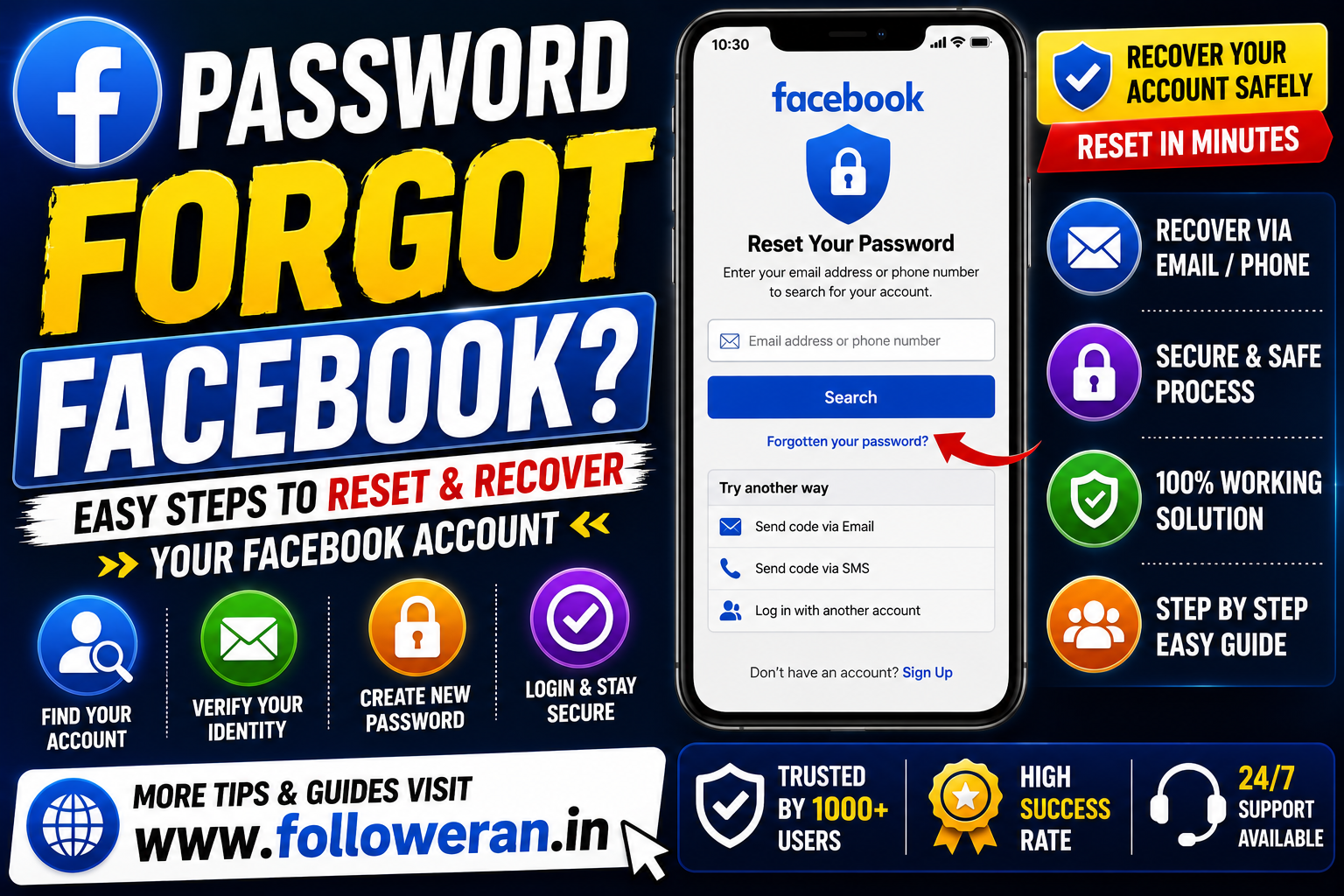
What to Do If You Forgot Your Facebook Password
If you've forgotten your Facebook password, you don't necessarily need to create a new account.
Facebook provides account-recovery options that can help you regain access using information associated with your account, such as an email address or phone number.
The recovery process may vary depending on your account and the recovery options currently available to you.
The most important thing is to use Facebook's official recovery process rather than giving your login details to an unknown third-party website.
How to Reset a Forgotten Facebook Password
If you can still access the email address or phone number connected to your Facebook account, the recovery process is generally straightforward.
Step 1: Go to Facebook
Open the official Facebook login page.
Step 2: Select the Forgotten Account Option
On the login screen, look for the option labelled “Forgot account?” or similar wording. Facebook's current login interface displays this recovery option.
Step 3: Find Your Account
Facebook may ask you to identify your account using information such as:
- Email address
- Mobile phone number
- Name
- Other account information
Step 4: Choose a Recovery Method
Depending on what's available for your account, Facebook may provide a way to receive a recovery code or continue through another account-recovery option.
Step 5: Create a New Password
Once you've successfully completed the recovery process, create a new, strong password.
Step 6: Log In Again
Use your new password to access your Facebook account.
What If You Forgot Both Your Facebook Password and Email?
This can make recovery more difficult, but you can still try to identify your account using information Facebook provides during account recovery.
Try to remember:
- Your Facebook profile name
- Previous email addresses
- Old phone numbers
- Your Facebook username
- Devices you've previously used to access Facebook
If you are still logged into Facebook on another phone, tablet or computer, don't log out immediately. Use that existing session to review your account settings and recovery information first.
What If You Forgot Your Facebook Password and Phone Number?
If you no longer have access to the phone number associated with your account, check whether another recovery option is available.
You may still have access to:
- Your email address
- A previously recognised device
- Another recovery method offered by Facebook
The options available can vary from account to account.
Avoid websites claiming that they can recover your Facebook password if you pay them or provide your login credentials.
What If the Facebook Password Reset Code Doesn't Arrive?
Sometimes a recovery code may not arrive immediately.
Try these steps:
Check Your Email
Look in your:
- Inbox
- Spam folder
- Junk folder
- Promotions folder
Check Your Phone
Make sure your mobile network is working and that the number associated with your account is still active.
Wait Before Requesting Multiple Codes
Repeatedly requesting recovery codes can create additional problems. If Facebook temporarily limits the recovery feature, wait and try again later. Facebook's login and recovery pages can display temporary blocks when a feature is used too quickly.
Check That You Entered the Correct Information
An incorrect email address or phone number may lead you to the wrong account or prevent Facebook from finding your account.
What If You Can't Find Your Facebook Account?
If Facebook cannot find your account, try identifying it using different information that may have been associated with the profile.
For example, try:
- Your full name
- A previous email address
- An old phone number
- Your username
- Another phone number you previously used
Make sure you are attempting recovery for the correct Facebook account.
Forgot Facebook Password While Still Logged In?
If Facebook is already open on your phone or computer, don't panic.
You may be able to change your password from your account settings without going through the same process as someone who is completely locked out.
Before changing anything, make sure you have access to your current recovery email or phone number.
It's also a good opportunity to review your account's security settings.
How to Create a Strong New Facebook Password
After recovering your account, create a password that is:
- Long
- Unique
- Difficult to guess
- Not reused on other websites
Avoid using easily guessed information such as:
- Your name
- Birthday
- Mobile number
- Business name
- Simple number sequences
- Common words
A password manager can help you create and store unique passwords.
Enable Two-Factor Authentication
After recovering your Facebook account, consider enabling two-factor authentication (2FA).
2FA adds another security layer beyond your password.
Even if someone discovers your password, additional verification can help protect your account.
Also keep your recovery information up to date.
What If You Think Your Facebook Account Was Hacked?
If you didn't simply forget your password but believe someone changed it without your permission, treat the situation as an account-security problem.
Look for signs such as:
- Password changed unexpectedly
- Email address changed
- Phone number changed
- Unknown login activity
- Posts you didn't create
- Messages you didn't send
- Unfamiliar account settings
Use Facebook's official account-recovery and security tools rather than paying an unknown person to “recover” the account.
Don't Give Your Facebook Password to Anyone
A genuine password-recovery process should not require you to send your password to another person.
Never send your:
- Facebook password
- Email password
- Verification code
- Two-factor authentication code
- Recovery codes
to someone claiming they can recover your account.
Be especially careful with people contacting you through social media offering paid account recovery.
Facebook Password Forgot: Quick Recovery Checklist
If you forgot your Facebook password, follow this checklist:
1. Open Facebook's official login page.
2. Select Forgot account?
3. Identify your account.
4. Select an available recovery option.
5. Complete the verification process.
6. Create a new strong password.
7. Log in again.
8. Review your security settings.
9. Enable two-factor authentication where available.
10. Keep your recovery email and phone number updated.
Common Facebook Password Problems
“I Forgot My Password”
Use Facebook's account-recovery process.
“I Don't Have My Old Phone Number”
Try another recovery option if Facebook provides one.
“I Forgot My Email”
Try your phone number, name or other account-identifying information.
“The Recovery Code Isn't Arriving”
Check your spam folder, verify your contact information and avoid repeatedly requesting codes.
“Facebook Temporarily Blocked Recovery”
Wait before trying again if Facebook has temporarily restricted the recovery feature.
“Someone Changed My Password”
Treat it as a potential account compromise and use Facebook's official security and recovery process.
Frequently Asked Questions
How do I reset my Facebook password if I forgot it?
Go to Facebook's login page and select the account-recovery option. Follow the available instructions to identify your account and reset the password.
Can I recover Facebook without my old password?
Yes. Password recovery is specifically designed for situations where you no longer know your existing password.
Can I recover Facebook without my phone number?
Possibly. If another recovery method is available for your account, you may be able to use it instead.
What if I forgot both my Facebook email and password?
Try identifying your account using your name, phone number, username or another piece of information previously associated with the account.
Should I pay someone to recover my Facebook password?
Be very cautious. Don't give your password or security codes to strangers claiming they can recover your account.
How can I protect my Facebook account after recovery?
Create a unique password, review your security settings, keep your recovery information current and enable two-factor authentication where available.
Final Thoughts
If you searched “password forgot Facebook,” the safest approach is to use Facebook's own account-recovery process.
Don't panic and don't give your password or verification codes to third parties.
Once you regain access, improve your account security by using a strong, unique password and two-factor authentication.
