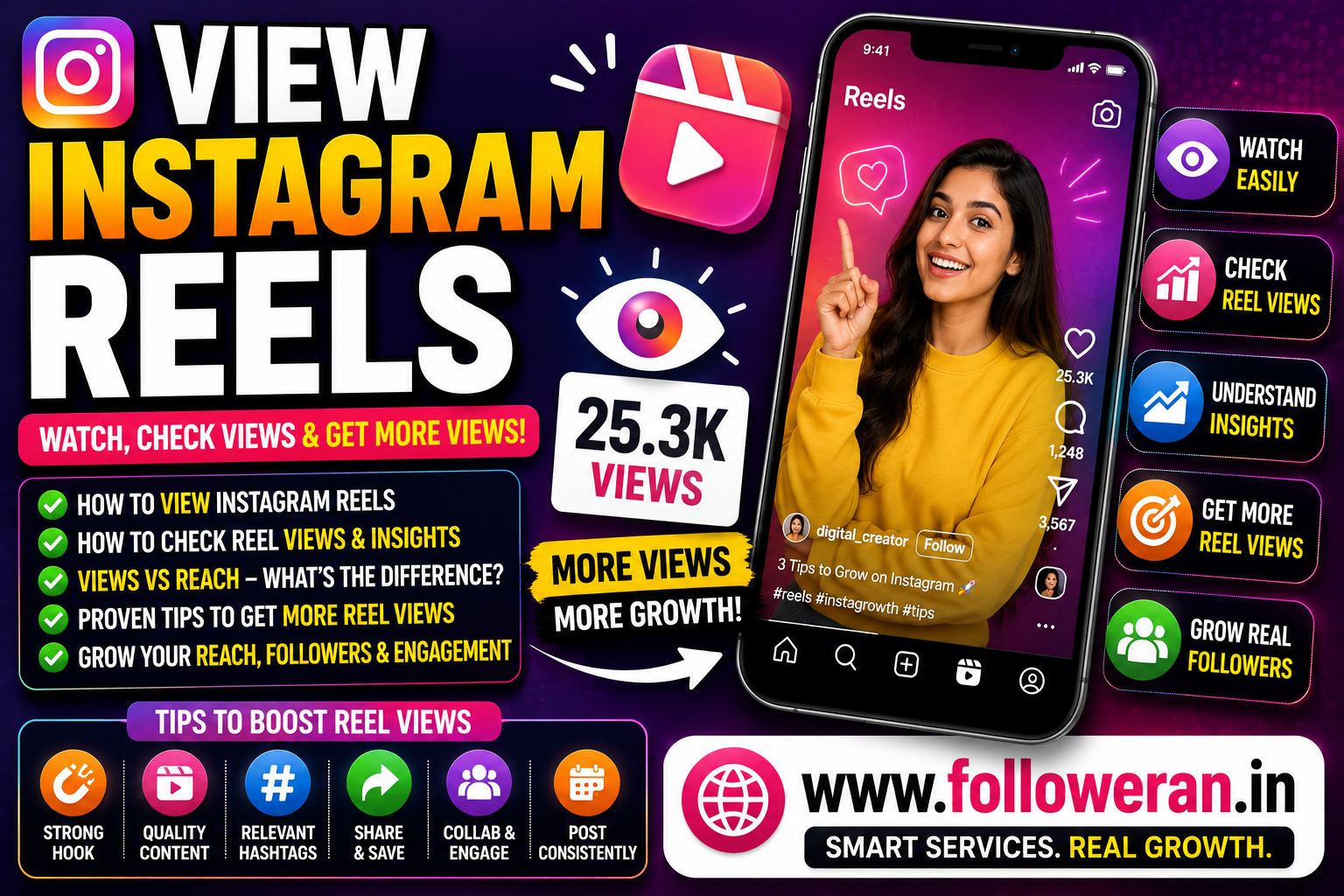
View Instagram Reels: How to Watch, Check Views and Get More Views
If you're searching for view Instagram Reels, you may want to know how to watch Reels, check how many views a Reel has received, understand Instagram Reel Insights, or find ways to increase your own Reel views.
Instagram provides dedicated Reel analytics for professional accounts. Instagram's official help centre says Reel Insights can show views, watch time, accounts reached, average watch time, likes, comments, saves, shares and follows generated by a Reel.
What Are Instagram Reels?
Instagram Reels are short-form videos that can be discovered through your Instagram feed, the Reels experience and other parts of the platform.
Reels can be used for:
- Tutorials
- Tips
- Entertainment
- Product demonstrations
- Reviews
- Educational content
- Behind-the-scenes videos
- Brand promotion
For creators and businesses, Reels can be an important way to reach people who don't already follow the account.
How to View Instagram Reels
The simplest way to watch Reels is through the Instagram app.
You can generally:
- Open Instagram.
- Select the Reels section.
- Scroll through available Reels.
- Tap a Reel to watch it.
- Like, comment, share or save the Reel where available.
You can also encounter Reels through your Home feed, profiles and recommendations.
How to View Your Own Instagram Reels
To find Reels you've published:
- Open your Instagram profile.
- Select the Reels tab.
- Choose the Reel you want to view.
- Open it to watch or review the content.
From there, you can also access additional information when it is available for your account.
How to Check Instagram Reel Views
For a professional account, Instagram provides Reel Insights.
Instagram's current instructions say to:
- Go to the Reels tab on your profile.
- Open the Reel.
- Select View insights.
You'll then be able to review available performance metrics.
What Does an Instagram Reel View Mean?
Instagram defines Views as the number of times your content was played or displayed.
For Reels specifically, Instagram's Reel Insights documentation says Views represents the number of times the Reel starts to play or replay.
This is important because one account can potentially contribute more than one view through replay activity.
Instagram Reel Views vs Accounts Reached
These two metrics are different.
Views measure how many times a Reel starts playing or is replayed.
Accounts reached measures the number of unique accounts that have seen the Reel on screen at least once, whether or not the Reel was played. Instagram notes that reach can therefore differ from views.
For example:
| Metric | Example |
|---|---|
| Views | 12,000 |
| Accounts reached | 8,000 |
| Likes | 850 |
| Shares | 120 |
| Saves | 300 |
This can indicate that some viewers watched or replayed the Reel more than once.
What Can You See in Instagram Reel Insights?
Instagram says Reel Insights can include:
- Views
- Watch time
- Accounts reached
- Average watch time
- Likes
- Comments
- Saves
- Shares
- Follows
The exact metrics available can depend on the account and content.
What Is Instagram Reel Watch Time?
Watch time is the total amount of time that your Reel was played, including replay activity.
Instagram also provides average watch time, which it describes as the average amount of time spent playing the Reel.
These metrics can be more useful than simply looking at the view count.
Why Are Instagram Reel Views Important?
Views show that your content is receiving exposure and playback.
However, a successful Reel isn't necessarily the one with the highest view number.
For businesses and creators, other outcomes can be more valuable:
- Shares
- Saves
- Comments
- Follows
- Profile visits
- Website clicks
- Leads
- Sales
A Reel with 20,000 relevant views can be more valuable than one with 100,000 views from people who have no interest in your niche.
How to Get More Instagram Reel Views
1. Choose a Strong Topic
Start with something your target audience genuinely wants.
Good topics include:
- Common mistakes
- How-to tutorials
- Quick tips
- Product demonstrations
- Before-and-after content
- Frequently asked questions
- Comparisons
- Industry advice
A specific topic is often easier to communicate than a general one.
2. Create a Strong Opening
The opening needs to give viewers a reason to continue.
Examples:
“3 Instagram mistakes you should stop making.”
“Here's why your Reels aren't getting views.”
“Try this before posting your next Reel.”
The rest of the video should deliver what the opening promises.
3. Keep One Main Idea Per Reel
Avoid trying to explain an entire subject in one short video.
Instead, break it into a series.
For example:
Reel 1: Improve your Instagram bio
Reel 2: Write better hooks
Reel 3: Create better captions
Reel 4: Promote Reels through Stories
This gives your audience more focused content.
4. Make Reels Easy to Watch
Focus on:
- Clear audio
- Good lighting
- Readable text
- Strong framing
- Simple editing
- Appropriate pacing
A complicated visual layout can make it harder for viewers to follow the message.
5. Use On-Screen Text
Keep important information visible in the video.
For example:
LOW REEL VIEWS?
TRY THESE 3 CHANGES
Then explain each point.
6. Write a Useful Caption
Your caption can add context and give viewers another reason to interact.
You can:
- Explain the main idea
- Add an extra tip
- Ask a relevant question
- Encourage saving
- Direct viewers to related content
Keep the wording natural.
7. Use Relevant Keywords
Make the Reel's topic clear through natural language in:
- On-screen text
- Captions
- Profile information
- Related content
For an Instagram growth account, terms such as Instagram Reels, Reel views, Instagram growth and content strategy can be naturally relevant.
Don't repeat keywords excessively.
8. Use Relevant Hashtags
Choose hashtags that accurately describe your Reel.
Consider:
- Niche terms
- Topic terms
- Industry terms
- Location terms
- Community terms
Avoid unrelated hashtags simply because they appear popular.
9. Encourage Shares and Saves
Create content people may want to send to someone else or revisit later.
Useful formats include:
- Checklists
- Tutorials
- Tips
- Mistakes to avoid
- Templates
- Short guides
A relevant CTA such as “Save this for your next Reel” can work well when the content is genuinely useful.
10. Promote Reels Through Stories
Use Instagram Stories to introduce a new Reel to your current audience.
Instead of:
“New Reel.”
try:
“Your Reels getting low views? Here's one mistake to fix.”
A clear teaser gives people a reason to watch.
11. Collaborate With Relevant Creators
Collaboration can expose your content to another relevant audience.
Consider:
- Joint Reels
- Interviews
- Tutorials
- Product demonstrations
- Expert discussions
- Creator partnerships
Audience relevance matters more than follower count alone.
12. Publish Consistently
One Reel rarely determines the long-term performance of an account.
A simple schedule could be:
Monday: Educational Reel
Wednesday: Quick-tip Reel
Friday: Tutorial Reel
Stories: Regular promotion and engagement
Choose a schedule you can maintain.
Why Are My Instagram Reel Views Low?
Low views can have many causes.
Weak Topic
The subject may not interest your target audience.
Weak Hook
People may scroll away before understanding the value.
Poor Audience Match
Your content may be reaching viewers who aren't interested in the subject.
Poor Presentation
Weak audio, lighting or framing can reduce watchability.
Inconsistent Publishing
Long gaps create fewer opportunities to reach new viewers.
Repetitive Content
If every Reel looks the same, your audience may become less responsive.
How to Improve Instagram Reel Watch Time
Use a simple structure:
Hook → Problem → Value → Payoff
For example:
Hook: “Your Instagram Reels may be losing viewers too quickly.”
Problem: Explain the mistake.
Value: Show the correction.
Payoff: Demonstrate the improved result.
This gives viewers a reason to continue watching.
How to Turn Reel Views Into Followers
Getting views is only the beginning.
Use:
View → Value → Profile → Follow
Make Your Profile Clear
Visitors should immediately understand your niche.
Create Related Content
Give viewers more videos about the topic they just watched.
Use a Relevant CTA
For example:
“Follow for more Instagram growth tips.”
Optimise Your Bio
Explain what followers will receive from your account.
Instagram Reel Views for Businesses
Businesses can create Reels around:
- Product demonstrations
- Tutorials
- Customer results
- FAQs
- Case studies
- Before-and-after transformations
- Behind-the-scenes content
A useful business funnel is:
Reel → Profile Visit → Website → Enquiry → Customer
Don't measure business success using views alone.
Instagram Reel Views for Creators
Creators can test:
- Educational videos
- Entertainment
- Reviews
- Tutorials
- Personal stories
- Industry advice
- Behind-the-scenes content
Then compare which subjects generate the best combination of views, watch time, shares, saves and follows.
Can You Buy Instagram Reel Views?
Some third-party services advertise Reel views.
Before using any provider, check:
- Service description
- Delivery conditions
- Pricing
- Retention terms
- Refund policy
- Security requirements
A higher view count does not automatically produce genuine audience engagement.
Never share your:
- Instagram password
- Email password
- Two-factor authentication code
- Backup codes
- Recovery codes
with an unfamiliar provider.
Free Instagram Reel Views vs Organic Growth
| Factor | Third-Party View Service | Organic Growth |
| Cost | May be free or paid | Can be free |
| Speed | Potentially faster | Usually gradual |
| Audience relevance | Varies | Can be highly relevant |
| Engagement | Not guaranteed | Can be genuine |
| Long-term value | Varies | Strong potential |
| Analytics usefulness | Can be distorted | More meaningful |
The strongest strategy is to build a real audience around valuable content.
How to View Instagram Reels Anonymously
Be cautious with websites claiming they can let you view private or restricted Instagram content anonymously.
Don't enter your Instagram password into an unfamiliar “anonymous viewer” website.
For public Reels, use Instagram's normal viewing experience whenever possible.
How to Save Instagram Reels for Later
Instagram provides saving functionality for content so you can return to Reels you find useful.
Saving a Reel is different from downloading or reposting it. Always respect the creator's rights when reusing content.
How Long Are Instagram Reel Insights Available?
Instagram's current help documentation says Reel Insights are available for Reels posted on or after 14 May 2021, and Insights can be viewed for up to two years after the Reel's original publication date.
This makes it useful to review historical content and compare long-term performance.
Common Instagram Reel View Mistakes
Avoid:
- Focusing only on views
- Using misleading clickbait
- Reposting content without permission
- Using unrelated hashtags
- Making overly long introductions
- Posting inconsistently
- Buying views without researching the provider
- Sharing account credentials
- Ignoring watch time and shares
Explore Instagram and Social-Media Marketing Services
If you're comparing Instagram views, followers, likes and other social-media marketing services, you can explore:
Review the current services, pricing, delivery information, requirements and terms before placing an order.
Frequently Asked Questions
How do I view Instagram Reels?
Open Instagram and select the Reels section, then scroll through or search for the Reel you want to watch.
How do I check views on my Instagram Reel?
For business and creator accounts, open your Reel from the profile's Reels tab and select View insights. Instagram provides metrics including Views, Accounts reached, watch time, likes, comments, saves, shares and follows.
What counts as an Instagram Reel view?
Instagram says a Reel's Views metric counts the number of times the Reel starts to play or replay.
What's the difference between Reel views and reach?
Views can include multiple plays or replays by the same accounts. Accounts reached measures unique accounts that saw the Reel on screen at least once.
Can I view my Instagram Reel Insights with a personal account?
Instagram says Insights are available for business and creator accounts.
How can I get more Instagram Reel views free?
Create better topics, use stronger hooks, make videos easy to watch, use relevant keywords and hashtags, promote Reels through Stories, collaborate with relevant creators and publish consistently.
Can I buy Instagram Reel views?
Third-party services exist, but they don't automatically provide genuine engagement. Research any provider carefully and never share passwords or security codes.
What matters more than Reel views?
Depending on your goal, watch time, shares, saves, follows, profile visits, leads and sales may be more valuable than raw views.
Final Thoughts
If you're searching for view Instagram Reels, there are two useful things to understand: how to watch Reels and how Instagram measures Reel performance.
Instagram's current Insights tools allow eligible professional accounts to review Views, Watch time, Accounts reached, Average watch time, interactions and follows for their Reels. Instagram also distinguishes Views from Accounts reached because a Reel can be played or replayed more than once by the same account.
To get more views organically, focus on strong topics, better hooks, useful content, clear visuals, relevant keywords, Stories promotion, collaborations and consistent publishing.
The real goal isn't simply a bigger view number. Build Reels that turn viewers into engaged followers and measurable business results.
For more Instagram and social-media marketing resources, visit www.followeran.in.
