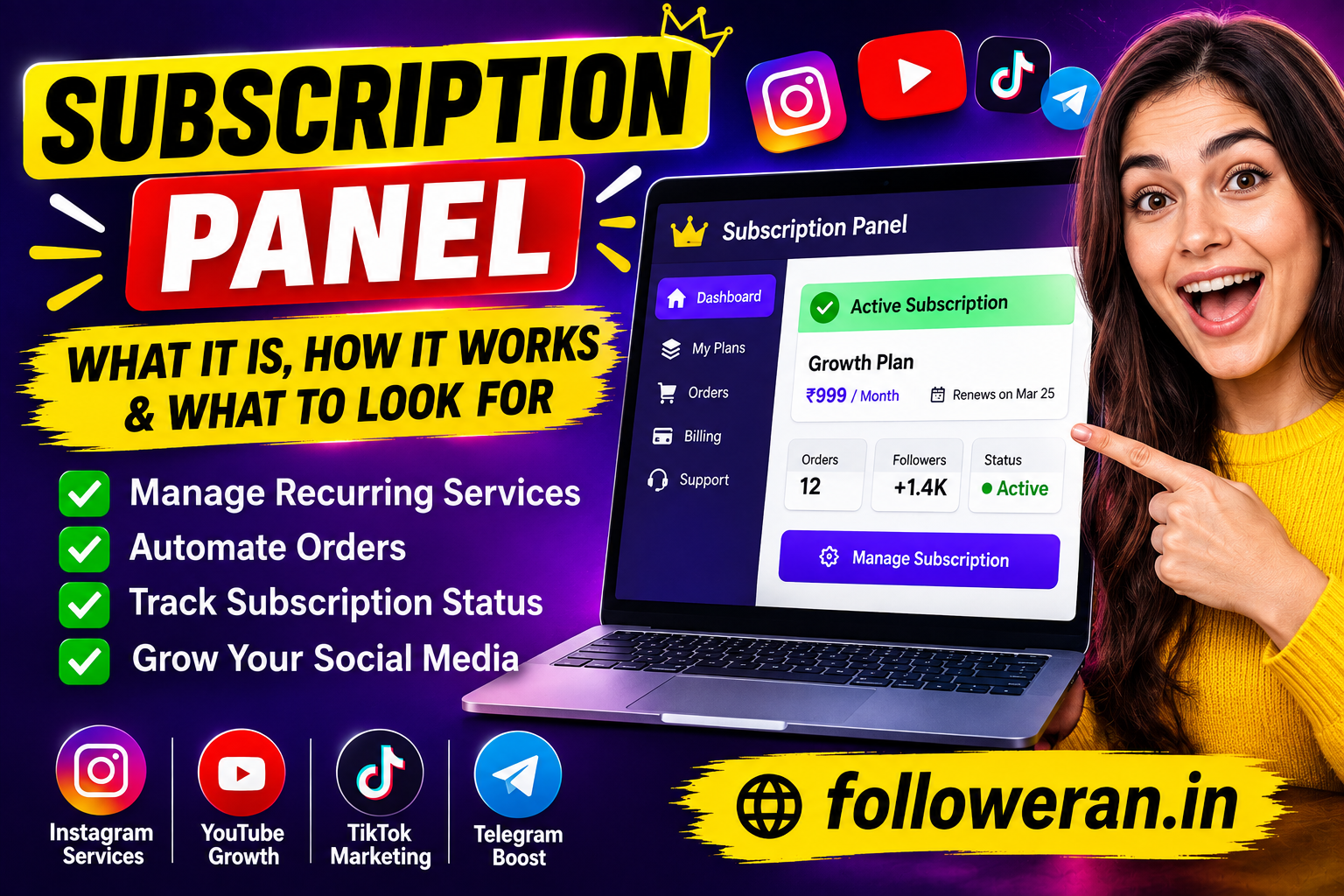
Subscription Panel: What It Is, How It Works, and What to Look For
If you are searching for “subscription panel”, the term can mean several different things depending on the website or service you are using. In general, a subscription panel is a dashboard where users can view, purchase, renew, upgrade, or manage recurring services. In social media marketing, the phrase is also used for panels that let customers create recurring orders for promotional services across platforms such as Instagram, YouTube, TikTok, and other networks.
A modern subscription panel should make recurring services easier to manage rather than simply adding another complicated dashboard. A good system normally gives users a clear view of active subscriptions, order status, billing information, renewal settings, and available plans. Some subscription platforms also allow recurring orders to be paused or cancelled when they are no longer needed.
Current subscription-management documentation from several software platforms shows a similar pattern: subscription panels commonly provide access to the current plan, billing cycle, usage information, payment details, upgrades, and cancellation or account-management functions.
For social media marketing, however, there is an additional consideration: the service being purchased must be legitimate and compliant with the platform being promoted. YouTube, for example, prohibits artificial increases in views, likes, comments, subscribers, or other metrics and says artificial traffic may not be counted.
What Is a Subscription Panel?
A subscription panel is a centralized interface for managing recurring products or services.
Instead of purchasing the same service manually every week or month, a subscription system can automate the process according to the terms selected by the customer.
For example, a general subscription panel might show:
| Panel feature | Purpose |
|---|---|
| Current plan | Shows the active subscription |
| Billing cycle | Displays when the subscription renews |
| Payment method | Manages payment information |
| Usage | Shows remaining credits or usage |
| Upgrade | Allows customers to choose a larger plan |
| Cancellation | Lets customers stop future renewals |
| Order history | Shows previous transactions |
| Renewal status | Indicates whether automatic renewal is active |
This structure is common across subscription-based software and services. For example, Superinsight's documentation describes a subscription panel that displays the current plan, credit allocation, billing period, subscription status, and remaining credits, while its plan-management tools allow customers to upgrade.
In other words, the panel becomes the control center for the customer's recurring service.
What Is a Subscription Panel in Social Media Marketing?
In social media marketing, a subscription panel can refer to a feature that allows a customer to schedule or repeat an eligible marketing service automatically.
For example, an agency may manage recurring promotional campaigns for a client. Instead of manually creating a new order every time, a subscription feature can help organize repeated campaigns according to a chosen schedule.
Some current SMM platforms describe subscription orders as recurring orders that can be configured with a repeat interval and stopped when necessary.
The important distinction is between legitimate marketing services and artificial engagement.
A subscription panel should not be viewed as a shortcut for manufacturing followers, views, likes, or subscribers. Platforms can have strict rules against artificial engagement, and YouTube explicitly prohibits services that artificially inflate metrics.
For sustainable growth, recurring marketing should focus on legitimate activities such as content promotion, advertising, audience discovery, campaign management, and other services that comply with the destination platform's rules.
How Does a Subscription Panel Work?
The basic workflow is relatively simple.
A customer first creates an account or logs into an existing account. The panel then displays the available subscription options and explains the price, frequency, included services, and relevant conditions.
After selecting a plan, the customer provides the required information and completes payment.
The panel records the subscription and displays its current status.
A typical workflow looks like this:
Create account
↓
Choose a subscription
↓
Review plan details
↓
Complete payment
↓
Subscription becomes active
↓
Recurring service or billing occurs according to the plan
↓
Customer monitors or changes the subscription
This type of workflow is used by many subscription-based services. For example, Squarespace's subscription products allow customers to purchase recurring products or services, with subscription details such as frequency and billing cycles managed through the customer account.
Subscription Panel vs. Normal Order Panel
A normal order panel generally works on a one-time purchase model.
You select a service, submit an order, wait for completion, and then create another order when you need the service again.
A subscription panel introduces recurring management.
| Feature | Normal order | Subscription panel |
|---|---|---|
| One-time order | Yes | Usually |
| Recurring order | Usually no | Yes |
| Automatic renewal | Usually no | Often available |
| Billing schedule | One payment | Recurring |
| Order management | Individual orders | Ongoing subscription |
| Cancellation | Order-specific | Subscription-level |
| Renewal control | Manual | Automated or scheduled |
This difference becomes particularly useful for businesses that run campaigns on a regular schedule.
Instead of treating every campaign as an isolated transaction, the customer can manage a continuing service relationship from one dashboard.
Why Use a Subscription Panel?
The biggest advantage is convenience.
Imagine managing five recurring services manually.
Every month you would need to remember:
- Which service needs renewal
- When the next order should start
- How much to purchase
- Which payment method to use
- Whether the previous order is still active
- Whether the service should continue
A subscription panel puts those details into one place.
It can also reduce repetitive administrative work for agencies.
For businesses, the panel can provide a central location for recurring billing, plan management, usage tracking, and customer account information.
Modern subscription-management systems commonly include these functions. Gendo, for example, describes a subscription panel that allows authorized users to manage seats, invoices, payment methods, and plan-related settings.
Important Features of a Good Subscription Panel
Not every subscription panel provides the same experience.
If you're evaluating one, look for several important features.
Clear Subscription Details
Customers should immediately understand what they are subscribed to.
The panel should clearly display:
Plan name
Price
Billing frequency
Next renewal
Current status
Included services
Hidden conditions can create confusion and customer complaints.
Easy Renewal Management
Customers should know whether their subscription renews automatically.
A good interface should make the renewal status obvious rather than hiding it somewhere deep inside the account.
Cancellation Controls
Customers should be able to stop future renewals without unnecessary difficulty.
Cancellation policies should be clearly explained before purchase.
Order History
A useful panel should provide historical information.
Customers may want to know:
- What they previously purchased
- When an order was created
- How much was charged
- Which plan was active
- Whether a previous subscription was cancelled
Payment Management
A subscription panel should provide secure payment-management options appropriate to the service.
For example, subscription platforms may allow users to update payment information through a billing portal.
Mobile-Friendly Design
Many customers manage social media accounts from smartphones.
A subscription panel that works poorly on mobile can make simple tasks frustrating.
The most important controls should therefore remain easy to find on smaller screens.
Subscription Panel for Agencies
Agencies can benefit significantly from recurring-service management.
Suppose an agency manages social media campaigns for 20 clients.
Without a centralized subscription system, staff may need to track every recurring service manually.
A panel can centralize:
Client → Service → Quantity → Frequency → Status → Renewal
This can reduce administrative overhead and make it easier to identify active and inactive campaigns.
Some current SMM panel systems specifically advertise agency features such as recurring subscription orders, mass ordering, automatic status updates, and reseller APIs.
For an agency, the panel is therefore not simply a checkout page.
It can become part of the operational workflow.
Subscription Panel for Resellers
Resellers may also use subscription-management features when they provide recurring marketing services to their own customers.
A reseller might create a recurring package for a client that includes legitimate marketing activities such as campaign management, content promotion, reporting, or advertising support.
The reseller then needs a system for monitoring:
- Client accounts
- Active plans
- Renewal dates
- Payment status
- Campaign status
- Service history
A centralized subscription panel can make this easier.
However, resellers should carefully evaluate whether the underlying service complies with the rules of the social network involved.
Are Subscription Panels Safe?
The panel itself is not inherently good or bad.
Its safety depends largely on what it is being used to sell and how the service operates.
A subscription panel for legitimate software, website hosting, newsletters, maintenance, advertising, or other lawful services is simply a management interface.
The situation becomes different when a panel is used to artificially manipulate social media metrics.
YouTube's Fake Engagement Policy states that artificial increases in views, likes, comments, or other metrics are prohibited. It also warns that hiring another company to promote a channel does not remove responsibility for policy violations.
So before subscribing to any social-media-related service, check:
What exactly am I purchasing?
How is the service delivered?
Does it comply with the platform's rules?
Are the claims transparent?
Can I cancel the subscription?
Those questions are more important than simply comparing prices.
Subscription Panel and Social Media Growth
A subscription panel can be useful for managing a long-term social media marketing plan, but it shouldn't replace a proper content strategy.
Think about Instagram growth, for example.
A sustainable strategy might include:
Content creation
↓
Reels
↓
Educational carousels
↓
Community engagement
↓
Legitimate advertising
↓
Analytics
↓
Optimization
A subscription system can help manage recurring services around that strategy, but it cannot magically make weak content successful.
If your content doesn't appeal to your audience, simply repeating the same promotion won't solve the underlying problem.
The strongest subscription model is therefore one that supports a broader marketing strategy.
Subscription Panel for Instagram Marketing
Instagram businesses and creators often need recurring marketing activities.
Examples of legitimate recurring services can include:
- Content planning
- Social media management
- Creative production
- Advertising management
- Influencer campaigns
- Reporting
- Community management
- Website promotion
- SEO support
A subscription panel can package these services into predictable monthly plans.
For example:
| Plan | Possible service structure |
|---|---|
| Starter | Content planning + monthly report |
| Growth | Content + Reels + analytics |
| Business | Content + advertising management + reporting |
| Agency | Multi-account management + reporting + support |
The exact services and prices depend on the provider.
The key is transparency.
Customers should know exactly what they're paying for.
Subscription Panel for YouTube Marketing
YouTube requires particular care because its policies explicitly address artificial engagement.
YouTube says its systems aim to ensure engagement metrics come from actual humans rather than computer programs, and artificial traffic may be excluded from metrics.
Its Fake Engagement Policy also prohibits third-party services that artificially inflate views, likes, or subscribers.
That means a subscription panel used for YouTube should focus on legitimate services such as:
- Video editing
- Thumbnail design
- SEO consulting
- Content strategy
- Advertising
- Channel audits
- Analytics reporting
- Audience research
These services help improve the underlying channel rather than attempting to manufacture engagement.
Subscription Panel Pricing
Subscription panel pricing can vary dramatically depending on the service.
A simple newsletter subscription might cost a few dollars per month.
A professional software subscription could cost hundreds of dollars depending on usage.
An agency marketing subscription may cost considerably more because it can include human services, strategy, creative work, advertising management, and reporting.
Don't compare subscriptions only by price.
Instead, compare:
| Factor | Question |
|---|---|
| Price | What exactly am I paying? |
| Frequency | Monthly, weekly, or annual? |
| Service | What is included? |
| Limits | Are there usage restrictions? |
| Renewal | Does it renew automatically? |
| Cancellation | Can I stop easily? |
| Support | Is customer support available? |
| Reporting | Can I track results? |
| Compliance | Does the service follow platform rules? |
The cheapest panel isn't necessarily the best panel.
How to Choose the Right Subscription Panel
Before subscribing, research the provider.
Look for a clear website, understandable service descriptions, transparent policies, and accessible support.
Avoid providers that make unrealistic promises.
For example, a claim such as:
“Guaranteed viral growth overnight”
should immediately make you cautious.
Real marketing performance depends on content, audience, competition, budget, timing, and many other factors.
A trustworthy provider should explain what the service does rather than promising impossible results.
What Makes a Subscription Panel User-Friendly?
A good subscription panel should feel simple.
The customer shouldn't need a tutorial just to discover when the next payment will occur.
The dashboard should prioritize the information customers actually need.
A useful layout might look like:
Dashboard
Active Plan: Growth
Status: Active
Next Renewal: 15 September
Monthly Cost: ₹X,XXX
Usage: 72%
Payment: Active
[Manage Plan] [Cancel Subscription]
This gives the customer immediate visibility.
More advanced panels can add invoices, multiple subscriptions, usage history, support tickets, and account settings.
Automatic Renewal: What Customers Should Know
Automatic renewal is convenient, but customers should understand exactly how it works.
Before subscribing, check:
- Renewal frequency
- Renewal price
- Cancellation deadline
- Refund policy
- Payment method
- Renewal notifications
- What happens if payment fails
Some subscription platforms allow customers to cancel at any time, while others use specific billing rules. Squarespace, for example, documents subscription renewal, cancellation, billing details, and failed-payment handling as part of its subscription system.
Always read the provider's actual terms rather than assuming every subscription works the same way.
Subscription Panel vs. Membership Panel
The terms can sometimes be confused.
A subscription panel generally focuses on managing recurring purchases or service plans.
A membership panel often focuses on user access.
For example:
Subscription: Pay ₹999 every month for a software plan.
Membership: Have access to a private community while your membership remains active.
They can overlap.
A single platform may use both concepts.
Subscription Panel vs. Billing Portal
A billing portal is usually more focused on financial administration.
It may include:
- Payment methods
- Invoices
- Billing address
- Receipts
- Subscription cancellation
- Payment history
A subscription panel can be broader.
It might also include:
- Service usage
- Plan features
- Upgrades
- Account settings
- Order status
- Campaign information
Some platforms combine both into one dashboard.
Common Subscription Panel Problems
Even a good system can create problems if it isn't configured properly.
Unexpected Renewal
A customer may forget that automatic renewal is active.
Solution: Clearly display renewal dates and send appropriate notifications.
Failed Payment
A card can expire or a payment can fail.
Solution: Provide an easy way to update payment information.
Confusing Plans
Customers may not understand the difference between plans.
Solution: Show a clear comparison table.
Difficult Cancellation
If customers can't find the cancellation option, frustration increases.
Solution: Make cancellation instructions accessible and transparent.
Poor Mobile Experience
A dashboard designed only for desktop users can be difficult to use on a phone.
Solution: Build responsive interfaces.
How a Subscription Panel Can Save Time
The biggest benefit is automation.
Without subscription management:
Remember → log in → create order → pay → repeat
With a well-designed subscription system:
Subscribe → monitor → adjust when needed
That difference becomes significant when managing many clients.
An agency with 50 recurring customers doesn't want staff manually recreating identical orders every month.
Automation allows the team to spend more time on strategy and less time on repetitive administration.
Best Practices for Using a Subscription Panel
Whether you're a customer, creator, or agency, follow a few basic rules.
Read the plan details before subscribing.
Know exactly what you're purchasing.
Check the renewal schedule.
Don't assume the subscription is one-time.
Monitor performance.
If you're paying for marketing, measure meaningful outcomes.
Review your subscriptions regularly.
Cancel services that are no longer useful.
Keep payment information updated.
This helps prevent unnecessary interruptions.
Choose transparent providers.
Avoid exaggerated promises.
Check platform policies.
Especially when purchasing services connected to Instagram, YouTube, TikTok, or other social platforms.
Is a Subscription Panel Worth It?
A subscription panel can be worthwhile when it solves a real recurring-management problem.
For a customer, it can make recurring services easier to monitor.
For an agency, it can simplify client management.
For a software company, it can centralize billing and plan administration.
For a creator, it can help organize ongoing legitimate marketing services.
But the panel itself isn't what creates results.
The underlying service does.
A beautifully designed dashboard won't fix poor marketing.
A recurring subscription won't automatically create an audience.
A low price doesn't guarantee quality.
The best subscription panel is therefore one that makes a useful service easier to manage, gives customers control, and communicates clearly.
Final Thoughts
The keyword “subscription panel” can refer to many types of subscription-management systems, but the central idea is straightforward: it gives users a place to manage recurring services, plans, payments, usage, and renewals.
For businesses and agencies, a subscription panel can reduce repetitive work and create a more organized customer experience. For customers, it can make recurring services easier to monitor and control.
If you're considering a social media marketing subscription, look beyond the dashboard itself. Check what the service actually delivers, whether the provider is transparent, whether cancellation is straightforward, and whether the activity complies with the relevant platform's policies.
This last point is particularly important for YouTube. Its current policies prohibit artificial engagement and state that artificial traffic may not be counted; YouTube also says creators can be held responsible for policy violations caused by companies they hire.
The best subscription strategy is therefore not simply about automating more orders.
It's about creating a repeatable system around legitimate, measurable, useful marketing services.
For social media growth resources and digital marketing services, visit followeran.in.
Frequently Asked Questions
What is a subscription panel?
A subscription panel is a dashboard that allows users to manage recurring services or plans. Depending on the platform, it may include billing, renewals, usage, upgrades, cancellation, order history, and payment management.
What is a subscription panel used for in social media marketing?
In social media marketing, a subscription panel can be used to manage recurring marketing services or campaigns. It may allow customers or agencies to schedule and monitor ongoing services from one dashboard.
Is a subscription panel the same as an SMM panel?
Not necessarily. An SMM panel is generally a platform for ordering social media marketing services, while a subscription panel specifically focuses on recurring plans or orders. Some SMM panels include subscription functionality.
Can a subscription panel automatically renew services?
Yes, many subscription systems support automatic renewal or recurring billing. The exact process depends on the provider, so customers should check the renewal frequency, cancellation rules, and payment terms before subscribing.
Should I use a subscription panel for YouTube growth?
It can be useful for legitimate recurring services such as content strategy, editing, advertising, SEO consulting, or analytics. However, avoid services designed to artificially increase YouTube views, likes, subscribers, or other engagement metrics because YouTube explicitly prohibits artificial engagement.
