SMS Panel: What It Is, How It Works and How to Choose the Right Platform
If you're searching for an SMS panel, you're probably looking for a platform that allows you to send, manage and track SMS messages from a central dashboard.
SMS panels are commonly used by businesses, agencies, developers and resellers for purposes such as promotional campaigns, transactional notifications, OTP verification, alerts and customer communication.
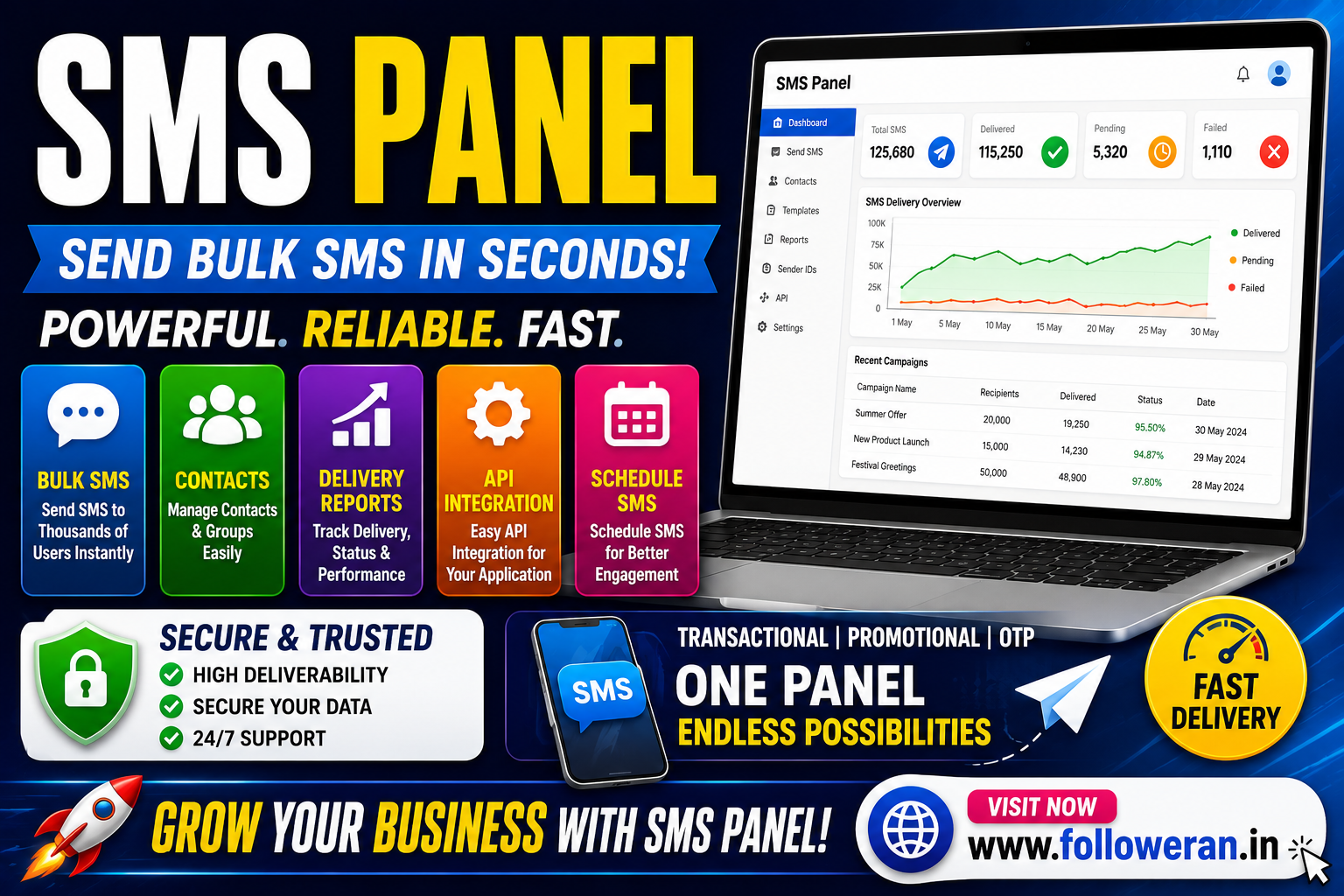
A good SMS panel can simplify messaging by combining contact management, campaign creation, delivery reports, sender settings and sometimes API integration in one place.
What Is an SMS Panel?
An SMS panel is a web-based dashboard used to manage SMS communication.
Depending on the provider, an SMS panel may allow you to:
- Send individual SMS messages
- Send bulk SMS campaigns
- Manage contacts
- Upload recipient lists
- Create message templates
- Schedule campaigns
- Track delivery reports
- Manage sender IDs
- Integrate APIs
- Monitor account balance
- View campaign history
The exact features vary between providers.
How Does an SMS Panel Work?
The basic process is straightforward:
Create account → Add SMS credits → Upload contacts → Create message → Send SMS → Track delivery
The panel connects to an SMS gateway or messaging provider that delivers the message to the recipient's mobile network.
For businesses, this can be much easier than manually sending individual messages.
Who Uses an SMS Panel?
SMS panels are used by many types of organisations.
Small Businesses
Businesses can use SMS for:
- Appointment reminders
- Order updates
- Offers
- Customer alerts
- Payment notifications
E-commerce Businesses
Online stores can send:
- Order confirmations
- Shipping updates
- Delivery notifications
- Payment alerts
- Customer messages
Educational Institutions
Schools, colleges and training organisations can use SMS for:
- Exam reminders
- Attendance alerts
- Admissions
- Fee reminders
- Event announcements
Banks and Fintech Businesses
SMS can be used for transactional alerts such as:
- Login notifications
- Transaction alerts
- OTPs
- Account updates
Marketing Agencies
Agencies can manage SMS campaigns for multiple clients through a central platform.
Resellers
Some SMS panels provide reseller features that allow businesses or agencies to offer SMS services under their own brand.
Types of SMS Panels
Bulk SMS Panel
A bulk SMS panel is designed for sending large numbers of messages at once.
Typical uses include:
- Promotional campaigns
- Announcements
- Offers
- Event promotions
Transactional SMS Panel
Transactional SMS focuses on customer or system-related notifications.
Examples include:
- Order confirmations
- Payment alerts
- Service updates
- Account notifications
OTP SMS Panel
OTP-focused systems are designed to deliver one-time passwords for:
- Login verification
- Account registration
- Password resets
- Transaction confirmation
Reseller SMS Panel
A reseller panel is designed for agencies and businesses that want to sell SMS services to their customers.
Features may include:
- Sub-user accounts
- Separate balances
- Pricing controls
- Branding
- API access
- Customer management
Key Features to Look for in an SMS Panel
1. Bulk SMS Sending
If you're managing large campaigns, check the panel's bulk-sending functionality and available sending limits.
2. Delivery Reports
Delivery reports help you understand whether messages were:
- Delivered
- Pending
- Failed
- Rejected
Accurate reporting is important when evaluating campaign performance.
3. Contact Management
A useful panel should make it easy to:
- Add contacts
- Import lists
- Organise contacts
- Remove duplicates
- Manage groups
4. SMS Templates
Templates save time when you're sending recurring messages.
Examples include:
- Welcome SMS
- OTP message
- Order confirmation
- Appointment reminder
- Promotional message
5. Scheduling
Scheduling allows campaigns to be prepared in advance.
This is useful for:
- Event reminders
- Marketing campaigns
- Business notifications
- Recurring communications
6. API Integration
An SMS API allows your website, app or software to send messages automatically through the SMS provider.
Common API use cases include:
- OTP verification
- Order notifications
- CRM automation
- Customer alerts
- Booking confirmations
7. Sender ID Management
Depending on the country and applicable regulations, SMS providers may support sender IDs for branded messaging.
Check the provider's requirements before using a business name as a sender.
8. Reporting and Analytics
Useful reports can include:
- Total messages
- Delivered messages
- Failed messages
- Campaign performance
- Delivery percentage
- Credit usage
What Is an SMS Gateway?
An SMS gateway is the technology or service that connects your application or SMS panel to mobile networks.
The SMS panel provides the user interface, while the gateway handles message transmission.
A simple model is:
Your Business → SMS Panel → SMS Gateway → Mobile Network → Recipient
SMS Panel vs SMS Gateway
These terms are often confused.
| Feature | SMS Panel | SMS Gateway |
|---|---|---|
| User interface | Yes | Usually not the main focus |
| Campaign management | Yes | Not usually |
| Contact management | Often | Usually not |
| API | Often available | Core function |
| Delivery routing | Managed by provider | Core responsibility |
| Reports | Usually | Often available through API |
An SMS panel can use one or more gateways behind the scenes.
Bulk SMS Panel for Marketing
Businesses commonly use bulk SMS for promotional communication.
Examples include:
- New product announcements
- Discounts
- Festival offers
- Event invitations
- Store promotions
- Service updates
However, marketing SMS should be sent only in accordance with applicable consent, privacy and messaging regulations.
Avoid sending unsolicited messages to people who have not agreed to receive them.
Transactional SMS Panel for Business Alerts
Transactional messaging is often used for information customers need to receive.
Examples:
Order confirmed
Payment received
Appointment booked
Delivery update
Password reset
These messages can be connected directly to a website or application using an API.
OTP SMS Panel
OTP systems need reliability because a delayed code can prevent a user from completing an important action.
When evaluating an OTP SMS panel, look at:
- Delivery speed
- API reliability
- Delivery reports
- Error handling
- Geographic coverage
- Support
- Security
For time-sensitive OTP messages, reliability can be more important than choosing the lowest price.
How to Choose the Best SMS Panel
There isn't one universally best SMS panel.
The right choice depends on your use case.
For Marketing
Prioritise:
- Bulk sending
- Campaign management
- Scheduling
- Contact tools
- Reports
For OTP
Prioritise:
- API reliability
- Delivery speed
- Uptime
- Security
- Developer documentation
For Resellers
Prioritise:
- Multi-user accounts
- Pricing controls
- API access
- Branding
- Wallet management
- Customer management
SMS Panel Pricing
SMS panel pricing can vary significantly.
Common pricing factors include:
- Destination country
- Message type
- Volume
- Sender ID
- Route quality
- API usage
- Number of recipients
- Support level
A very cheap SMS rate isn't necessarily the best value if delivery performance is poor.
Cheap SMS Panel: What Should You Check?
When comparing a cheap SMS panel, don't look only at the per-SMS price.
Also compare:
| Factor | Why It Matters |
| Delivery rate | Shows message reliability |
| Pricing | Controls campaign cost |
| API | Enables automation |
| Reports | Helps track performance |
| Support | Useful when problems occur |
| Security | Protects customer data |
| Scalability | Supports growing volume |
The cheapest provider can become expensive if a large percentage of messages fail.
SMS Panel for India
Businesses targeting India should check local requirements before launching SMS campaigns.
Depending on the type of message and provider, requirements may involve:
- Sender registration
- Template approval
- Consent
- Promotional vs transactional classification
- Customer preferences
- Regulatory compliance
Requirements can change, so check the latest rules and your SMS provider's documentation before sending campaigns.
SMS Panel Security
Security should be a major consideration because SMS platforms can handle sensitive information.
Look for:
- HTTPS
- Secure authentication
- API authentication
- Account permissions
- Access logs
- Data-protection measures
- Secure billing
- Controlled sub-user access
Avoid sharing API keys or account passwords with people who don't need access.
SMS Panel API Integration
An API can turn your SMS panel into an automated communication system.
For example:
Customer registers → Website generates OTP → API sends SMS → Customer enters OTP → Account verified
Other examples include:
Order created → API sends confirmation
Shipment dispatched → API sends tracking message
Appointment booked → API sends reminder
What Makes a Good SMS API?
Look for:
- Clear documentation
- Simple authentication
- Useful code examples
- Delivery-status callbacks
- Error codes
- Rate-limit information
- Sandbox or testing tools
- Reliable uptime
Developers should test API behaviour before moving a large campaign into production.
Common SMS Panel Mistakes
Avoid:
- Choosing only by price
- Sending messages without proper consent
- Ignoring delivery reports
- Using weak passwords
- Exposing API credentials
- Uploading poorly maintained contact lists
- Failing to remove duplicate numbers
- Sending irrelevant messages
- Ignoring local SMS regulations
How to Improve SMS Campaign Performance
Keep Messages Short
Make the main point clear quickly.
Use a Clear Call to Action
Tell recipients what to do next.
Examples:
Shop now
Confirm booking
View order
Complete verification
Personalise Where Appropriate
Relevant personalisation can make messages more useful.
Avoid Excessive Messaging
Too many messages can cause customers to unsubscribe or block your number.
Track Results
Monitor delivery and business outcomes rather than only the number of messages sent.
SMS Panel vs WhatsApp Marketing
Both can be useful, but they serve different purposes.
| Factor | SMS | |
| Reach | Broad mobile reach | Requires WhatsApp |
| App required | No | Yes |
| Rich media | Limited | Stronger |
| OTP | Common | Possible depending on setup |
| Marketing | Common | Common |
| Automation | API available | API available |
Your choice should depend on your audience and communication objective.
Is an SMS Panel Useful for Small Businesses?
Yes, when used appropriately.
A small business can use SMS for:
- Booking reminders
- Customer updates
- Offers
- Payment alerts
- Service notifications
The key is to keep campaigns relevant and respect customer consent.
Frequently Asked Questions
What is an SMS panel?
An SMS panel is a web-based dashboard for sending, managing and tracking SMS messages.
What is the difference between an SMS panel and an SMS gateway?
The panel is usually the management interface, while the SMS gateway provides the connection needed to deliver messages to mobile networks.
What is a bulk SMS panel?
It is an SMS dashboard designed to send messages to many recipients at once.
Can an SMS panel send OTPs?
Yes. Many SMS platforms provide APIs designed for OTP and verification messages.
Can I use an SMS panel for marketing?
Yes, provided your campaigns comply with applicable consent and messaging regulations.
What is the best SMS panel?
The best option depends on whether you need bulk marketing, transactional messaging, OTP delivery or reseller features.
Is a cheap SMS panel reliable?
Not necessarily. Compare delivery rates, support, API reliability, reports and security alongside price.
Final Thoughts
An SMS panel can make business messaging easier by combining bulk sending, contact management, delivery reports, scheduling, templates and API integration in one platform.
Before choosing a provider, compare pricing, delivery reliability, API capabilities, security, reporting, support and compliance requirements.
The right SMS panel should not simply help you send more messages. It should help you deliver relevant messages reliably, securely and responsibly.
For more digital-marketing and social-media resources, visit www.followeran.in.
