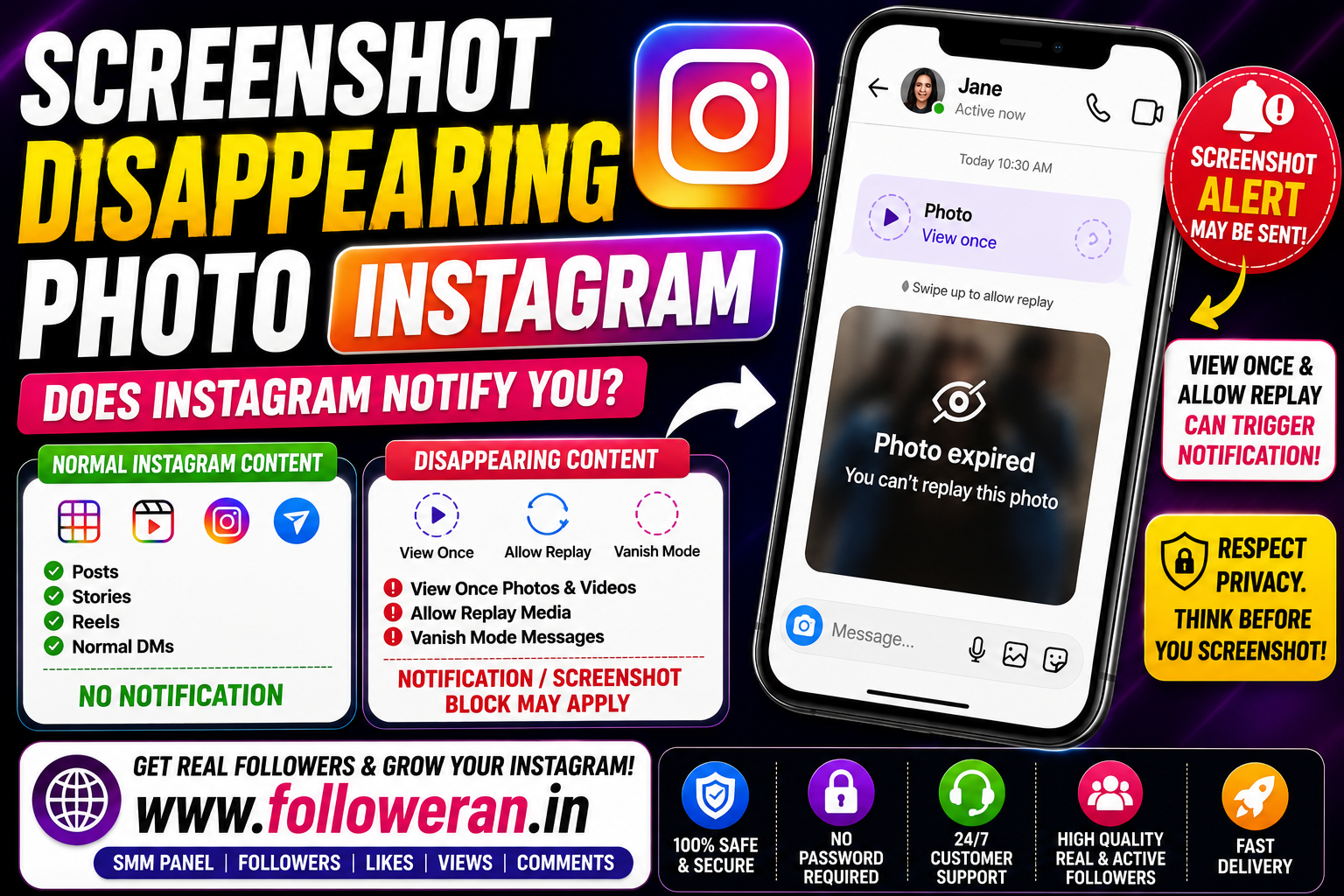
Screenshot Disappearing Photo Instagram: Does Instagram Notify You?
If you're searching for screenshot disappearing photo Instagram, you're probably wondering whether Instagram tells the sender when you capture a disappearing photo or video sent through Direct Messages.
This question is different from taking a screenshot of a normal Instagram post, Reel, profile or Story. Instagram treats temporary media in Direct Messages differently from ordinary content. Current 2026 reporting indicates that screenshots of regular posts, Stories, Reels, profiles and standard DMs generally do not trigger a screenshot notification, while disappearing DM media such as View Once or Allow Replay is handled separately.
Instagram has also introduced screenshot-blocking protections for certain temporary media, so the exact behaviour can depend on the type of disappearing content and the current app version.
This guide explains the important differences without relying on outdated Instagram screenshot myths.
What Is a Disappearing Photo on Instagram?
A disappearing photo is temporary media sent through an Instagram Direct Message using an ephemeral viewing option.
Instead of remaining in the conversation like a normal image, the sender can send media intended to be viewed temporarily.
Common terms you may encounter include:
- View Once
- Allow Replay
- Disappearing photo
- Disappearing video
- Vanish Mode
These features are designed differently from ordinary Instagram posts and regular DM images.
What Happens When You Screenshot a Disappearing Photo?
This is the part that causes the most confusion.
For disappearing or ephemeral DM media, Instagram has specific privacy protections that are not applied to normal Instagram content.
Current reports indicate that screenshots or screen recordings of View Once or similar temporary content can trigger an indication to the sender, while Instagram has also implemented screenshot prevention for certain View Once and Vanish Mode content.
Because Instagram can change app behavior without a prominent public announcement, it's sensible to check the current app behavior rather than relying on articles written several years ago.
Does Instagram Notify When You Screenshot a Disappearing Photo?
For temporary DM media, yes, the sender may be alerted or the screenshot may be restricted, depending on the type of disappearing content and the current implementation.
Recent 2026 sources consistently identify disappearing DM photos and videos as the important exception to Instagram's otherwise generally silent screenshot behavior.
This is why the answer to:
“Does Instagram notify when you screenshot a disappearing photo?”
is different from the answer for a normal Story or post.
What About View Once Photos?
View Once is designed for temporary viewing.
According to recent reports, Instagram applies additional screenshot protections to this type of media. Some current tests indicate that the operating system may allow a screenshot action but prevent the temporary image itself from appearing in the captured result, while other reports document screenshot notifications. Behavior may vary by device, app build and feature implementation.
The important takeaway is that View Once should not be treated like a normal Instagram image.
What About Allow Replay?
Allow Replay is another temporary-media option.
The recipient can replay the media under the conditions provided by Instagram before the content disappears.
Recent 2026 reporting groups Allow Replay with other ephemeral DM media when discussing screenshot and recording protections.
So, when dealing with temporary messages, don't assume that a screenshot will be completely invisible to the sender.
What About Vanish Mode?
Vanish Mode is also different from a normal Instagram conversation.
Instagram introduced screenshot protections for Vanish Mode and View Once content, including measures intended to prevent users from easily preserving media that was designed to disappear.
Recent 2026 guides also continue to identify Vanish Mode as a screenshot-sensitive area within Instagram DMs.
Screenshot Rules: What's the Difference?
The easiest way to understand Instagram's screenshot behaviour is to separate ordinary content from disappearing content.
| Instagram Content | Screenshot Notification / Protection |
|---|---|
| Normal feed post | Generally no notification |
| Reel | Generally no notification |
| Regular Story | Generally no notification |
| Profile | Generally no notification |
| Profile photo | Generally no notification |
| Normal DM conversation | Generally no notification |
| Permanent photo in normal DM | Generally no notification |
| View Once DM media | Screenshot protections/notification may apply |
| Allow Replay DM media | Screenshot protections/notification may apply |
| Vanish Mode | Screenshot protections/notification may apply |
Current 2026 sources broadly agree on this distinction, although specific temporary-media behaviour has changed over time and may vary by implementation.
Does Instagram Notify When You Screenshot a Normal Photo in DM?
Usually, no.
There is an important difference between an ordinary photo shared in a normal DM and a photo sent using Instagram's disappearing-media controls.
A permanent image in a standard DM generally does not receive the same screenshot treatment as View Once or other ephemeral media.
Does Instagram Notify When You Screenshot a Story?
Current 2026 sources indicate that Instagram does not generally send a screenshot notification when someone captures a normal Story.
This is one of the most common areas of confusion because Instagram previously experimented with Story screenshot notifications.
The important distinction is that a normal Story is not the same thing as a disappearing photo sent through a DM.
Does Instagram Notify for Reels and Posts?
Current reports indicate that screenshots of regular feed posts and Reels generally do not trigger a screenshot alert to the creator.
That is different from temporary Direct Message media.
Why Do Instagram Screenshot Rules Cause So Much Confusion?
There are several reasons.
Instagram Has Changed Its Behaviour
Instagram's treatment of screenshots and disappearing content has evolved over time.
For example, Instagram has implemented screenshot blocking for certain temporary DM media rather than relying exclusively on notifications.
Old Articles Remain Online
You can still find articles published years ago describing behaviour that no longer matches the current app.
Different Features Behave Differently
A Story, Reel, regular DM and View Once photo are not equivalent.
Different Tests Can Produce Different Results
Recent 2026 testing has shown that screenshot and screen-recording behaviour can differ between temporary photos and videos, devices and app versions.
This makes it risky to treat one person's test as a universal rule.
Can You Screenshot a Disappearing Photo Without the Sender Knowing?
You shouldn't assume that you can.
The privacy design of temporary Instagram media is specifically intended to limit permanent capture. Instagram has implemented protections against screenshots and screen recording for certain disappearing content.
Some recent tests also report that screenshot attempts may be detected or otherwise restricted.
Because the platform can update these controls, attempting to bypass them is not a reliable privacy strategy.
Does Screen Recording Work Differently?
Screen recording can also be subject to Instagram's temporary-media protections.
Recent reports have documented notification or blocking behaviour for screen recordings of disappearing content.
So it's not safe to assume:
“A screenshot might be detected, but screen recording won't.”
That's not a dependable rule.
Does the Phone Type Matter?
It can.
Recent 2026 testing has reported different outcomes on iPhone and Android for some disappearing-media capture attempts.
This is another reason to avoid claiming that one universal screenshot method always works.
Can Instagram Detect Every Screenshot?
Not every screenshot receives the same treatment.
Instagram's current behaviour depends on what you're capturing.
For ordinary content, screenshots are generally not reported to the content owner.
For ephemeral Direct Message content, additional protections are used.
The distinction is therefore more important than the screenshot action itself.
A Simple Example
Imagine someone sends you a normal photo in a regular DM.
You screenshot it.
Generally, the other person isn't notified.
Now imagine they send you a View Once photo intended to disappear.
That is a different situation.
Instagram may apply screenshot restrictions or provide an indication to the sender depending on the current implementation.
How to Protect Your Privacy When Sending Disappearing Photos
If you're the person sending temporary content, remember that disappearing media is a privacy feature, not an absolute guarantee that nobody can preserve what they see.
Good privacy habits include:
- Don't send highly sensitive material through social platforms.
- Only send temporary media to people you trust.
- Be careful about what appears in the background of an image.
- Avoid sharing personal information unnecessarily.
- Keep your Instagram account secure.
- Use strong authentication and account-recovery settings.
The safest assumption is that anything displayed on a screen could potentially be recorded in some way, even when an application tries to prevent or detect screenshots.
How to Check Instagram's Current Behaviour
Because Instagram can change functionality, don't rely entirely on an old blog post.
Before sending sensitive temporary content:
- Open Instagram and check that the app is updated.
- Identify whether the media is a normal image, View Once or Allow Replay content.
- Pay attention to any warning or screenshot restrictions shown by the app.
- Review Instagram's current privacy and help information when necessary.
This is especially important when an article online was written several years ago.
Common Instagram Screenshot Myths
Myth 1: Instagram Always Notifies When You Screenshot
False.
Instagram generally does not notify users about screenshots of normal posts, Reels or Stories.
Myth 2: Instagram Never Detects Screenshots
Also false.
Temporary DM media can have screenshot protections or notifications.
Myth 3: Screen Recording Always Bypasses Detection
There is no reliable basis for that assumption.
Recent tests have demonstrated detection or restrictions for some disappearing content.
Myth 4: All Instagram Photos Follow the Same Rule
They don't.
A permanent DM image and a View Once image are fundamentally different types of content.
What Is the Safest Rule to Follow?
A simple privacy rule is:
Treat disappearing media as content that is protected and potentially detectable when captured.
This avoids relying on outdated tricks or assumptions.
It is better to respect the sender's intention when they deliberately choose temporary media.
Frequently Asked Questions
Does Instagram notify when you screenshot a disappearing photo?
Instagram treats disappearing DM media differently from normal Instagram content. Current 2026 sources report screenshot protections and/or notifications for temporary media such as View Once content.
Does Instagram notify when you screenshot a View Once photo?
View Once media is subject to Instagram's screenshot protections. Recent sources report that screenshot attempts may be blocked or detected depending on the current implementation.
Does Instagram notify when you screenshot Allow Replay?
Allow Replay is temporary DM media, and current reports group it with other ephemeral content when discussing screenshot protections.
Does Instagram notify when you screenshot a normal DM?
Generally, no. Regular non-disappearing DM conversations are not normally treated like View Once media.
Does Instagram notify when you screenshot a Story?
Current 2026 reporting says normal Instagram Stories generally do not trigger screenshot notifications.
Does Instagram notify when you screenshot a Reel?
Generally, no screenshot notification is sent for regular Reels.
Does Instagram notify when you screenshot a post?
Generally, no. Regular feed posts are treated differently from disappearing DM media.
Can Instagram block screenshots of disappearing photos?
Yes. Instagram has implemented screenshot blocking for certain View Once and Vanish Mode content.
Can screen recording be detected on Instagram?
For some disappearing media, recent reports indicate that screen recording can trigger protections or notifications.
Do iPhone and Android behave exactly the same?
Not necessarily. Recent testing has reported differences between devices and app builds, especially with temporary content.
Final Thoughts
The search phrase “screenshot disappearing photo Instagram” usually comes down to one question:
Will the sender know?
For ordinary Instagram content such as posts, Reels, Stories and standard DMs, screenshots generally do not trigger notifications. For disappearing DM media, including View Once and Allow Replay content, Instagram uses additional privacy protections and screenshot behavior can include blocking or notifying the sender.
Because Instagram's features can change, avoid relying on old screenshot tricks or claims that promise a guaranteed way to capture disappearing media unnoticed.
The safest approach is to respect the temporary nature of disappearing content and remember that privacy features are designed to reduce the ability to preserve sensitive media.
