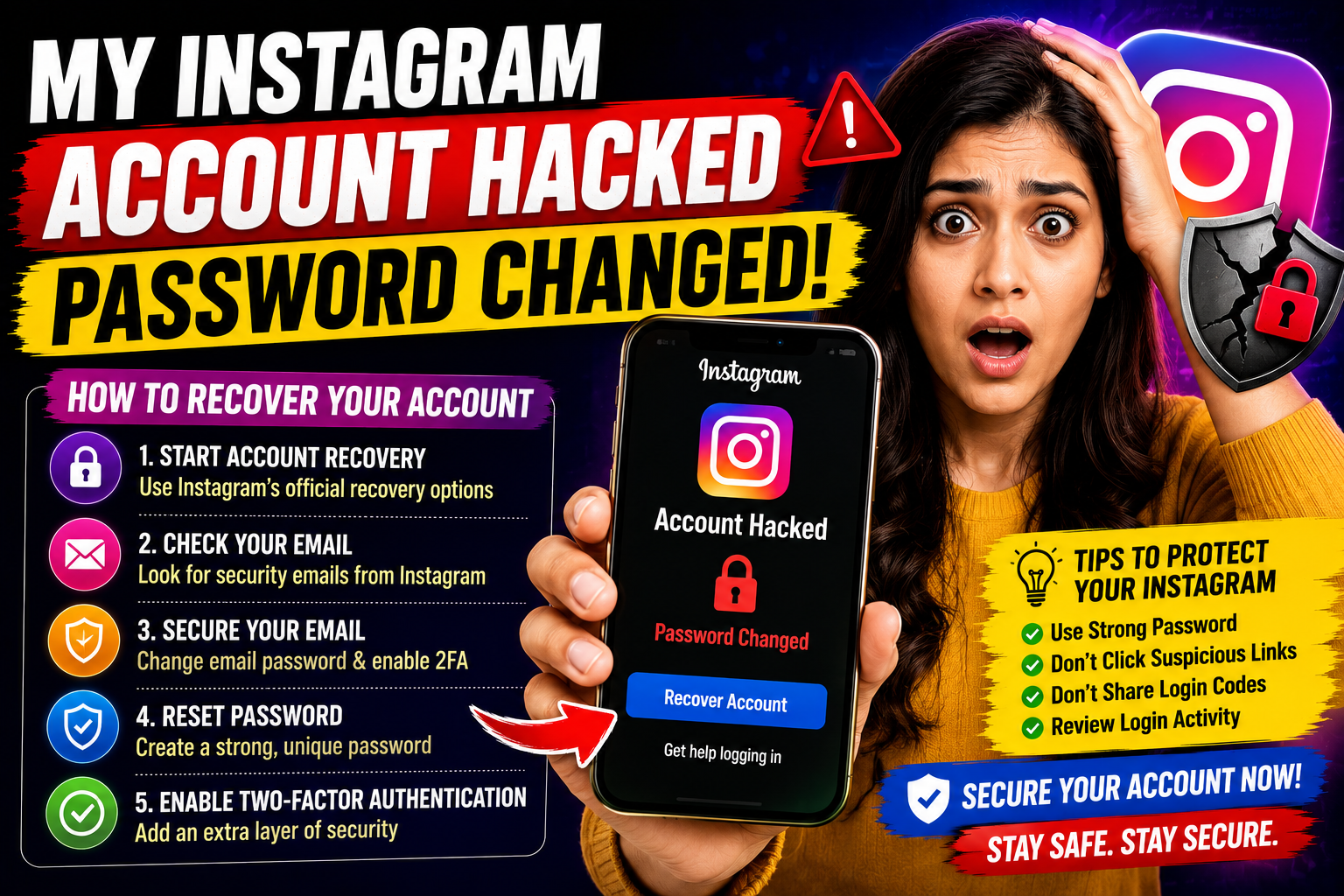
My Instagram Account Hacked Password: How to Recover Your Account
If you are searching for “my Instagram account hacked password,” your Instagram account may have been compromised and the password may have been changed without your permission.
A hacked account can be stressful, particularly if the attacker has also changed the email address, phone number or other recovery information.
The most important thing is to act quickly and use Instagram's official account-recovery options rather than relying on unknown third-party services.
What Should I Do If My Instagram Account Was Hacked?
If you can no longer log in, start by attempting Instagram's account recovery process.
You may need to:
- Open Instagram's login screen.
- Select the option for forgotten login details or password recovery.
- Enter your username, email address or phone number.
- Follow the recovery instructions provided by Instagram.
- Complete any identity or security verification requested.
- Create a new, strong password once you regain access.
Recovery options can vary depending on what information remains connected to your account.
Check Your Email Immediately
If someone changed your Instagram email address, check your original email account for security notifications from Instagram.
Look for messages informing you that your Instagram email address or password was changed.
If you receive a legitimate security notification containing an option to reverse an unauthorised email change, follow the instructions carefully.
Also check your email account's security because an attacker who has access to your email may be able to regain access to Instagram.
What If the Hacker Changed My Instagram Password?
If your password has been changed, try Instagram's password-recovery process using your username, email address or phone number.
If you still control the original email address or phone number connected to the account, recovery may be easier.
If those details have also been changed, use Instagram's account-recovery process and provide the information requested to verify ownership.
What If My Instagram Email Was Changed?
A hacked Instagram account may involve changes to both the password and email address.
In this situation:
- Check your original email inbox.
- Look for Instagram security notifications.
- Don't click suspicious links pretending to be Instagram.
- Start recovery through Instagram's official app or website.
- Secure your email account separately.
Don't pay someone claiming they can recover your account through a secret method.
What If I Can't Access My Email or Phone?
Losing access to the email address or phone number associated with Instagram can make recovery more difficult.
Try to recover the email account or phone number first if possible.
For example, if your Gmail, Outlook or other email account was also compromised, use that provider's official account-recovery process.
Once your email is secure, continue with Instagram's recovery process.
Secure Your Email Account
Your email account is especially important because it may be used for password resets.
After an Instagram hack, consider:
- Changing your email password
- Enabling two-factor authentication
- Reviewing recent login activity
- Removing unfamiliar devices
- Checking recovery email addresses
- Checking recovery phone numbers
- Removing unknown third-party applications
Use a unique password that you don't use on other websites.
Change Your Instagram Password After Recovery
Once you regain access, immediately create a new password.
A strong password should:
- Be unique
- Be difficult to guess
- Use a combination of letters, numbers and symbols
- Avoid obvious personal information
- Not be reused on other websites
Never send your password to another person claiming to be Instagram support.
Enable Two-Factor Authentication
Two-factor authentication adds another layer of protection to your account.
Depending on the options available to your account, you may be able to use an authentication app, SMS or another supported security method.
After enabling two-factor authentication, keep your recovery or backup information somewhere secure.
Check Your Instagram Account After Recovery
Regaining access is only the first step.
Review your account carefully for unauthorised changes.
Check:
- Username
- Email address
- Phone number
- Profile picture
- Bio
- Website link
- Posts
- Stories
- Direct messages
- Connected accounts
- Login activity
- Third-party applications
Remove anything you don't recognise.
Warn Your Followers
If the attacker posted suspicious content or sent messages from your account, let your followers know.
A simple warning can help prevent them from:
- Clicking malicious links
- Sending money
- Sharing passwords
- Providing verification codes
- Falling for impersonation scams
Be particularly cautious if messages were sent asking friends or followers for money.
Beware of Instagram Recovery Scams
After an account hack, you may receive messages from people claiming to be “Instagram hackers,” “recovery experts” or “Instagram employees.”
Be extremely cautious.
Scammers may promise:
- Guaranteed account recovery
- Instant recovery
- Access to a secret Instagram employee
- Password recovery without verification
- Recovery for a fee
Never provide your password, authentication code or recovery code to an unknown person.
Can Someone Recover My Instagram Account for Me?
Be suspicious of anyone claiming they can bypass Instagram's security systems.
Account recovery should be completed through Instagram's official recovery process.
A legitimate third party should not need your password or two-factor authentication code.
How to Prevent Your Instagram Account From Being Hacked Again
Once your account is recovered, improve your security.
Use a Unique Password
Don't reuse your Instagram password on other websites.
Enable Two-Factor Authentication
This provides additional protection if your password becomes known to someone else.
Secure Your Email
Use a strong password and two-factor authentication on the email account associated with Instagram.
Review Login Activity
Look for devices or locations you don't recognise and remove suspicious sessions where available.
Avoid Suspicious Links
Don't enter your Instagram credentials on websites reached through unexpected messages or emails.
Don't Share Verification Codes
Instagram security codes should remain private.
Review Connected Apps
Remove third-party applications that you no longer use or don't recognise.
Common Signs of a Hacked Instagram Account
Your account may have been compromised if you notice:
- Password suddenly doesn't work
- Email address has changed
- Phone number has changed
- Username has changed
- Unfamiliar posts appear
- Messages were sent without your knowledge
- New accounts or services are connected
- Unknown login activity appears
- Friends report suspicious messages from your account
If several of these occur at once, begin the account-recovery process immediately.
What Not to Do After an Instagram Hack
Avoid these mistakes:
Don't pay an unknown person promising guaranteed recovery.
Don't share your password.
Don't share authentication codes.
Don't click suspicious recovery links.
Don't install unknown “Instagram recovery” software.
Don't give strangers remote access to your computer or phone.
Use official recovery channels whenever possible.
Frequently Asked Questions
My Instagram account was hacked and the password was changed. What should I do?
Start Instagram's official account-recovery process. If you still control your original email address or phone number, use the available password-reset options.
Can I recover an Instagram account if the hacker changed the password?
Recovery may still be possible. Use Instagram's official hacked-account and login-recovery options and complete any verification requested.
What if the hacker changed my Instagram email?
Check your original email account for security notifications from Instagram and follow legitimate recovery instructions. Also secure your email account.
Should I give my Instagram password to an account-recovery expert?
No. Don't share your password or authentication codes with strangers claiming they can recover your account.
Can two-factor authentication prevent Instagram hacking?
Two-factor authentication provides an additional security layer and can make unauthorised access more difficult, although no security measure guarantees that an account can never be compromised.
What should I do after recovering my Instagram account?
Change your password, enable two-factor authentication, review login activity, check account details and remove unfamiliar connected services.
Final Thoughts
If you're searching for “my Instagram account hacked password,” act quickly and avoid unofficial recovery services.
Start with Instagram's official recovery process, secure your email account, change your password after recovery and enable two-factor authentication.
Most importantly, never share your password, authentication codes or recovery codes with someone who claims they can recover your account for you.
