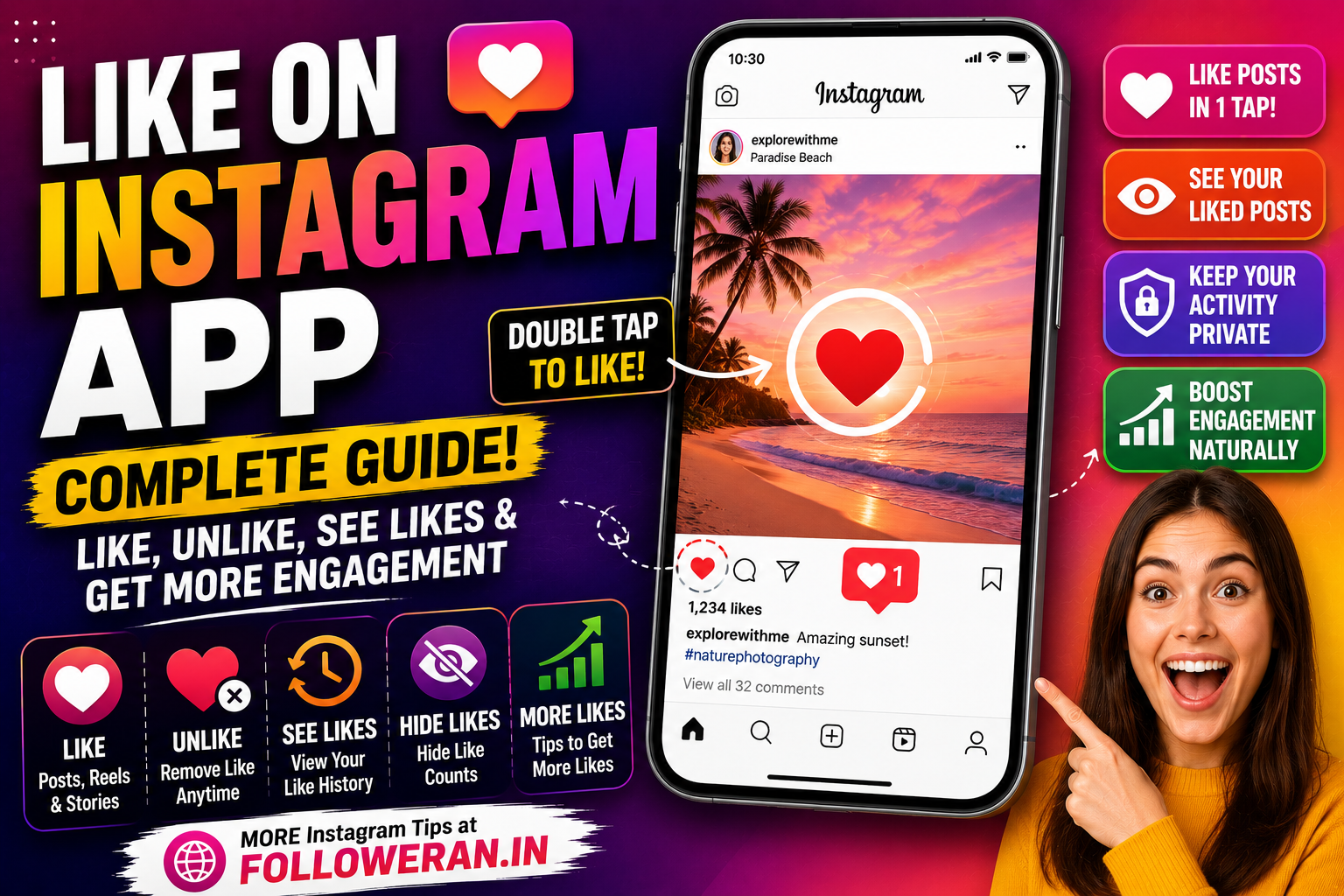
Like on Instagram App: How to Like, Unlike, See Likes, and Get More Engagement
If you're searching for “like on Instagram app”, you may want to know how to like a post, find posts you've liked, remove a like, hide like counts, or understand how Instagram likes work. The Instagram app makes liking content simple, but there are several related features that are useful for both everyday users and creators.
Instagram's official Help Centre explains that users can like a photo or video by double-tapping the content or selecting the Like button beneath the post. If a like is removed, the activity notification can disappear, although a notification may already have been delivered to the other person.
Likes are also part of a larger engagement system. Instagram says activity such as posts a person likes can contribute to the content and advertising experience they see, while creators can review engagement through Instagram's professional tools.
For everyday users, learning how likes work makes Instagram easier to use. For businesses and creators, understanding likes alongside comments, saves, shares, reach, and other interactions can help create a stronger content strategy.
What Is a Like on the Instagram App?
A like on Instagram is an interaction that shows appreciation or interest in a post, photo, video, or other eligible content.
On a normal Instagram post, you can typically like the content by tapping the heart icon. Instagram also supports a quick double-tap gesture on photos and videos.
When you like a public post, the interaction can be visible to people who can see the post. Instagram explains that your username may appear below a photo you've liked, and your followers may also see your username associated with that like.
This means an Instagram like isn't necessarily completely private.
For many users, however, the like is simply a quick way to communicate:
“I enjoyed this.”
“This is interesting.”
“I want to support this account.”
“I want to interact with this content.”
For creators, the accumulated response can provide useful feedback about what their audience enjoys.
How to Like a Post on the Instagram App
Liking a post is one of Instagram's simplest functions.
On the mobile application, open Instagram and scroll through your Feed, visit a profile, or open a post from another part of the app. When you find content you like, you can tap the heart icon associated with the post.
Instagram's official instructions also state that you can double-click a photo or video to like it.
A typical process is:
- Open the Instagram app.
- Find a photo, video, or post.
- Tap the heart icon.
- The heart changes state to indicate that the post has been liked.
- You can continue scrolling or open the comments and interact further.
The exact visual appearance can change as Instagram updates its application, but the basic idea remains the same.
How to Like an Instagram Reel
Reels use the same basic engagement concept.
When watching a Reel in the Instagram app, you can select the heart icon to like it. You can also comment, share, or save eligible content depending on the features available for that Reel.
A Reel can therefore receive several different forms of interaction.
For creators, this matters because a simple like is only one piece of the engagement picture.
For example:
| Interaction | What it can indicate |
|---|---|
| Like | Positive reaction |
| Comment | Active discussion |
| Share | User wants others to see it |
| Save | User wants to return to it |
| Follow | Stronger interest in the account |
A creator should therefore avoid judging a Reel only by its number of likes.
How to Unlike a Post on Instagram
Mistakes happen.
Perhaps you accidentally tapped a post while scrolling, or you changed your mind about the interaction.
Instagram allows you to remove a like by selecting the like control again. Its official Help Centre notes that when a like is removed, the like alert can disappear from the other person's Activity, although a push notification may already have been sent if notifications were enabled.
So, if you accidentally like something, removing the like is straightforward.
However, we should remember that removing the like may not erase every trace of the original interaction if the other person already received a notification.
How to Find Posts You've Liked on Instagram
Instagram also provides a way to review recent content you've liked.
According to Instagram's Help Centre, you can find recent liked posts through Your activity → Interactions → Likes. The Help Centre currently states that you can view the 300 most recent posts you've liked.
This is useful when:
- You want to find a post you previously liked.
- You want to remove old likes.
- You want to revisit interesting content.
- You want to review your Instagram activity.
- You accidentally liked something and want to locate it.
The exact menu layout can change over time, but Your Activity remains the central place for reviewing this type of interaction.
Can Other People See Your Instagram Likes?
Yes, depending on the privacy settings and visibility of the post.
Instagram explains that when you like a photo, the like can be visible to people who can see the post. For example, if you like a public post, your username may appear as part of the list of accounts that liked it.
If your Instagram account is private, only your approved followers can see your posts, but your like on a public post can still be visible in association with that public post.
This is worth remembering when liking public content.
A like is an interaction, not necessarily a private action.
How to Hide Like Counts on the Instagram App
Some people prefer not to see public like totals.
Instagram provides a setting that allows users to hide or unhide like counts on posts and Reels they see. Instagram's Help Centre says this setting is available under Like and share counts in Settings.
You can also control whether other people see the like and view counts on your own posts.
Instagram explains that before publishing a post, you can access Advanced settings and choose the option to hide like and view counts. The total number of likes on your own content can still be visible to you.
This can be useful if public metrics cause unnecessary pressure.
Instead of comparing every post by its like count, you can focus on the actual quality of your content and audience response.
Why Likes Matter on Instagram
For creators and businesses, likes can provide a quick indication of how people respond to content.
However, likes should be evaluated alongside other forms of interaction.
Consider two posts:
Post A: 1,000 likes, 5 saves, 2 shares
Post B: 500 likes, 150 saves, 100 shares
Post A has more visible likes, but Post B may indicate stronger practical value because people are saving and sharing it.
A business might prefer Post B because those behaviors can indicate deeper interest.
Instagram's broader environment considers user activity, including things such as posts a person likes, when personalizing experiences and advertising.
For that reason, likes are useful, but they shouldn't be treated as the only measurement of success.
How to Get More Likes on Instagram Naturally
If your search for “like on Instagram app” is actually about getting more likes on your own content, the strongest approach is to create posts people genuinely want to interact with.
Start by understanding your audience.
What questions do they ask?
What problems do they have?
What type of content do they share?
What topics are relevant to them?
For example, a fitness creator could publish practical workouts, exercise demonstrations, nutrition tips, and progress stories.
A food account could publish recipes, restaurant recommendations, cooking tutorials, and short behind-the-scenes videos.
A marketing account could publish Instagram tutorials, content ideas, social-media mistakes, and case studies.
The key is relevance.
People are more likely to engage with content that means something to them.
Create Better Instagram Reels
Reels can help creators introduce their accounts to people who do not already follow them.
Instagram's Feed system includes recommended accounts and content based on relevance and user interests, making discoverability an important part of Instagram growth.
A good Reel should communicate its subject quickly.
For example:
“3 Instagram mistakes reducing your engagement”
is more immediately understandable than:
“Today's thoughts…”
Use the opening seconds to establish the topic and provide a reason to continue watching.
A useful Reel can generate not only likes but also comments, saves, shares, and new followers.
Create Instagram Carousel Posts
Carousels are particularly useful for educational content.
A simple carousel could be structured like this:
Slide 1: How to Get More Instagram Likes
Slide 2: Improve your first slide
Slide 3: Use stronger hooks
Slide 4: Create useful content
Slide 5: Ask better questions
Slide 6: Use relevant keywords
Slide 7: Study your analytics
Slide 8: Repeat what works
Instagram currently allows carousel posts containing multiple photos and videos, with up to ten pieces of media in a single carousel. Instagram says people can like and comment on the carousel as a whole rather than on individual images or videos within it.
This makes carousels a useful format for tutorials, guides, checklists, and storytelling.
Write Captions That Encourage Engagement
A caption can turn a passive viewer into an active participant.
Instead of:
“New post ❤️”
consider something that gives people something to discuss:
“Which Instagram format works best for your account—Reels, carousels, or photos?”
You can also ask for opinions, experiences, or preferences.
The goal isn't to force an interaction.
The goal is to create a genuine reason for someone to respond.
Use Relevant Hashtags and Keywords
Hashtags can help communicate what your content is about, but they should be relevant to the actual post.
If your content is about Instagram growth, your language might naturally include terms such as:
Instagram engagement
Instagram likes
Instagram growth
Instagram app
Instagram Reels
Avoid loading a caption with unrelated keywords just because they are popular.
Write naturally and make sure the post itself provides useful information.
Why You Shouldn't Rely on Fake Instagram Likes
Some services advertise packages that promise large numbers of Instagram likes.
However, artificial engagement can create a misleading picture of your content's performance.
For example, if a post receives 5,000 artificial likes but almost nobody saves, shares, comments, follows the account, or visits the profile, the visible number may not represent genuine audience interest.
The more useful objective is real engagement from relevant people.
A legitimate marketing strategy should focus on putting good content in front of people who might actually appreciate it, rather than simply inflating a public counter.
How Likes Relate to Instagram's Feed
Instagram explains that Feed is designed to show people content from accounts they follow as well as suggested content that may be relevant to their interests.
This means a creator's goal should be broader than collecting likes.
A strong content strategy should encourage people to:
Watch
Like
Comment
Save
Share
Visit the profile
Follow
These interactions create a richer relationship than a single tap.
Likes can be useful feedback, but they aren't the whole Instagram experience.
How Businesses Can Get More Instagram Likes
For businesses, the best posts are often those that provide a combination of information and personality.
For example, a restaurant might post:
- Food preparation videos
- Customer favorites
- New menu items
- Staff introductions
- Behind-the-scenes content
- Local events
- Cooking tips
A clothing brand could post:
- Outfit combinations
- Product styling
- Customer photos
- Seasonal recommendations
- Fabric explanations
- New collection previews
The common principle is simple:
Make the audience care before asking them to buy.
People are more likely to interact with content that entertains, educates, inspires, or helps them.
How to Check Which Posts Get the Most Likes
Instead of guessing, compare your content.
Create a simple record:
| Metric | Question |
|---|---|
| Likes | Which posts get positive reactions? |
| Comments | Which subjects create discussion? |
| Shares | Which content do people send to others? |
| Saves | Which information has lasting value? |
| Reach | Which posts reach the largest audience? |
| Follows | Which content attracts new followers? |
The objective is to find patterns.
Maybe your educational carousels consistently outperform product photos.
Maybe short Reels get more reach while tutorials receive more saves.
Your audience is providing feedback every time they interact.
Use that feedback.
Like on Instagram App: Common Problems
Sometimes users encounter issues when trying to like posts.
A like may not register because of:
- Poor internet connectivity
- An outdated application
- Temporary Instagram problems
- Account restrictions
- App cache issues
- A post becoming unavailable
- A technical bug
The first basic steps are usually simple: check your connection, reopen the app, update Instagram, and try again.
If other Instagram functions are also not working, the problem may be broader than the Like button itself.
Why Can't I See the Number of Likes?
If you can't see a like total, the post owner may have chosen to hide the count, or you may have enabled the setting to hide like and share counts.
Instagram provides controls for hiding like counts on posts and Reels, both for content you see and for certain aspects of your own posts.
This is not necessarily a technical problem.
It can simply be a privacy or display preference.
Can I See Every Post I've Ever Liked?
Instagram's current Help Centre says you can view the 300 most recent posts you've liked through Your Activity → Interactions → Likes.
So the feature is useful for finding recent liked content, but it should not be treated as an unlimited historical archive of every like you've ever made.
If a post is important, saving it may be a better approach than relying solely on your Likes history.
Like vs. Save on Instagram
A like and a save serve different purposes.
A like is usually a quick reaction.
A save is more intentional because the user is telling Instagram that they want to keep the content available for later.
For example:
A funny Reel might receive many likes.
A useful tutorial might receive fewer likes but many saves.
For creators and businesses, this distinction matters.
It can be helpful to create both types of content—posts that people enjoy immediately and posts that people want to keep.
Should We Focus Only on Getting More Likes?
No.
If the objective is long-term Instagram growth, focusing only on likes can cause you to miss more meaningful signals.
A business might care about:
Website traffic
Product inquiries
Leads
Sales
Followers
Shares
Saves
Repeat viewers
A creator may care more about:
Audience growth
Content reach
Community engagement
Brand collaborations
Profile visits
Likes are useful, but they should support a larger objective.
Final Thoughts on Like on Instagram App
The phrase “like on Instagram app” can refer to several different questions, from simply liking a post to viewing your like history, removing a like, hiding like counts, and improving engagement on your own content.
The basic function is simple: Instagram allows users to like photos and videos by tapping the Like control or double-tapping the content.
Users can also review their recent likes through Your Activity → Interactions → Likes, with Instagram currently documenting access to the 300 most recent liked posts.
For creators, the bigger lesson is that likes are only one form of engagement. A strong Instagram strategy should also consider comments, saves, shares, reach, profile visits, and follower growth.
If you want more Instagram tips, engagement strategies, and social-media resources, visit followeran.in.
Frequently Asked Questions
How do I like a post on the Instagram app?
Open Instagram, find the photo or video you want to like, and tap the heart icon. Instagram also allows you to double-tap a photo or video to like it.
How do I find posts I liked on Instagram?
Go to Your Activity, open Interactions, and select Likes. Instagram's current Help Centre says you can view your 300 most recent liked posts there.
Can I unlike an Instagram post?
Yes. Tap the Like control again to remove your like. Instagram notes that the original activity notification may already have been delivered if notifications were enabled.
Can I hide Instagram likes?
Yes. Instagram allows users to hide or unhide like counts on posts and Reels they see, and it also provides controls for hiding like and view counts on their own posts.
How can I get more likes on Instagram?
Create content that is relevant to a specific audience, improve your Reels and carousels, write engaging captions, encourage meaningful discussion, and study your account's performance. Focus on genuine engagement rather than artificially inflating the like count.
