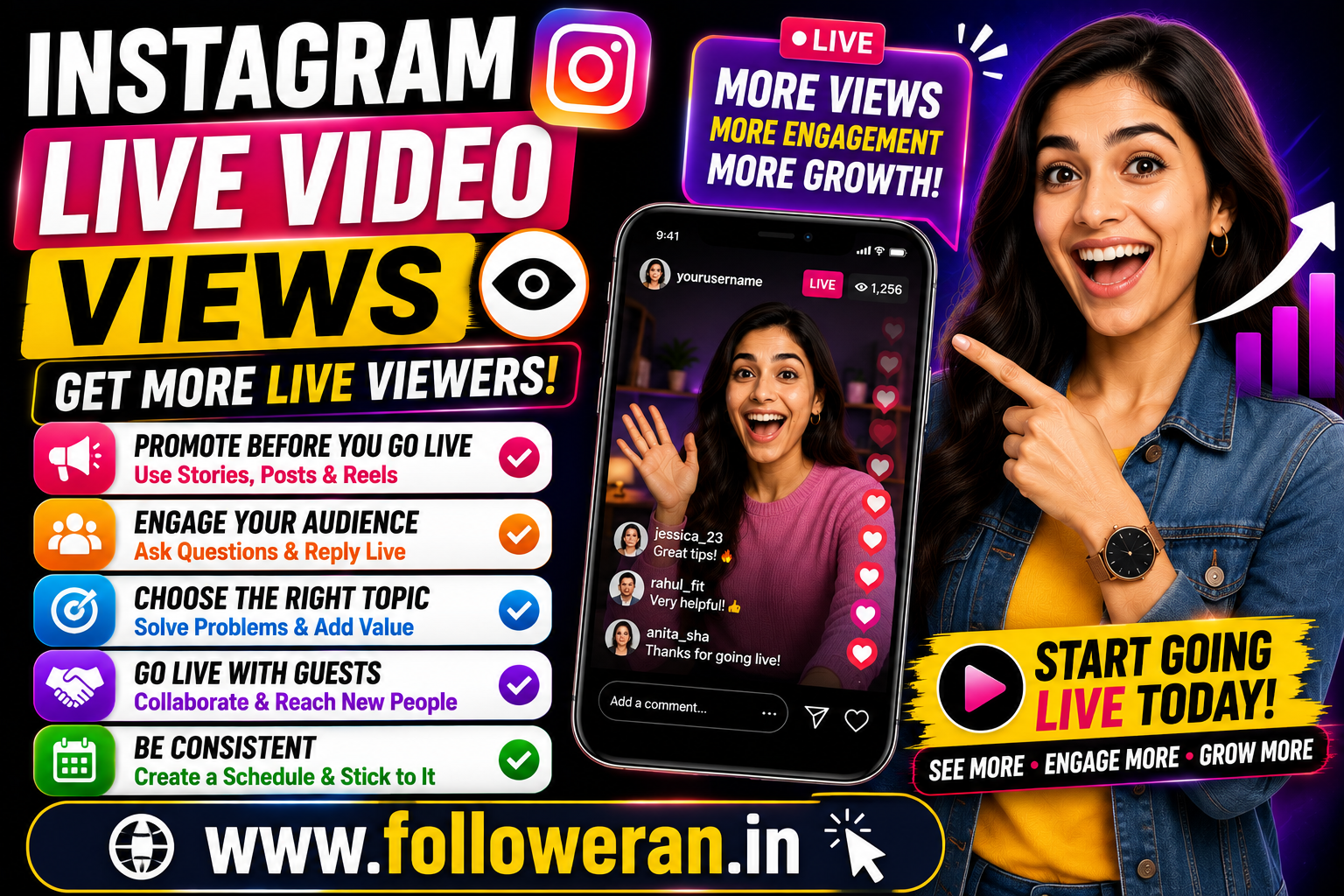
Instagram Live Video Views: 15 Proven Ways to Get More Viewers
Getting more Instagram Live video views can be challenging when you start a broadcast and only a small number of people join. The good news is that Live doesn't have to depend entirely on luck or waiting for followers to discover your broadcast.
A successful Instagram Live usually starts before you press the Go Live button.
The topic, timing, promotion, guest selection, opening minutes and interaction during the broadcast can all influence how many people decide to watch and stay.
Instagram has also continued investing in creator tools designed to help creators reach and engage audiences. For example, Instagram's Professional Dashboard includes a Best Practices area covering creation, engagement, reach and other creator topics.
In this guide, you'll learn practical ways to increase Instagram Live video views while building a more engaged audience.
What Are Instagram Live Video Views?
Instagram Live video views refer to the audience activity generated around a Live broadcast.
When you go Live, people can join the broadcast, watch what you're saying or demonstrating and interact with you in real time.
Depending on the features available to the account and current Instagram interface, you may be able to evaluate Live performance through available insights and engagement data.
The most useful approach is not to focus on one number alone.
Look at:
Viewers
Comments
Shares
Engagement
Follows
Profile visits
Overall audience response
Why Are Instagram Live Views Important?
Live video is different from a normal Instagram post.
Instead of publishing content and waiting for people to interact with it, Live gives you the opportunity to communicate with your audience in real time.
A strong Live can help you:
Build relationships
Answer questions
Demonstrate products
Teach something
Interview guests
Introduce your personality
Generate conversations
Encourage followers to return
Meta has previously highlighted Instagram Live as a format that helps creators connect with audiences, including through Live Rooms and interactive features.
15 Ways to Increase Instagram Live Video Views
1. Choose a Specific Live Topic
One of the biggest mistakes is starting a Live without a clear purpose.
Instead of:
"Going Live tonight."
Try:
"Instagram Growth Q&A: I'll Answer Your Top 10 Follower Questions"
A specific topic gives people a reason to attend.
Good Live topics include:
Tutorials
Q&A sessions
Interviews
Product demonstrations
Behind-the-scenes content
Industry discussions
Reviews
Educational workshops
Problem-solving sessions
The more clearly you communicate the benefit, the easier it is for viewers to decide whether the Live is worth their time.
2. Promote Your Live Beforehand
Don't wait until you're live to tell people about it.
Promote the broadcast in advance using:
Instagram Stories
Feed posts
Reels
Direct messages where appropriate
Your other social channels
Broadcast channels
Instagram's broadcast channels can help creators communicate directly with followers and share text, photos, videos, voice notes and polls.
For example:
Going Live Friday at 8 PM
Topic: How to Grow on Instagram
Bring your questions!
This gives your audience time to plan.
3. Use Stories to Build Anticipation
Stories can be particularly useful on the day of your Live.
You can post:
"We're going Live in 2 hours."
Then:
"What should I answer first?"
Then:
"Going Live in 15 minutes!"
This creates multiple reminders instead of relying on one announcement.
4. Start With a Strong Hook
The first few minutes matter.
Don't spend several minutes saying:
"Can everyone hear me?"
"Where are you watching from?"
"We'll wait for a few more people."
A short introduction is fine, but get to the value quickly.
For example:
"Today I'm going to show you the three biggest mistakes that are stopping your Instagram growth."
That gives viewers a reason to stay.
5. Bring on a Relevant Guest
A guest can make a Live more interesting and potentially introduce the broadcast to another audience.
Instagram introduced Live Rooms to allow a host to go Live with up to three additional people, while noting that guests' followers can also be notified.
Choose guests based on audience relevance, not simply follower count.
Good guests might include:
Industry experts
Creators
Customers
Business owners
Specialists
Collaborators
6. Choose a Topic That Solves a Problem
People are more likely to watch when the topic directly addresses something they care about.
For example:
Weak topic:
"Let's Talk About Marketing"
Stronger topic:
"5 Instagram Marketing Mistakes Small Businesses Make"
The second topic communicates a clear benefit.
7. Choose the Right Time
There isn't one universally perfect time to go Live.
Your audience might be most available:
During lunch
After work
In the evening
On weekends
Use your own audience data where available.
Then test different times and compare the results.
8. Make Your Live Interactive
One advantage of Live is real-time conversation.
Ask viewers questions.
For example:
"Where are you watching from?"
"What is your biggest Instagram problem?"
"Should I cover Reels or Stories next?"
"Would you like me to review an account live?"
The goal is to turn passive viewers into participants.
9. Answer Viewer Questions
Q&A is one of the easiest ways to keep a Live engaging.
Ask viewers to post questions and answer them directly.
You can even structure your Live around questions:
10 minutes — introduction
20 minutes — audience questions
10 minutes — practical examples
5 minutes — final tips
This creates a clear format.
10. Use a Professional Setup
Poor audio can make viewers leave even when the topic is good.
Before going Live, check:
Microphone
Lighting
Camera angle
Background
Internet connection
Phone battery
Notifications
Screen visibility
You don't need an expensive studio.
A clean background, good lighting and clear audio can make a significant difference to the viewing experience.
11. Give People a Reason to Stay
Your Live should have momentum.
Instead of delivering everything immediately and ending quickly, create a structure.
For example:
"In five minutes, I'll show you the exact profile optimisation checklist."
This encourages viewers to stay without using misleading clickbait.
12. Announce the Live on Other Platforms
Your Instagram followers aren't necessarily your entire audience.
You may already have people on:
YouTube
Facebook
X
LinkedIn
WhatsApp
Telegram
Email lists
Let your relevant audience know when you're going live.
The objective isn't spam. It's simply making interested people aware of the event.
13. Create a Recurring Live Series
Instead of treating every Live as a one-time event, create a recurring format.
For example:
Monday Marketing Live
or:
Friday Instagram Q&A
A recurring event teaches your audience when to expect you.
You could use:
Every Friday at 8 PM
Then keep the topic different each week.
Consistency can help develop viewing habits.
14. Repurpose Your Live Content
Your Live doesn't need to disappear after the broadcast.
Turn useful sections into:
Reels
Short clips
Quotes
Carousels
Stories
Blog posts
YouTube videos
This can extend the value of the original broadcast.
Instagram has also introduced Trial Reels that allow eligible creators to test Reels with non-followers and review metrics such as views, likes, comments and shares after the trial.
That broader testing mindset can be useful when deciding which Live topics are worth turning into short-form content.
15. Analyse What Worked
After the Live, don't simply move on to the next broadcast.
Ask:
What topic attracted people?
Which part generated the most questions?
When did viewers seem most engaged?
Did a guest increase interest?
Did Stories help drive attendance?
Did viewers visit your profile afterward?
Did the Live generate followers?
Use the results to improve the next broadcast.
Instagram's Professional Dashboard Best Practices hub is specifically designed to help creators learn about creation, engagement and reach.
How to Get More Instagram Live Views With Stories
Stories can become your Live promotion system.
A simple sequence could look like this:
24 Hours Before
Tomorrow: Instagram Growth Q&A 🚀
8 PM
3 Hours Before
Going Live tonight!
Bring your questions.
30 Minutes Before
We're almost ready.
Just Before Going Live
🔴 LIVE NOW
This creates several opportunities for followers to notice the broadcast.
Instagram Live Video Views for Businesses
Businesses can use Live for far more than casual conversations.
Examples include:
Product Demonstrations
Show how a product works.
Customer Questions
Answer common questions in real time.
Expert Sessions
Invite a specialist to discuss a relevant topic.
New Product Launch
Introduce something new and respond to customer questions.
Behind the Scenes
Show how your business operates.
Tutorials
Teach customers how to use a product or service.
This approach can turn Live into a useful marketing and relationship-building tool.
Instagram Live Video Views for Creators
Creators can use Live to deepen their connection with followers.
Examples:
Weekly Q&A
Live reactions
Tutorials
Interviews
Gaming
Music sessions
Behind-the-scenes content
Advice sessions
Community discussions
The strongest format is usually the one that naturally fits your existing audience.
How to Increase Live Engagement
More viewers are helpful, but you also want viewers to participate.
Try asking:
"Drop a 🔥 if this tip helped."
or:
"What should I cover next?"
You can also encourage viewers to:
Ask questions
Share the Live
Follow the account
Turn on relevant notifications
Invite friends where appropriate
Keep calls to action natural rather than repeating them every few seconds.
How to Get More Instagram Live Views Organically
Organic growth is built around discovery and audience relationships.
Focus on:
Relevant topics + promotion + strong opening + interaction + consistency.
For example:
A fitness creator could announce:
Live Workout Tonight
30-minute beginner workout
7 PM
A digital marketing creator could promote:
Live SEO Clinic
I'll review your SEO questions live
8 PM
The specific promise makes the event easier to understand.
Should You Buy Instagram Live Views?
Be cautious about services promising instant or guaranteed Live viewers.
Artificial viewers don't necessarily:
Ask questions
Comment
Share the broadcast
Become followers
Purchase products
Build relationships
A Live with 1,000 passive or artificial viewers may be less valuable than one with 100 genuinely interested people.
The better goal is relevant viewers who actually participate.
Common Instagram Live Mistakes
Going Live Without Promotion
Even good content can struggle if nobody knows it is happening.
No Clear Topic
Viewers may leave when they don't understand the purpose.
Long Introduction
Get to the useful part quickly.
Poor Audio
Viewers may tolerate average video quality, but bad audio can make a broadcast difficult to follow.
No Interaction
Live should feel live.
Talk with the audience rather than speaking at them.
Ending Too Quickly
Give the broadcast enough structure to develop a meaningful conversation.
Talking Only About Yourself
Focus on what the audience wants to learn or discuss.
Inconsistent Scheduling
A recurring format can make it easier for viewers to remember your broadcasts.
A 30-Day Instagram Live Growth Plan
Week 1: Plan
Choose:
Your niche
Main Live topics
Preferred time
Broadcast frequency
Potential guests
Week 2: Promote
Use Stories and other relevant channels to build awareness before your Live.
Week 3: Improve Interaction
Ask questions, answer comments and create a more structured experience.
Week 4: Analyse
Review the performance and identify your best topics, formats and promotional methods.
Then repeat what worked.
Instagram Live Content Ideas
Need inspiration?
Try these:
Ask Me Anything
Industry Q&A
Product Demonstration
Behind the Scenes
Expert Interview
Customer Questions
Tutorial Session
Beginner's Guide
Live Account Review
Weekly News Discussion
Product Launch
Case Study
Myth vs Reality
Common Mistakes
Live Workshop
Choose topics based on your actual audience rather than simply copying another creator.
Frequently Asked Questions
How can I get more Instagram Live video views?
Promote your Live before it starts, choose a specific topic, create a strong opening, involve your audience, collaborate with relevant guests and maintain a consistent Live schedule.
Why are my Instagram Live views low?
Possible reasons include insufficient promotion, an unclear topic, inconvenient timing, weak opening, limited engagement or an audience that isn't interested in the subject.
Does Instagram Live help grow followers?
It can help strengthen relationships with existing viewers and introduce your personality or expertise to potential followers, but follower growth isn't automatic.
Should I go Live every day?
Not necessarily. Choose a frequency you can maintain while producing worthwhile content.
Can guests increase Instagram Live views?
Relevant guests can help make the broadcast more interesting and may expose it to additional audiences. Instagram's Live Rooms also allow multiple participants.
What should I talk about on Instagram Live?
Choose a topic that solves a problem, answers questions, demonstrates something or provides entertainment. Q&A sessions, tutorials, interviews and behind-the-scenes broadcasts are good starting points.
How long should an Instagram Live be?
There isn't one ideal duration for every account. Prioritise useful content and audience engagement instead of extending the broadcast simply to make it longer.
Can I promote an Instagram Live before it starts?
Yes. Stories, feed content, Reels and other relevant communication channels can be used to tell your audience about the upcoming broadcast.
Should I buy Instagram Live viewers?
Be cautious. Artificial viewers may increase a number without creating meaningful conversations, followers or customers.
Final Thoughts
Increasing Instagram Live video views is less about finding a magic trick and more about creating a Live that people actually want to attend.
Choose a clear topic, promote it early, start with a strong hook, ask questions, bring in relevant guests and give viewers a reason to stay.
Then analyse the results and use what you learn to improve the next broadcast.
Instagram continues to provide creators with tools intended to support creation, engagement and reach, including educational resources inside the Professional Dashboard.
Don't just try to get more Live viewers. Create a Live experience that makes those viewers want to come back.
