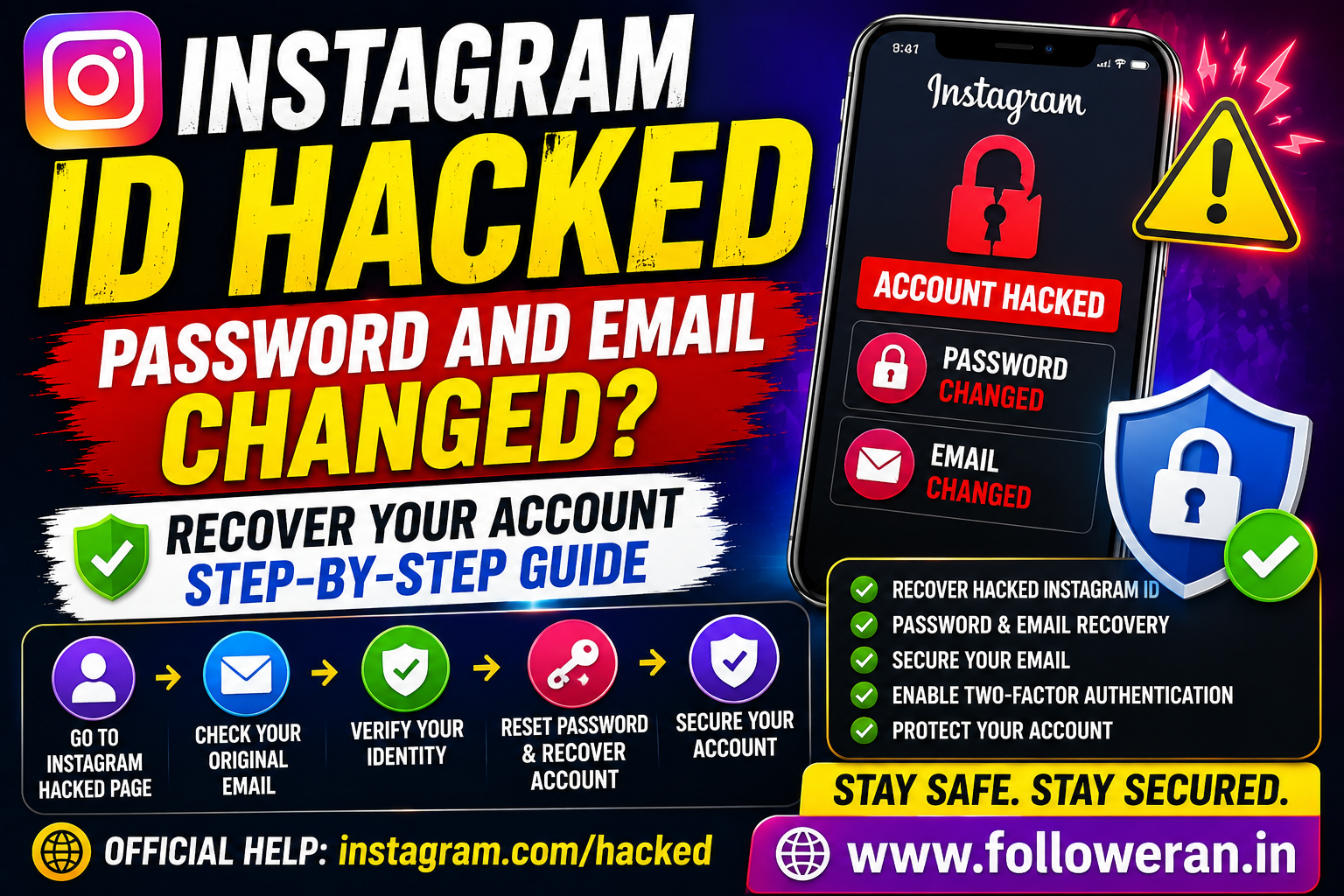
Instagram ID Hacked Password and Email: How to Recover Your Account
If your Instagram ID was hacked and both the password and email were changed, don't panic. Instagram has an official recovery process for compromised accounts, including situations where someone has changed your account email or other login information.
The most important thing is to use Instagram's official recovery tools rather than paying someone who claims they can recover your account.
What to Do If Your Instagram Password and Email Were Changed
Start with Instagram's official hacked-account recovery page:
https://www.instagram.com/hacked/
Instagram specifically directs users who believe their account has been hacked or who cannot log in to this recovery experience.
Step 1: Check Your Original Email
If a hacker changed the email address associated with your Instagram account, check the original email inbox that was previously linked to the account.
Instagram says that when an email change is made, it sends an email to the original address that can be used to reverse the email change if you did not request it. Messages about this process come from [email protected].
Look for a message telling you that your Instagram email address was changed.
Do not click random links in unrelated messages claiming to be Instagram. Verify that the recovery email is actually from Instagram.
Step 2: Try Instagram's Login Recovery
If you can't use the email-change reversal, Instagram provides a login-link recovery process.
From the login screen, select Forgot password? and enter your:
- Username
- Email address
- Phone number
Instagram says it can send a login link to an available recovery email address or phone number.
If the hacker changed your email and you don't have access to the normal recovery method, continue through Instagram's account-recovery flow instead of repeatedly trying random passwords.
Step 3: Use Instagram's Hacked Account Recovery
If you cannot recover the account using the normal login link, Instagram may provide additional verification and support options.
The available recovery options can depend on the particular account and situation. Instagram's current hacked-account process can include identity verification, and Meta says its newer recovery systems may use adaptive verification and, for eligible cases, an optional selfie video.
Follow the instructions shown directly by Instagram.
Step 4: Secure Your Email Account
Your email account is extremely important during Instagram recovery.
Instagram recommends making sure the email account connected to your Instagram is secure because someone who can access your email may also be able to access your Instagram account.
Immediately secure your email by:
- Changing the email password
- Using a unique password
- Enabling two-factor authentication
- Checking recent login activity
- Removing unfamiliar devices
- Reviewing recovery email and phone settings
Do not reuse your Instagram password for your email account.
Step 5: Change Your Instagram Password After Recovery
Once you regain access, change the Instagram password immediately.
Instagram's current password settings are available through:
Profile → Menu → Accounts Center → Password and security → Change password.
Use a strong, unique password that you don't use on other websites.
Step 6: Turn On Two-Factor Authentication
Two-factor authentication provides an additional layer of protection.
Meta recommends enabling 2FA on Instagram, and current security guidance supports using an authenticator app or other available authentication methods.
This is especially important after recovering a compromised account.
Step 7: Check Your Instagram Account Information
After recovery, verify that the hacker hasn't left changes behind.
Check your:
- Email address
- Phone number
- Username
- Profile information
- Linked accounts
- Security settings
Instagram specifically recommends confirming that your email and phone number are correct and reviewing connected accounts.
Step 8: Remove Suspicious Third-Party Apps
A compromised account may have unauthorized applications or services connected to it.
Instagram recommends reviewing connected third-party apps and removing suspicious ones.
Only keep applications you recognize and trust.
What If the Hacker Changed Everything?
A common hacked-account situation looks like this:
Old email → changed
Old password → changed
Username → possibly changed
Phone number → possibly removed
When this happens, don't assume the account is permanently lost.
Instagram's hacked-account recovery system is specifically intended for users who have lost access to an account.
Start at:
https://www.instagram.com/hacked/
Then follow the recovery options Instagram provides.
What If You No Longer Have Access to Your Old Email?
This can make recovery more difficult, but Instagram has separate troubleshooting paths for users who lose access to the email address or phone number associated with an account.
In this situation:
- Try recovering the email account through your email provider.
- Start Instagram's hacked-account recovery process.
- Enter the information you still know about the Instagram account.
- Complete any identity verification Instagram provides.
- Follow the recovery instructions shown on screen.
Avoid unofficial “account recovery experts.”
What If the Hacker Changed Your Username?
If your username was changed, ask a trusted friend to search for your profile.
Instagram also recommends checking whether you received an email notifying you that account information was changed.
A friend may be able to provide you with the current username, which can help during the recovery process.
Don't Pay Someone to Hack Your Account Back
After an Instagram account is compromised, scammers often target the victim again.
Avoid anyone claiming they can:
- Hack the hacker
- Recover your account instantly
- Bypass Instagram verification
- Obtain your old password
- Get your account back through an insider
- Guarantee recovery for a fee
Never send someone your:
- Instagram password
- Email password
- Verification code
- 2FA code
- Backup codes
- Recovery codes
Instagram has repeatedly warned about phishing and malicious messages designed to steal account information.
Instagram Will Not Ask for Your Password Through a Random DM
Be suspicious of direct messages claiming that your account will be deleted unless you provide your password or verification code.
Meta has warned that malicious accounts use messages to trick users into giving away sensitive information and says Instagram will not send users such security requests through ordinary Instagram DMs.
Use Instagram's official Help Center and recovery tools instead.
What If the Hacker Is Posting From Your Account?
If you regain access, immediately:
- Change your password.
- Enable 2FA.
- Confirm your email and phone number.
- Review connected accounts.
- Remove suspicious applications.
- Delete unauthorized posts or Stories.
- Warn your followers if the hacker sent scams.
- Review account security again.
Instagram specifically recommends checking connected accounts and suspicious third-party applications after a compromise.
How to Prevent Your Instagram ID From Being Hacked Again
Use a Unique Password
Never reuse your Instagram password on other services.
Protect Your Email
Your email account is a key recovery channel, so secure it with a strong password and 2FA.
Enable 2FA
Instagram and Meta recommend two-factor authentication as an additional security layer.
Avoid Suspicious Links
Don't enter your Instagram credentials into websites reached through unexpected messages.
Be Careful With Third-Party Apps
Only authorize applications you recognize and trust.
Instagram Hacked Account Recovery Checklist
Before you begin, gather:
- Your Instagram username
- Original email address
- Phone number previously linked to the account
- Access to your original email, if available
- A trusted device you normally use for Instagram
- Any Instagram security emails you received
Then start with Instagram's official hacked-account recovery process.
Frequently Asked Questions
What should I do if my Instagram ID was hacked and the password and email were changed?
Go to Instagram's official hacked-account recovery page, check your original email for an email-change reversal message, and follow Instagram's verification process.
Can I recover Instagram if the hacker changed my email?
Yes, recovery may still be possible. If Instagram notified your original email about the change, you may be able to reverse it; otherwise, use the hacked-account recovery flow.
What is the official Instagram hacked account website?
Instagram's official recovery page is:
https://www.instagram.com/hacked/
Can I recover an Instagram account without the old password?
Potentially, yes. Instagram provides password-reset and hacked-account recovery processes that can use available account information and additional identity verification.
What if I lost access to my Instagram email and phone?
Use Instagram's hacked-account recovery process and follow the alternative verification options provided. Instagram maintains separate troubleshooting guidance for lost email or phone access.
Should I pay someone to recover my hacked Instagram?
No. Avoid unofficial recovery services that request passwords, codes or payment in exchange for guaranteed access.
Final Thoughts
If your Instagram ID was hacked and both your password and email were changed, use Instagram's official recovery process rather than third-party recovery services.
Check your original email for an email-change reversal message, visit instagram.com/hacked, secure your email account, complete any identity verification Instagram provides, and enable two-factor authentication after recovery.
For more Instagram and social-media marketing resources, visit www.followeran.in.
