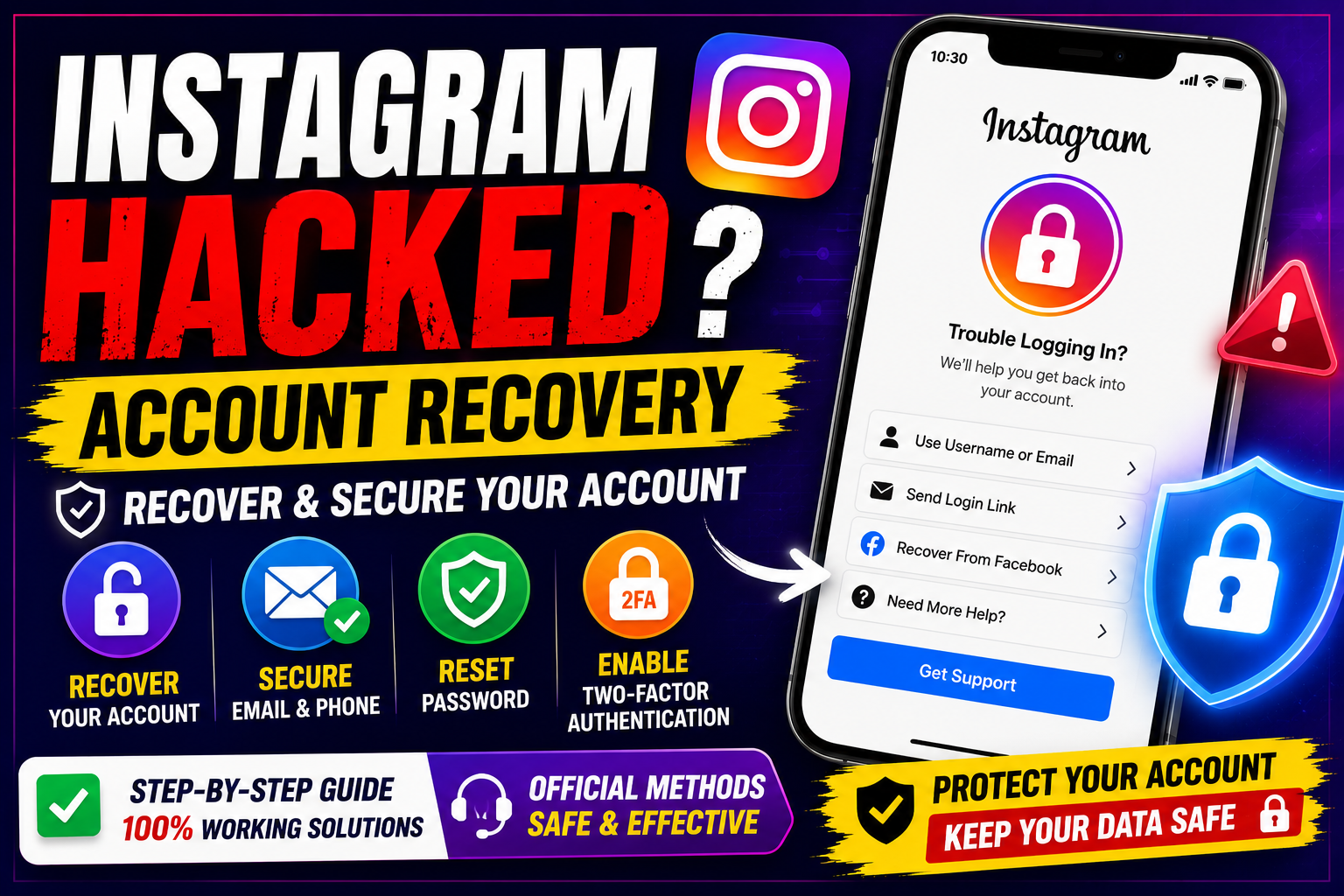
Instagram Hacked Account Recovery: What to Do If Your Instagram Account Is Hacked
Discovering that your Instagram account has been hacked can be stressful, particularly if someone has changed your password, email address, phone number or profile information.
The good news is that there are official account-recovery options you can try.
If you believe your account has been compromised, act quickly. The sooner you secure your account and associated email address, the better.
This guide explains the steps you can take for Instagram hacked account recovery, including what to do if the hacker changed your password or email address.
How Do You Know Your Instagram Account Has Been Hacked?
You may notice one or more unusual changes, such as:
- Your Instagram password no longer works.
- Your email address has been changed.
- Your phone number has been removed.
- You see posts or messages you didn't create.
- Your profile name or bio has changed.
- You receive unexpected login alerts.
- You are logged out of your devices.
- You notice unfamiliar devices or login activity.
- Friends tell you that your account is sending suspicious messages.
If you notice these signs, treat the situation as a potential account compromise.
Step 1: Secure Your Email Account First
Your email account can be extremely important during Instagram recovery.
If someone has access to your email, they may be able to intercept password-reset messages or continue taking control of your account.
Immediately:
- Change your email password.
- Enable two-factor authentication.
- Review recent login activity.
- Remove unfamiliar devices.
- Check whether recovery email addresses or phone numbers have been changed.
Use a strong, unique password that you don't use on other websites.
Step 2: Check Your Email for Instagram Security Messages
If an attacker changed your Instagram email address, Instagram may send a security notification to the previous email address.
Look through your inbox and spam folder for legitimate Instagram security messages.
If Instagram provides an option to reverse an unauthorised email change, follow the instructions in the legitimate message.
Don't click suspicious links in emails that appear to be from Instagram.
If you're unsure about an email, access Instagram through the official app or website instead of using the email link.
Step 3: Use Instagram's Official Account Recovery Process
If you can't log in, use Instagram's official recovery options.
From the Instagram login screen, look for options such as:
Forgot password?
or
Get help logging in
Enter information associated with your account, such as your username, email address or phone number, when requested.
Instagram will show you the recovery options currently available for your account.
Step 4: If the Hacker Changed Your Email Address
This is one of the most common problems people encounter when searching for Instagram hacked account recovery.
If your Instagram email was changed without your permission:
- Check your original email account.
- Look for an Instagram security notification.
- Follow any legitimate instructions provided by Instagram.
- If you can't reverse the change, start Instagram's account-recovery process.
- Complete any identity or security verification requested by Instagram.
Recovery options can vary depending on your account and security settings.
Step 5: If the Hacker Changed Your Password
If your old password no longer works, don't keep guessing passwords repeatedly.
Instead, use Instagram's official password-recovery process.
You may be asked to identify your account and select an available recovery method.
Follow the instructions displayed by Instagram.
If you successfully regain access, immediately:
- Change your password.
- Review your email address.
- Review your phone number.
- Check logged-in devices.
- Enable two-factor authentication.
Step 6: If You Can't Access Your Email or Phone
Recovery can be more difficult if you no longer have access to the email address or phone number associated with the account.
Start with Instagram's official recovery process and provide the information requested.
Depending on the circumstances, Instagram may provide additional verification options.
Don't pay strangers who claim they can recover your account.
Legitimate account recovery should be performed through Instagram's official processes.
Step 7: Check for Unauthorised Activity
After regaining access, review your account carefully.
Look for:
- Unknown posts
- Unfamiliar Stories
- Suspicious messages
- Changed profile information
- Unknown linked accounts
- Unrecognised login sessions
- Unfamiliar third-party applications
Remove anything you don't recognise and change your password.
Step 8: Change Your Instagram Password
Once you've recovered your account, create a completely new password.
Avoid using:
- Your name
- Birthday
- Phone number
- Simple sequences
- Passwords used on other websites
A password manager can help you create and store a strong, unique password.
Step 9: Enable Two-Factor Authentication
Two-factor authentication, commonly called 2FA, provides an additional security layer.
With 2FA enabled, logging in may require an additional verification step beyond your password.
Depending on the options available to your account, Instagram may support different authentication methods.
If possible, choose a strong authentication method and keep your recovery information secure.
Step 10: Review Connected Accounts and Apps
Check whether your Instagram account is connected to services or accounts you don't recognise.
Remove suspicious connections.
Be particularly cautious with websites or apps that promise:
- Free followers
- Free likes
- Free views
- Profile analytics
- Account recovery
- Instagram verification
Some third-party services may request access that isn't necessary for what you're trying to accomplish.
Instagram Hacked Account Recovery When the Username Changed
A hacker may change your username or other profile information.
Don't assume that your account is permanently lost.
Try Instagram's account-recovery process using information that was previously associated with the account.
You can also ask a trusted friend to check your profile and provide any information that can help you identify the account.
What If the Hacker Is Posting on Your Account?
If you regain access, immediately:
- Change your password.
- Secure your email account.
- Enable 2FA.
- Remove suspicious login sessions.
- Delete unauthorised content.
- Check connected applications.
- Warn your followers if suspicious messages were sent.
If your followers received scam messages from your account, let them know that the messages were not sent by you.
What If the Hacker Is Asking for Money?
Don't pay the attacker simply because they claim payment will restore your account.
There is no guarantee that paying will recover your account, and it may encourage further attempts to exploit you.
Use Instagram's official recovery process instead.
Instagram Hacked Account Recovery Scams
Unfortunately, people searching for Instagram hacked account recovery can become targets for additional scams.
Be suspicious of anyone who claims:
"I can recover your Instagram account instantly."
or:
"Send me your verification code and I'll recover it."
Never give another person:
- Instagram password
- Email password
- SMS verification code
- Authentication code
- Backup codes
- Login cookies
- Recovery codes
These details can allow someone else to take control of your account.
How to Prevent Your Instagram Account From Being Hacked
Once your account has been recovered, take steps to improve security.
Use a Unique Password
Don't reuse your Instagram password elsewhere.
Enable 2FA
Add an additional authentication layer.
Secure Your Email
Your email account is often an important part of account recovery.
Don't Share Verification Codes
Treat authentication codes as confidential.
Avoid Suspicious Links
Don't enter your Instagram credentials on unfamiliar websites.
Be Careful With Third-Party Apps
Only grant access to services you trust and actually need.
Review Login Activity
Regularly check for unfamiliar devices or sessions.
Instagram Hacked Account Recovery Checklist
If your Instagram account has been hacked, use this checklist:
1. Secure your email account.
2. Check for legitimate Instagram security notifications.
3. Start Instagram's official recovery process.
4. Verify your account using the available options.
5. Reset your password after recovery.
6. Check your email and phone number.
7. Review logged-in devices.
8. Remove suspicious third-party connections.
9. Enable two-factor authentication.
10. Warn your followers if the attacker contacted them.
Frequently Asked Questions
Can I recover a hacked Instagram account?
In many cases, yes. Start with Instagram's official account-recovery process and follow the verification steps provided.
What if the hacker changed my Instagram email?
Check the original email account for legitimate Instagram security notifications and use Instagram's official recovery options if you can't reverse the change.
Can I recover Instagram without my old password?
Potentially. Instagram's account-recovery process is designed to help users who can't log in with their existing password.
What if I don't have access to my old phone number?
Use the recovery options Instagram provides. Available methods can vary depending on your account.
Can someone recover my Instagram account for money?
Be extremely cautious. People offering paid "instant recovery" services may be scammers. Don't give them your password, verification codes or other security information.
How can I protect my Instagram account after recovering it?
Use a unique password, enable two-factor authentication, secure your email account and regularly review login activity and connected applications.
Final Thoughts
If you're searching for Instagram hacked account recovery, the most important thing is to remain calm and use Instagram's official recovery process.
Don't give your password, verification codes or recovery codes to strangers claiming they can restore your account.
Once you've recovered your account, strengthen its security immediately:
Secure Email → New Password → Check Devices → Remove Suspicious Access → Enable 2FA
Taking these steps can help protect your Instagram account from future unauthorised access.
