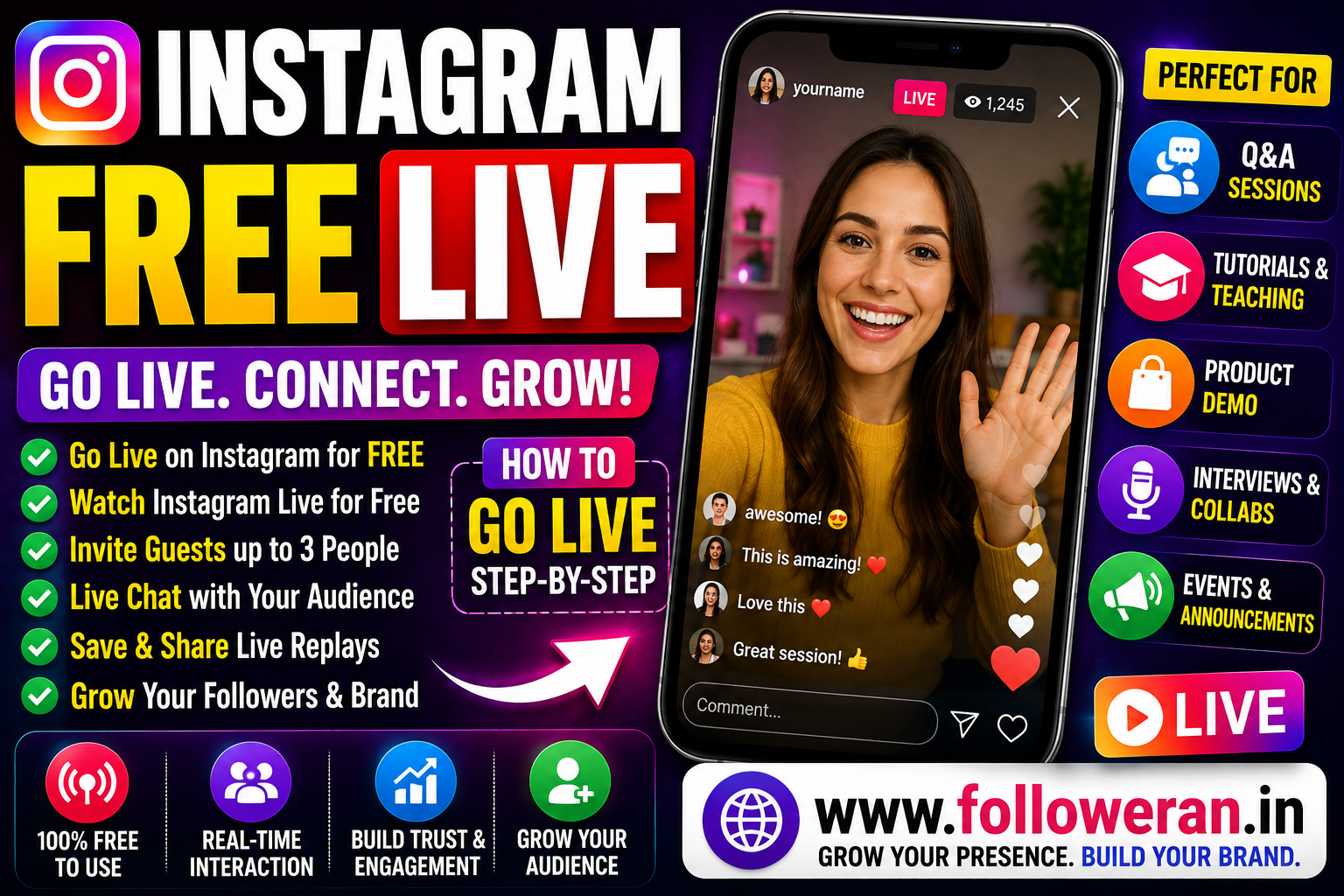
Instagram Free Live: How to Go Live and Watch Instagram Live Videos
If you're searching for Instagram free live, you may want to know whether Instagram Live is free, how to start your own Live broadcast, how to watch someone else's Live, or how to use Live to build a larger audience.
Instagram provides Live broadcasting as a feature in its mobile app, and viewers can watch Live broadcasts through the Instagram app or Instagram.com. Instagram's current help documentation says starting a Live broadcast is available on mobile rather than computers.
What Is Instagram Live?
Instagram Live allows users to broadcast video in real time to an Instagram audience.
Unlike a normal post or Reel, a Live broadcast is designed for direct, real-time interaction.
Creators can use Live for:
- Q&A sessions
- Tutorials
- Product demonstrations
- Interviews
- Events
- Behind-the-scenes content
- Announcements
- Community discussions
- Live conversations
Is Instagram Live Free?
Instagram Live is a built-in Instagram feature and does not require you to purchase a separate livestreaming service.
However, you still need an Instagram account and an internet connection, and some account or feature availability can vary.
Instagram's current help centre provides instructions for starting a Live broadcast through its mobile app.
Can You Start Instagram Live From a Computer?
Instagram's current help documentation says the feature for starting a Live broadcast isn't available on computers and is available on supported mobile devices.
That means the normal way to start a Live is through the Instagram mobile app.
How to Go Live on Instagram
The exact interface can change, but Instagram's Live creation flow is accessed from the mobile app.
A typical process is:
Step 1: Open Instagram
Launch the Instagram app and sign in.
Step 2: Open the Creation Interface
Instagram's Live tools can be accessed by tapping Create or swiping right from the Feed, depending on the current interface.
Step 3: Select Live
Swipe to Live in the camera/creation interface.
Step 4: Set Up Your Broadcast
Check your camera, microphone and other available options before starting.
Step 5: Start Your Live
Begin the broadcast and interact with your viewers in real time.
The precise controls can change as Instagram updates its app, so use the options currently displayed on your device.
How to Watch Instagram Live for Free
Watching Instagram Live is also available without a separate livestream subscription.
When someone you follow starts a Live broadcast, their profile picture can appear at the top of your Feed with a colorful ring and the word Live. Tap or click the profile picture to watch. Instagram says Live broadcasts can be viewed through the Instagram app or Instagram.com.
Can You Comment During Instagram Live?
Yes.
While watching a Live broadcast, viewers can:
- Comment
- Reply to comments
- React
- Share the broadcast
Instagram notes that the broadcaster and other viewers may be able to see when you join, and your likes or comments can be visible during the Live.
Can You Invite Guests to Instagram Live?
Yes.
Instagram's current help centre says you can invite up to three guests to join your Live using Live Rooms. Guests need to be following the broadcaster to be invited.
This can make Live useful for:
- Interviews
- Expert discussions
- Joint tutorials
- Q&A sessions
- Creator collaborations
How to Invite a Guest to Instagram Live
According to Instagram's current help guidance:
- Start your Live.
- Tap the guest/invite option.
- Review requests to join.
- Invite an eligible follower.
- The guest joins if they accept.
You can also request to join someone else's Live while you're watching if the broadcaster accepts your request.
Can You Save an Instagram Live?
Yes.
Instagram provides an option to download a Live video after the broadcast ends.
Its current help documentation says you can tap Download video immediately after ending the broadcast to save the video to your phone's camera roll. Only the video is saved; comments, likes and viewers are not included in the downloaded file.
Can You Share an Instagram Live Replay?
Yes.
Instagram allows you to share a Live replay to your profile and Feed after the broadcast ends. Instagram says a replay can also be found through the Reels area of the profile, although a Live replay is not itself considered a Reel.
One important detail: Instagram says the viewer count restarts when you share the replay. The replay also doesn't include the original Live's likes or comments.
Can You Schedule an Instagram Live?
Instagram currently has a scheduling option for Live broadcasts, although the exact controls available to an account can vary.
Scheduling can be useful when you want to promote the broadcast in advance.
For example:
Live topic → Announcement → Reminder → Live broadcast → Replay
Instagram Free Live for Creators
Live can help creators build stronger relationships with their audience because it allows real-time interaction.
Good Live topics include:
Q&A
Answer audience questions directly.
Tutorials
Teach a process step by step.
Interviews
Invite another creator or expert.
Behind the Scenes
Show how your work is created.
Product Demonstrations
Explain how a product or service works.
Instagram Free Live for Businesses
Businesses can use Live for:
- Product launches
- Demonstrations
- Customer Q&A
- Expert discussions
- Events
- Tutorials
- New-service announcements
- Behind-the-scenes content
A useful business flow is:
Live → Engagement → Profile Visit → Website → Enquiry → Customer
Don't measure the success of a business Live only by the number of viewers.
How to Get More Instagram Live Viewers
There is no guaranteed method to produce a specific number of Live viewers, but you can improve discoverability.
Announce the Live Early
Tell your followers what you'll cover.
Choose a Clear Topic
Avoid generic titles such as:
“Going Live Tonight”
Instead use:
“Instagram Growth Q&A: 10 Questions Answered Live”
Use Stories
Promote the upcoming Live through Stories.
Ask Questions Before the Broadcast
Collect audience questions in advance and answer them during the Live.
Collaborate With Guests
A relevant guest can bring additional audience interest.
Keep the Broadcast Focused
A clear structure can help prevent viewers from leaving early.
Instagram Live Ideas
Try these topics:
- Instagram Q&A
- Product demonstration
- New product announcement
- Customer FAQ
- Industry discussion
- Expert interview
- Behind-the-scenes tour
- Tutorial
- Weekly news discussion
- Live review
- Creator collaboration
- Community meetup
- Case study
- Live troubleshooting
- Audience poll and discussion
How Long Should an Instagram Live Be?
There isn't one ideal length for every broadcast.
The appropriate duration depends on:
- Topic
- Audience
- Number of questions
- Guest participation
- Content depth
A focused 20-minute Live can be more useful than a long broadcast with no clear structure.
Instagram Live vs Reels
| Feature | Instagram Live | Instagram Reels |
|---|---|---|
| Format | Real-time broadcast | Recorded short-form video |
| Interaction | Immediate | Mostly after publishing |
| Best for | Q&A, events, conversations | Discovery and short-form content |
| Guests | Yes | Collaboration options vary |
| Replay | Can be shared | Normal post format |
| Editing | Limited during Live | More editing options |
A strong Instagram strategy can use both formats.
Instagram Live vs Stories
Stories are usually short, temporary updates, while Live is designed for real-time broadcasting.
Use Stories for:
- Quick updates
- Polls
- Teasers
- Announcements
- Behind-the-scenes clips
Use Live for:
- Conversations
- Tutorials
- Events
- Q&A sessions
- Longer discussions
The two formats can work together.
Can Instagram Live Be Used for Brand Partnerships?
Yes.
Instagram's current help documentation says branded content disclosures can be used in Live, along with Feed, Stories, Reels and other supported content formats.
When working with a brand, follow Instagram's applicable branded-content and disclosure requirements.
Instagram Live and Music
Be careful when using copyrighted or recorded music during Live.
Instagram's current music guidance says limitations apply to recorded music in Live broadcasts, and broadcasts that don't comply with music licensing arrangements may be muted or blocked.
Safer options include:
- Original music
- Live performances
- Music you have the necessary rights to use
- Content that complies with Instagram's current music rules
Instagram Live Security Tips
Protect your account before going Live.
Never share:
- Instagram password
- Email password
- Two-factor authentication code
- Backup codes
- Recovery codes
Also avoid clicking suspicious links sent through Live comments or direct messages.
Common Instagram Live Problems
Live Option Isn't Available
Check whether the feature is available on your account and device.
Instagram's current help documentation says Live broadcasting isn't available for starting from computers.
Poor Video Quality
Check:
- Internet connection
- Camera lens
- Lighting
- Device performance
Audio Problems
Test your microphone before starting.
Few Viewers
Promote the Live before it begins and choose a specific topic.
People Leave Quickly
Improve the opening and give viewers a clear reason to stay.
How to Promote an Instagram Live
Use a simple promotion schedule:
24 hours before: Announce the topic.
2–4 hours before: Remind followers.
15–30 minutes before: Post a final Story reminder.
During Live: Encourage questions.
After Live: Share the replay.
This gives the Live more than one opportunity to generate views.
Can You Make Money From Instagram Live?
Instagram Live can support monetisation and commercial activity depending on the account, market and available features.
Creators may use Live for:
- Brand partnerships
- Product promotion
- Selling products or services
- Audience building
- Community development
For branded Live content, Instagram provides a paid-partnership disclosure mechanism.
Instagram Free Live vs Paid Promotion
| Factor | Organic Live | Paid Promotion |
| Direct Live cost | No separate Live fee | Advertising budget may apply |
| Audience | Existing/discoverable audience | Can be targeted through promotion |
| Interaction | Real time | Depends on campaign |
| Best for | Community and engagement | Additional reach |
Instagram Live itself doesn't require a separate livestreaming platform, but paid advertising is a separate marketing activity.
Can You Buy Instagram Live Viewers?
Some third-party services advertise Live viewers.
Be cautious.
A larger viewer count doesn't automatically produce:
- Real engagement
- Comments
- Followers
- Customers
- Long-term audience loyalty
If you use any third-party service, review its terms carefully and never provide your Instagram password or security codes.
How to Get Instagram Live Viewers Free
Use:
Topic → Promotion → Reminder → Live → Replay → Follow-up
Choose a relevant topic.
Promote it beforehand.
Use Stories to remind your audience.
Deliver useful content during the Live.
Share the replay afterward.
Then create another piece of content based on questions asked during the broadcast.
Turn an Instagram Live Into More Content
A Live can become several additional content pieces.
For example:
1 Live
↓
3 Reels
↓
1 Carousel
↓
5 Stories
↓
1 Blog article
This is an efficient way to turn one broadcast into a wider content campaign.
Explore Instagram and Social-Media Marketing Services
If you're comparing Instagram followers, likes, views and other social-media marketing services, you can explore:
Review the current services, pricing, delivery information, requirements and terms before placing an order.
Frequently Asked Questions
Is Instagram Live free?
Instagram Live is a built-in Instagram feature and does not require a separate livestream subscription. Starting a Live broadcast is currently supported through the Instagram mobile app.
Can I watch Instagram Live for free?
Yes. Instagram Live broadcasts can be watched through the Instagram app or Instagram.com.
Can I go Live on Instagram from a computer?
Instagram's current help documentation says starting a Live broadcast isn't available on computers and is available on supported mobile devices.
How many guests can join an Instagram Live?
Instagram's current help centre says you can invite up to three guests using Live Rooms.
Can I save an Instagram Live after it ends?
Yes. Instagram allows you to download the video immediately after the Live ends. Comments, likes and viewers aren't included in the saved video.
Can I share my Instagram Live replay?
Yes. Instagram lets you share a replay to your profile and Feed after the broadcast ends. The replay's viewer count starts again, and the original likes and comments aren't carried over.
Can Instagram Live be monetized?
Live can support commercial activity such as brand partnerships and product or service promotion, subject to Instagram's current eligibility and policy requirements. Instagram also supports paid-partnership labels for Live.
Can I use music during Instagram Live?
You need to follow Instagram's current music rules. Recorded music can be limited, muted or blocked when it doesn't comply with licensing requirements.
Final Thoughts
If you're searching for Instagram free live, Instagram already provides Live as an integrated broadcasting feature rather than requiring a separate livestreaming service.
You can start Live from the mobile app, watch other people's broadcasts through the app or Instagram.com, invite guests, save your video and share a replay afterward.
For better results, focus on specific topics, advance promotion, audience questions, useful content and consistent follow-up rather than simply trying to maximise the live-viewer number.
For more Instagram and social-media marketing resources, visit www.followeran.in.
