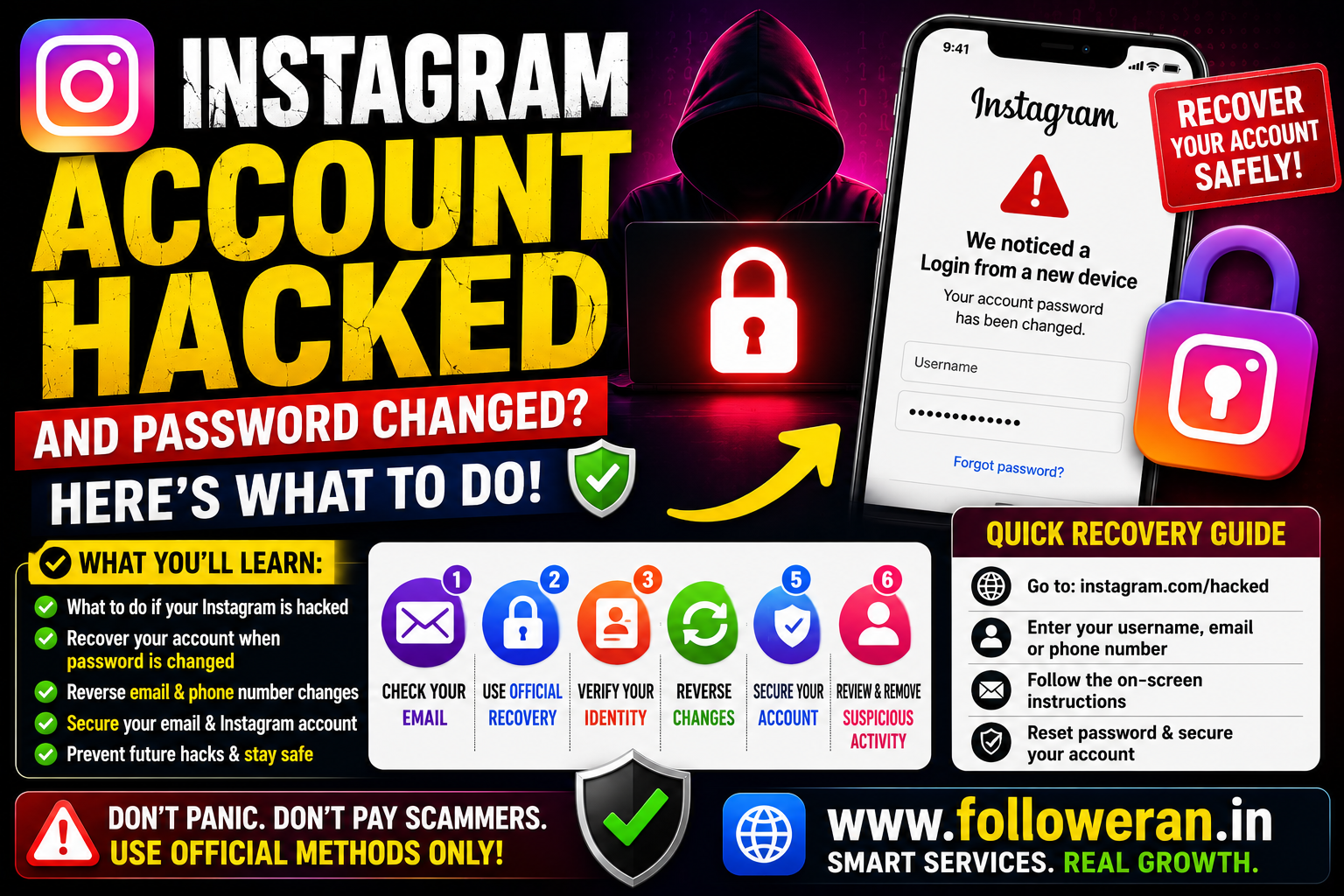
Instagram Account Hacked and Password Changed: How to Recover It
If your Instagram account was hacked and the password changed, don't panic. A changed password does not necessarily mean the account is permanently lost.
The first step is to determine whether the hacker changed only your password or also changed your email address, phone number, username and other security settings.
Instagram provides an official recovery process for compromised accounts, including its dedicated hacked-account recovery flow.
What Happens When a Hacker Changes Your Instagram Password?
A hacker who gains access to your account may change the password to prevent you from signing in.
They may also change:
- Email address
- Phone number
- Username
- Two-factor authentication settings
- Profile information
- Connected accounts
The faster you start account recovery, the better.
First Check: Does Your Instagram Account Still Exist?
Before assuming the account was deleted, search for your old profile using:
- Your previous username
- Your profile URL
- Another Instagram account
- A friend's account
- An old post or message containing your profile
If the profile is still visible, the account may still exist even though you cannot log in.
Use Instagram's Official Hacked-Account Recovery
For a compromised account, start with Instagram's official recovery process rather than a third-party “recovery” website.
Instagram directs users to its hacked-account recovery process for accounts that have been compromised.
Use:
https://www.instagram.com/hacked/
Be cautious of websites claiming they can recover any Instagram account instantly.
What If the Hacker Only Changed My Password?
If your email address and phone number are still connected to the account, recovery may be simpler.
Try Instagram's official password-recovery process using the login screen and the recovery information associated with your account.
Avoid repeatedly trying random passwords, as this can waste time without restoring access.
What If the Hacker Changed My Email Too?
This is more serious, but you may still have a recovery option.
Check the original email account you previously used with Instagram.
Look for an Instagram security message notifying you that the email address was changed.
If the change was unauthorised, follow the instructions in Instagram's official security message when a reversal option is provided.
Check Your Email Inbox and Spam Folder
Search for messages containing terms such as:
Security
Email address changed
Also check:
- Spam
- Junk
- Promotions
- Trash
- Archived mail
Use caution with links in emails and verify that you're following an official Instagram or Meta recovery process.
What If the Hacker Changed My Phone Number?
If your phone number was also changed, use the official account-recovery flow and provide other information still associated with the account.
Depending on the situation, Instagram may offer additional verification or support options.
What If I Can't Access My Email or Phone?
Account recovery can be more difficult when the hacker changed both your password and recovery information.
Start with Instagram's hacked-account process and follow the verification options presented for your account.
Don't pay someone who claims they can bypass Instagram's security.
Instagram May Ask for Identity Verification
Depending on the account and recovery situation, Instagram can require additional identity verification.
Only provide identity information through Instagram's official recovery flow.
Do not send identity documents, security codes or passwords to someone who contacts you privately claiming to be Instagram support.
What If My Username Was Changed?
A changed username does not automatically mean the account has been deleted.
Try recovering the account using information that was previously associated with it, such as your original email address or phone number.
You can also ask a friend to check whether the old profile or posts are still visible.
What If the Hacker Posted or Messaged People?
After recovering the account, review recent activity.
Check for:
- Unauthorised posts
- Unusual Stories
- Suspicious DMs
- Scam messages
- Unknown profile changes
- Links you didn't publish
If the hacker contacted your followers, warn them that any suspicious messages were not sent by you.
What If Instagram Says My Account Is Disabled?
A hacked account and a disabled account are different situations.
If Instagram shows a disabled-account message, follow the review or appeal instructions shown by Instagram.
Don't assume that a disabled account was necessarily hacked.
What If the Hacker Deleted the Instagram Account?
This is an important distinction.
Instagram's help information states that if an account was actually deleted by you or someone who had your password, the deleted account cannot be restored.
So there is a major difference between:
Password changed: Recovery may be possible.
Account disabled: A review may be available.
Account actually deleted: Instagram says it cannot be restored.
Secure Your Email Account Immediately
If your Instagram was hacked, your email should also be treated as potentially at risk.
Change the email password and enable two-factor authentication.
Also review:
- Recent sign-ins
- Connected devices
- Recovery email
- Recovery phone
- Forwarding rules
- Unknown applications
Protecting your email is especially important because it can be used for account recovery.
Change Your Instagram Password After Recovery
Once you regain access:
- Create a new password.
- Make it unique to Instagram.
- Don't reuse the old password.
- Don't use the same password on your email.
- Store it securely.
A unique password reduces the damage if another website is compromised.
Enable Two-Factor Authentication
After recovering your account, enable 2FA.
Keep recovery codes somewhere secure and never send them to another person.
Two-factor authentication adds another layer of protection beyond your password.
Review Login Activity
After recovery, check for devices or sessions you don't recognise.
Look for:
- Unknown phones
- Unknown browsers
- Unexpected locations
- Sessions you don't remember starting
Sign out of suspicious sessions where Instagram provides the option.
Remove Suspicious Third-Party Access
Review apps, websites and connected services associated with your Instagram account.
Remove anything you don't recognise or no longer use.
Be particularly careful with services claiming to provide:
- Free followers
- Free likes
- Free views
- Account recovery
- Unfollower tracking
- “Secret” Instagram tools
Beware of Instagram Recovery Scams
A hacked-account victim can become an easy target for scammers.
Avoid anyone promising:
- Guaranteed account recovery
- Instant password reset
- Employee access
- Hacker-to-hacker recovery
- Secret recovery software
- Guaranteed restoration for a fee
No legitimate recovery process requires you to hand your password to a stranger.
Never Share These Details
Never send an unknown person:
- Instagram password
- Email password
- OTP
- 2FA code
- Backup codes
- Recovery codes
Even if they claim to be helping you recover the account.
Can You Recover Instagram Without the Old Password?
Sometimes.
Instagram's recovery flow can use other information associated with the account and may offer additional verification depending on your situation.
The important point is that you should use Instagram's official recovery system rather than attempting to bypass its security.
Can You Recover Instagram Without the Old Email?
In some cases, Instagram may provide additional support or verification options.
However, recovery isn't guaranteed, particularly when the attacker has changed multiple account details.
Use the official hacked-account recovery process and follow the instructions presented for your account.
How Long Does Instagram Account Recovery Take?
There isn't one guaranteed recovery time.
Some cases can be resolved quickly, while others may require additional verification or support.
Be suspicious of anyone promising a guaranteed recovery time in exchange for payment.
Instagram Account Hacked and Password Changed Checklist
Check whether your Instagram profile still exists.
Start the official hacked-account recovery process.
Check your original email inbox.
Search spam and junk folders.
Look for an unauthorised email-change notification.
Secure your email account.
Try the official password-recovery process.
Complete identity verification if Instagram requests it.
Change your Instagram password after recovery.
Enable two-factor authentication.
Review login activity.
Remove suspicious third-party access.
Warn followers if scam messages were sent.
Hacked vs Password Changed vs Deleted
| Situation | What It Means | Possible Action |
|---|---|---|
| Password changed | Someone may have taken control | Use official recovery |
| Email changed | Recovery details may have been replaced | Check original email and recovery flow |
| Username changed | Account may still exist | Try official account recovery |
| Account disabled | Instagram has restricted the account | Follow review instructions |
| Account deleted | Account was removed | Instagram says deleted accounts cannot be restored |
How to Prevent Another Instagram Hack
Use a Unique Password
Don't reuse your Instagram password elsewhere.
Protect Your Email
Use a strong password and 2FA.
Enable Two-Factor Authentication
This adds another layer of account security.
Avoid Phishing Links
Don't enter your Instagram credentials into suspicious pages.
Verify Domains
Check the website address before signing in.
Remove Unnecessary Apps
Don't leave third-party services connected without a reason.
Keep Your Device Secure
Install operating-system and browser updates and avoid suspicious applications.
Common Instagram Hacked Password-Changed Mistakes
Avoid:
- Creating a new account immediately
- Paying a stranger for recovery
- Sharing security codes
- Reusing the old password
- Ignoring your email security
- Clicking random “Instagram recovery” links
- Assuming the account was deleted
- Giving your password to follower or growth services
Frequently Asked Questions
What should I do if my Instagram account was hacked and the password changed?
Start with Instagram's official hacked-account recovery process at instagram.com/hacked and follow the recovery instructions available for your account.
What if the hacker changed both my password and email?
Check your original email for an Instagram security notification and then use the official hacked-account recovery process for additional support or verification.
Can I recover Instagram without the old password?
Possibly. Instagram's official recovery process can use other account information and may offer additional verification depending on your case.
What if the hacker changed my username?
The account may still exist. Try the official recovery process using previously associated account information.
What if Instagram says my account is disabled?
Follow Instagram's in-app review instructions if they are provided. A disabled account is different from a hacked account.
What if the hacker deleted my Instagram account?
Instagram says that an account actually deleted by you or someone who had your password cannot be restored.
Should I pay someone to recover my Instagram account?
No. Start with Instagram's official recovery tools and never give your password, OTP or 2FA codes to an unknown person.
How can I protect my Instagram after recovery?
Change your password, enable two-factor authentication, secure your email, review login activity and remove suspicious third-party access.
Final Thoughts
When your Instagram account is hacked and the password changed, don't assume the account is permanently lost.
First check whether the profile still exists, secure the email connected to the account and use Instagram's official hacked-account recovery process at instagram.com/hacked.
After recovery, change the password, enable two-factor authentication, review login activity and remove suspicious third-party access.
For more Instagram and social-media resources, visit www.followeran.in.
