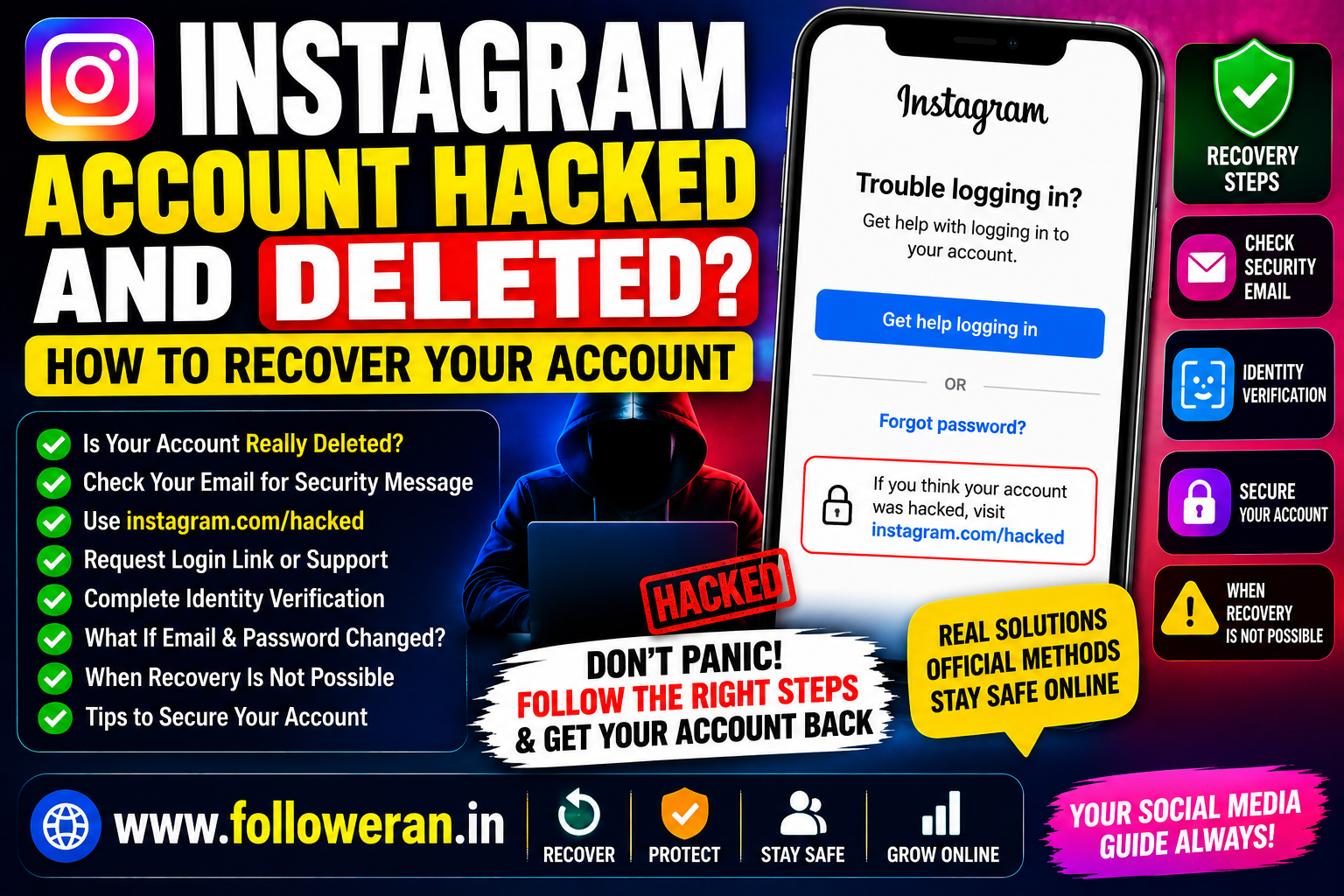
Instagram Account Hacked and Deleted: How to Recover Your Account
If you're searching for Instagram account hacked and deleted, you may be dealing with a serious situation where someone accessed your account, changed your password or email, and then deleted the account.
The first step is to determine whether the account was actually deleted, disabled, or simply made inaccessible by a hacker. These situations have different recovery options.
Instagram's official help center says that hacked-account recovery should be started through its account-security process, including the dedicated hacked-account flow at instagram.com/hacked.
What Does “Instagram Account Hacked and Deleted” Mean?
This phrase can describe several different situations.
A Hacker Deleted the Account
Someone who obtained your password may have deleted the account.
Instagram says that if an account was deleted by you or someone with your password, there is no way to restore it through the normal recovery process.
The Hacker Changed Your Login Details
The account may still exist, but the hacker changed:
- Password
- Email address
- Phone number
- Username
- Other security information
In this case, you may still have recovery options.
Instagram Disabled the Account
An account can also disappear because Instagram disabled it for policy or other reasons. If you see a disabled-account message when trying to log in, Instagram provides an in-app review process for accounts disabled by mistake.
Understanding which situation you're facing is critical.
First: Check Whether the Account Still Exists
Before assuming the account has been permanently deleted, try to find your old Instagram profile from:
- Another Instagram account
- A friend's account
- A web search
- An old profile link
- Previous messages or shared posts
If the profile still appears, the account may have been compromised rather than permanently deleted.
Check Your Email for an Instagram Security Message
One of the most important recovery steps is checking the original email address associated with your Instagram account.
Instagram says that when the email address on an Instagram profile is changed, it sends an email to the original email address that can be used to reverse an unauthorised change. The relevant security message comes from [email protected].
Look through:
- Inbox
- Spam
- Promotions
- Trash
- Archived messages
Search for:
email address changed
If you find the relevant message and the change was not made by you, follow Instagram's official security instructions.
How to Recover a Hacked Instagram Account
Instagram's current hacked-account guidance provides several recovery routes.
Step 1: Open Instagram's Hacked Account Recovery
Use Instagram's official hacked-account recovery page:
instagram.com/hacked
Instagram specifically directs users who believe their account has been compromised to this process.
Step 2: Identify Your Account
Depending on your situation, Instagram may ask for information such as:
- Username
- Email address
- Phone number
Use information that was previously associated with your account.
Step 3: Request a Login Link
Instagram's official guidance says you can request a login link by selecting Forgotten password? on the login screen and entering the username, email address or phone number associated with the account.
If the information is still connected to the account, the login link can help you regain access.
Step 4: Request Additional Support
If the login link doesn't work, Instagram says you may be able to request additional support from a mobile device. You should provide a secure email address that only you can access.
What If the Hacker Changed My Email and Password?
This is one of the most common difficult scenarios.
If the hacker changed your email address, check the original email inbox for Instagram's security message.
Instagram says the original email can receive a link allowing you to reverse an unauthorised email change. If other information such as your password was also changed and you can't reverse the email change, Instagram recommends requesting a login link or security code through its recovery process.
Instagram Identity Verification
In some recovery cases, Instagram may ask you to verify your identity.
According to Instagram's current hacked-account help documentation, accounts with photos of the person requesting recovery may be asked for a video selfie showing the person turning their head in different directions. For accounts without photos of the person, Instagram may request information such as the original signup email or phone number and device information.
Only complete identity verification through Instagram's official recovery flow.
What If the Account Was Actually Deleted?
This is the most important distinction.
Instagram's current help documentation states that if your account was deleted by you or someone who had your password, the account cannot be restored.
That means there is a major difference between:
Hacked but still existing → recovery may be possible.
Disabled → an appeal/review may be possible.
Actually deleted → Instagram says it cannot be restored.
What If Instagram Says My Account Is Disabled?
If you see a message stating that your account has been disabled, don't immediately assume it was deleted.
Instagram says accounts can be disabled for violations of its Community Standards. If you believe the decision was a mistake, you may be able to request a review by entering your username and password and following the instructions shown in the app.
What If There Is No Disabled Message?
Instagram says that when there is no disabled-account message, you may instead be dealing with a login problem. Its support guidance directs users with suspected compromise or login problems to the hacked-account recovery flow.
How to Tell if Your Instagram Account Was Hacked
Possible warning signs include:
- Password suddenly stops working
- Email address changes unexpectedly
- Phone number changes
- Username changes
- Unfamiliar posts
- Messages sent without your knowledge
- Unknown devices or sessions
- Unexpected password-reset emails
One warning sign alone does not prove an account was hacked, but several together deserve immediate attention.
What If the Hacker Changed the Username?
A changed username does not necessarily mean the account was permanently deleted.
Try recovering the account using your previous:
- Username
- Email address
- Phone number
Instagram's recovery process provides several ways to identify the account.
What If I Lost Access to My Email?
If the email associated with your Instagram account is no longer accessible, recovery can become more difficult.
Instagram's hacked-account guidance says that if the ordinary login-link route doesn't work, you may be able to request support and provide a secure email address that only you control.
You should also secure the original email account if you suspect the email itself was compromised.
Secure Your Email Account
Your email account is extremely important during Instagram recovery.
Immediately:
- Change your email password
- Enable two-factor authentication
- Check recent sign-ins
- Remove unfamiliar devices
- Review forwarding rules
- Check recovery email and phone settings
Instagram's security guidance specifically recommends securing the email account associated with Instagram because access to that email can provide access to the Instagram account.
Beware of Instagram Recovery Scams
People who lose access to an Instagram account are often targeted by scammers.
Be suspicious of anyone offering:
- Paid account recovery
- Hacker-to-hacker recovery
- Guaranteed Instagram restoration
- “Secret” recovery methods
- Password cracking
- Direct contact with Instagram employees
Never give strangers your:
- Instagram password
- Email password
- Security codes
- Backup codes
- Recovery codes
Instagram's official recovery process is the appropriate place to start.
Don't Use Random “Instagram Recovery” Websites
Avoid websites that claim:
“Recover any hacked Instagram account instantly.”
“Get your deleted account back.”
“We can bypass Instagram security.”
These services can create additional security risks.
Use Instagram's official help and recovery processes instead.
What If My Hacker Is Still Accessing the Account?
If you've regained access but believe someone else still has access, secure the account immediately.
Instagram recommends security measures including changing your password, enabling two-factor authentication, confirming your email and phone number, reviewing linked accounts and removing suspicious third-party applications.
Change Your Instagram Password After Recovery
Create a password that is:
- Unique
- Long
- Difficult to guess
- Not reused elsewhere
Don't reuse a password that may have been exposed during the compromise.
Instagram recommends using a strong, unique password and avoiding password reuse.
Turn On Two-Factor Authentication
Two-factor authentication provides an additional layer of security beyond your password.
After recovering your account, enable an available 2FA method and keep your recovery information secure.
Review Connected Apps
Third-party applications can sometimes have account access.
Instagram advises users to be careful when authorising third-party applications and warns against sharing login information with apps you don't trust.
Remove services you don't recognise or no longer need.
What If the Hacker Deleted My Photos and Posts?
Recovery of individual content is not guaranteed.
The first priority is determining whether the account itself can still be recovered.
If the account was actually deleted, Instagram says it cannot be restored, so content tied to that account may no longer be accessible through Instagram.
Should I Create a New Instagram Account?
Don't create a replacement account immediately if you are still attempting official recovery of the original account.
First determine whether:
- The account is hacked
- The account is disabled
- The account is actually deleted
If Instagram confirms that the account was permanently deleted, creating a new account may be the practical option.
Instagram says you can sign up again using the same email address after deletion, although the same username may not be available.
Instagram Account Hacked and Deleted Checklist
Check whether your old profile still exists.
Check your original email inbox.
Search for messages from
[email protected].Use
instagram.com/hacked.Try the official login-link recovery.
Request additional support if necessary.
Complete identity verification if Instagram requests it.
Secure your email account.
Change your Instagram password after recovery.
Enable two-factor authentication.
Review connected accounts and apps.
Avoid third-party recovery services.
Important Difference: Hacked, Disabled or Deleted
| Situation | Possible Action |
|---|---|
| Hacked account | Use Instagram's hacked-account recovery process |
| Email changed | Check original email for the reversal/security message |
| Password changed | Request official login link or support |
| Disabled account | Follow Instagram's in-app review process if available |
| Actually deleted | Instagram says the account cannot be restored |
These situations shouldn't be treated as the same problem.
Frequently Asked Questions
Can I recover an Instagram account that was hacked?
Possibly. Instagram provides a hacked-account recovery process that can include a login link, security code, support request and identity verification depending on the account and circumstances.
What if my hacker deleted my Instagram account?
Instagram's current help documentation says that if an account was deleted by you or someone with your password, there is no way to restore it.
What if the hacker changed my Instagram email?
Check the original email account for a message from [email protected]. Instagram says the message can include a link to reverse an unauthorised email change.
What if my Instagram account was disabled?
If Instagram shows a disabled-account message, you may be able to request a review by following the instructions shown in the app.
Where is Instagram's hacked-account recovery page?
Instagram directs users with hacked or compromised accounts to instagram.com/hacked.
Can Instagram verify my identity with a video selfie?
For some hacked-account recovery cases, Instagram may request a video selfie to help confirm identity. Availability depends on the account and recovery situation.
Should I pay someone to recover my hacked Instagram account?
No. Start with Instagram's official recovery process and don't give your password or security codes to strangers.
Final Thoughts
If you searched for “Instagram account hacked and deleted,” first determine whether the account was actually deleted or whether a hacker simply changed your login information.
If the account still exists, Instagram's official recovery tools may allow you to regain access through a security email, login link, support request or identity verification.
However, Instagram's current help documentation states that an account actually deleted by you or someone with your password cannot be restored.
For more Instagram and social-media resources, visit www.followeran.in.
