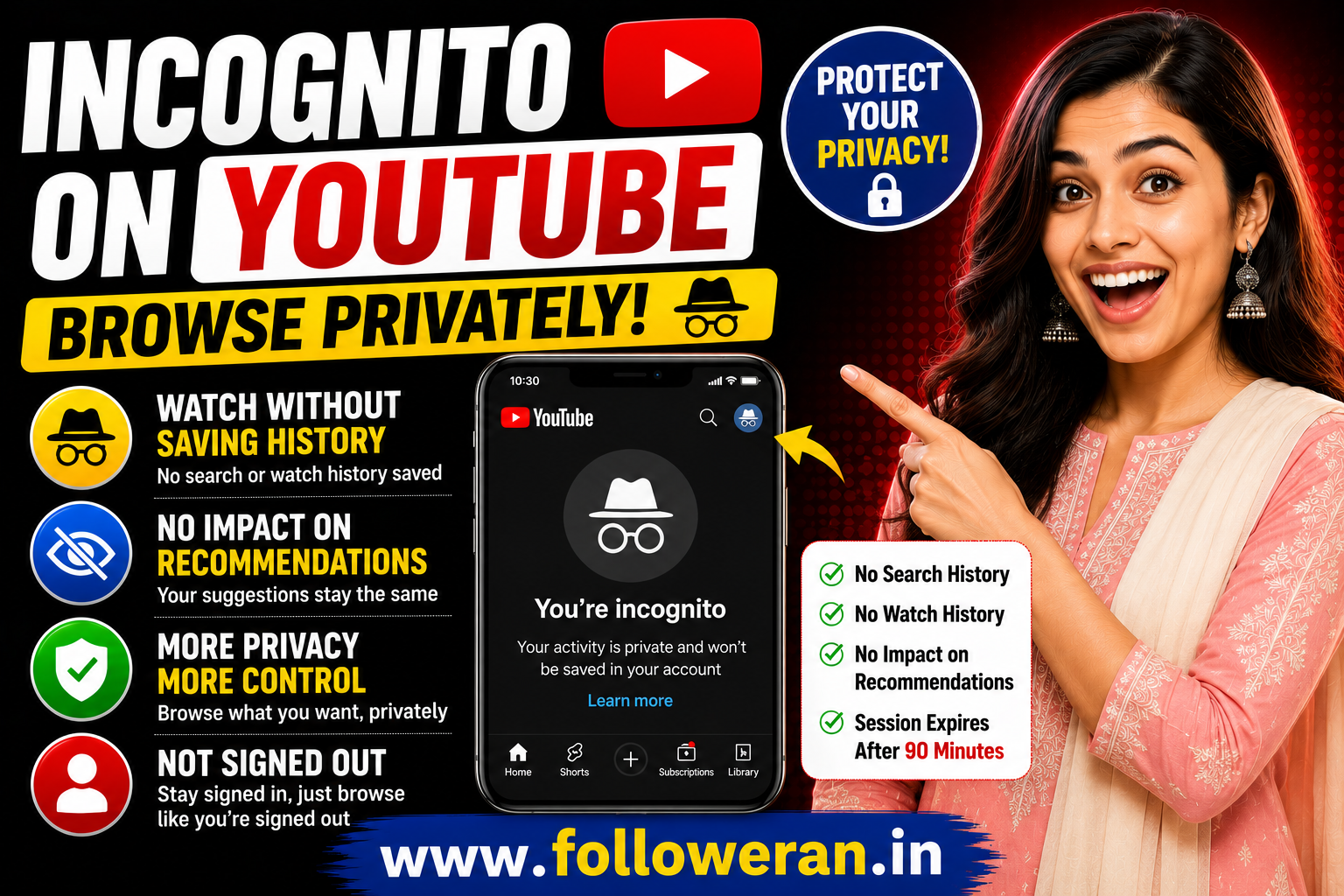
Incognito on YouTube: How to Use YouTube Incognito Mode
If you've ever wanted to watch YouTube videos without affecting your usual recommendations or saving searches to your account, you may have searched for “incognito on YouTube.”
YouTube's Incognito feature is designed for exactly this kind of situation. When Incognito is enabled in the YouTube mobile app, the app behaves as though you're signed out, while you remain signed in to your Google account. Your activity during that session isn't linked to your account in the usual way.
This can be useful when you're researching a topic that you don't normally watch, checking what YouTube looks like without your usual recommendations, or simply want a more private viewing session.
What Is Incognito on YouTube?
YouTube Incognito is a privacy feature that allows you to browse YouTube without your current session influencing or appearing in your account's usual search and watch history.
According to YouTube's official help documentation, when you use Incognito in the mobile app, your account activity such as subscriptions and watch history won't influence your YouTube experience during that session.
In simple terms:
Normal YouTube → your activity influences your experience
Incognito YouTube → your session behaves more like you're signed out
How to Turn On Incognito on YouTube
YouTube currently provides an Incognito option in its mobile app.
To enable it:
Open the YouTube app.
Tap your profile picture.
Open the account menu.
Select Turn on Incognito.
YouTube will switch into an Incognito session.
You need to be signed in to use the app's Incognito feature.
Once enabled, YouTube displays an Incognito indicator so you know that you're browsing privately.
What Happens When You Use YouTube Incognito?
There are several important changes.
Your Search History Isn't Saved
Searches made during an Incognito session aren't saved to your YouTube search history.
This can be useful if you're researching something that you don't want affecting your future search suggestions.
Your Watch Activity Doesn't Influence Your Normal Recommendations
YouTube says that when you're using Incognito, your account activity doesn't influence your YouTube experience. For example, watching a video in Incognito won't change your account's normal recommended videos.
Your Session Isn't Linked to Your Account in the Normal Way
Activity during the Incognito session isn't linked with your account as it normally would be.
Subscriptions and Other Account Activity Don't Influence the Session
The app behaves as though you aren't signed in, so your normal subscriptions and watch history aren't used to personalise the session in the usual way.
Can You Like, Comment or Subscribe in Incognito?
Not in the usual way.
If you try to perform a public action such as commenting or subscribing while using Incognito, YouTube will ask you to sign in to complete that action.
So Incognito is primarily intended for browsing and watching, rather than normal account interaction.
Does YouTube Incognito Delete Your Existing History?
No.
Incognito prevents activity from the current Incognito session from being saved to your normal YouTube history. It isn't a tool for deleting history that already exists.
If you want to remove previous searches or watch history, YouTube provides separate controls for managing your history.
Does Incognito Affect YouTube Recommendations?
Yes, this is one of its useful features.
YouTube uses search and watch history to personalise recommendations. When you use Incognito, activity from that session doesn't influence your normal YouTube experience.
For example, imagine you normally watch:
Digital marketing
SEO
Business videos
But today you want to watch several videos about cooking.
If you don't want those cooking videos to influence your usual recommendations, Incognito can be useful.
How Long Does YouTube Incognito Stay Active?
According to YouTube's current help documentation, an Incognito session ends if you are inactive for more than 90 minutes. You'll then return to the last account you were using.
YouTube will also notify you the next time you open the app that you are no longer in Incognito.
Is YouTube Incognito the Same as Browser Incognito?
Not exactly.
There are two related concepts:
YouTube App Incognito
This is the built-in Incognito feature available in the YouTube mobile app.
Browser Private Mode
You can also use your web browser's private or Incognito browsing mode when accessing YouTube.
YouTube itself notes that you can use the private mode of your preferred browser for private browsing.
These approaches aren't identical, so it's useful to understand which one you're using.
Is YouTube Incognito Completely Anonymous?
No.
This is an important distinction.
Incognito does not mean you're completely anonymous on the internet.
It primarily prevents the YouTube session from being associated with your normal account activity in the usual way.
Your internet connection, device, browser and other services may still process information according to their own policies.
YouTube also explains that data use during Incognito follows Google's Privacy Policy.
So think of Incognito as a privacy feature for your YouTube experience, not as complete internet anonymity.
Why Use Incognito on YouTube?
There are many practical situations where it can be useful.
1. Researching New Topics
If you're researching a topic outside your normal interests, Incognito can prevent that session from influencing your usual recommendations.
2. Checking Search Results
Creators and marketers can use a private browsing session to get a different perspective when researching YouTube search results.
Keep in mind that YouTube's results can still vary because of factors beyond watch history.
3. Watching Different Content
Maybe you normally watch business videos but want to spend an evening watching entertainment content.
Incognito can keep that temporary activity separate from your normal viewing experience.
4. Shared Devices
If you're using a device where other people may access the YouTube account, Incognito can provide a convenient way to browse without adding that session to the account's normal activity.
Incognito on YouTube for Creators
Incognito can also be useful for YouTube creators.
Suppose you're trying to understand how your video appears to someone who isn't influenced by your personal watch history.
You can use Incognito as one part of your research process.
You might search for:
Your target keyword
Competitor topics
Related videos
Popular channels
Different content categories
However, don't treat one Incognito search as a perfect representation of what every viewer sees.
YouTube's search and recommendation systems can consider multiple signals.
Incognito on YouTube for SEO Research
If you're working on YouTube SEO, private browsing can be useful for research.
For example, you might search:
"Instagram marketing tips"
Then examine:
Video titles
Thumbnails
Search results
Content formats
Frequently appearing channels
Related topics
The purpose isn't to copy competitors.
Instead, look for gaps.
Ask yourself:
What question hasn't been answered well?
That can lead to better content ideas.
Does Incognito Increase YouTube Views?
No.
Turning on Incognito isn't a method for generating additional views.
It is primarily a privacy and personalisation feature.
If you're a creator trying to increase views, focus instead on:
Better topics
Stronger thumbnails
More useful videos
Better titles
Audience retention
Consistent publishing
YouTube SEO
Shorts
Genuine audience engagement
Incognito itself doesn't provide a shortcut to more views.
Does Watching Your Own Videos in Incognito Help?
Using Incognito to repeatedly watch your own videos shouldn't be treated as a legitimate growth strategy.
Artificially trying to increase views can create misleading analytics and may conflict with platform rules.
If you want more views, concentrate on reaching real viewers who are interested in your content.
Incognito vs Clearing YouTube History
These are two different things.
| Feature | Incognito | Clear History |
|---|---|---|
| Prevents current session from normal history | Yes | No |
| Removes existing history | No | Yes |
| Can affect recommendations | Helps isolate the current session | Can change future personalisation |
| Designed for temporary private browsing | Yes | No |
| Requires deleting previous activity | No | Yes |
Use Incognito when you want to browse privately for a session.
Use YouTube's history controls when you want to manage activity you've already saved.
What Happens When You Turn Off Incognito?
When you turn off Incognito, YouTube returns you to the account you were using before entering Incognito.
Your normal YouTube experience then continues as usual.
Common Questions About Incognito on YouTube
Can I use YouTube Incognito without signing in?
The built-in Incognito feature in the YouTube mobile app requires you to be signed in. YouTube says the feature lets you remain signed in while the app behaves as if you're signed out.
Does YouTube Incognito save searches?
Search history from the Incognito session isn't saved to your YouTube search history.
Does Incognito change my recommendations?
Your Incognito activity doesn't influence your normal YouTube recommendations in the usual way.
Can I subscribe while using Incognito?
If you try to subscribe or perform another public action, YouTube will ask you to sign in.
Does Incognito hide me completely?
No. Incognito is not the same as complete online anonymity. It primarily separates the session from your normal YouTube account activity.
Does Incognito delete my old YouTube history?
No. Existing history remains unless you separately manage or delete it.
How long does Incognito last?
If you're inactive for more than 90 minutes, YouTube says the Incognito session ends automatically.
Final Thoughts
If you're searching for “incognito on YouTube,” the feature is essentially a convenient way to browse YouTube without having that temporary session influence your normal account experience.
It's particularly useful for researching unfamiliar topics, watching videos outside your usual interests, checking content from a different perspective, or simply keeping a temporary viewing session separate from your regular YouTube activity.
Just remember that YouTube Incognito is a privacy feature, not complete internet anonymity.
