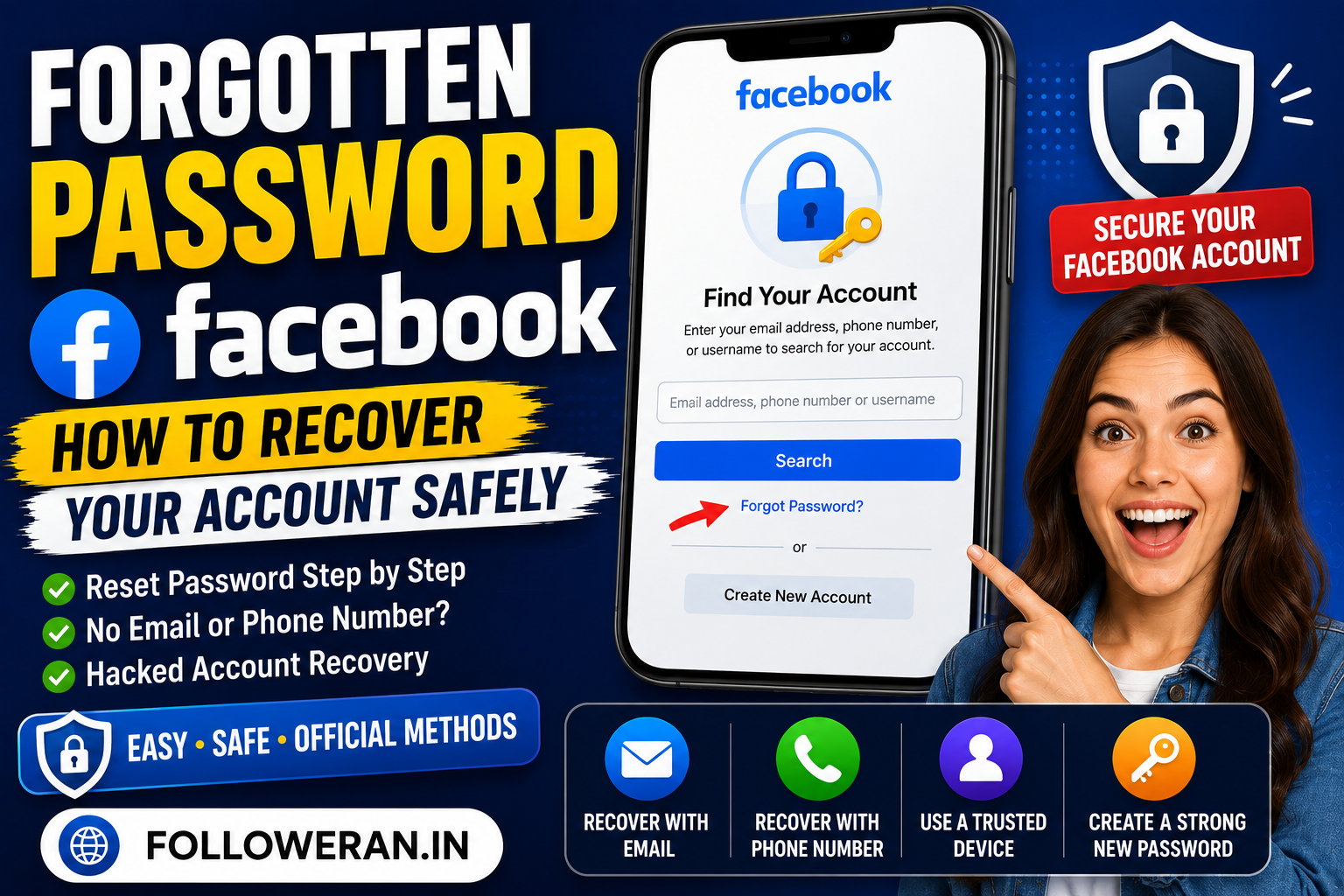
Forgotten Password Facebook: How to Recover Your Facebook Account Safely
For anyone searching “forgotten password Facebook”, the good news is that forgetting a Facebook password does not necessarily mean losing access to the account permanently. Facebook provides an official account-recovery process for people who cannot remember their password, cannot log in, or no longer have access to the email address or phone number originally connected to the account. The safest approach is to use Facebook's official recovery tools rather than websites or individuals claiming that they can reveal, bypass, or “hack” a forgotten password. Facebook's current Help Centre directs users who cannot log in toward account recovery and recommends using a device that has been used to log into the account before whenever possible.
A forgotten password can create several different situations. We may still have access to the email address or mobile number associated with Facebook, or we may have lost access to both. We may also discover that the password stopped working because another person changed it, which turns a simple password reset into a potential account-security issue. Facebook maintains separate guidance for these scenarios, including recovery when a user no longer has access to the account's email or phone number and recovery when an account may have been hacked.
The most important principle is simple: use Facebook's official recovery process, protect your verification information, and avoid giving passwords or recovery codes to anyone else.
How to Recover a Forgotten Facebook Password
When we cannot remember the current password, the standard recovery path begins from the Facebook login screen. Facebook's current password-help documentation says that users who do not remember their password can select “Forgot your password?” from the login screen and then provide information associated with the account, such as an email address, mobile phone number, full name, or username.
The process can be summarized as follows:
- Open Facebook's official login page or the official Facebook app.
- Select Forgot account? or Forgot your password?, depending on the interface shown.
- Enter the email address, phone number, name, or username associated with the account.
- Select the correct account when Facebook identifies it.
- Follow the available verification or reset instructions.
- Create a new password after successful verification.
- Log back in and review account-security settings.
Facebook's current login page still displays a “Forgot account?” recovery option.
The exact wording and interface can vary between the Facebook app, mobile browser, and desktop browser, but the underlying recovery process remains centered around identifying the account and proving that we are authorized to regain access.
Forgot Facebook Password but Still Have Access to Email
This is usually the easiest recovery scenario.
If we can still receive messages at the email address linked to Facebook, Facebook says we can use the password-reset process to request a reset link or code. Its Help Centre advises users who are not receiving a recovery code to check the spam or junk folder, verify that the internet or mobile connection is working, and wait a few minutes before requesting another code.
After receiving the recovery message, we should use it only through the official Facebook recovery flow. We should never forward a Facebook password-reset code to another person, even if they claim to be helping with account recovery.
Once the reset process is completed, we should create a password that is unique to Facebook and is not reused on other services. A forgotten password is inconvenient; a reused password that has been exposed elsewhere can become a much bigger security problem.
Forgot Facebook Password but Still Have the Phone Number
If the mobile number attached to the Facebook account is still active and capable of receiving messages, it can be used as part of the account-recovery process. Facebook specifically identifies access to the account's email address or mobile phone number as an important recovery option for people who cannot log in.
We should double-check the number carefully before assuming that Facebook is not sending the code. Facebook's recovery guidance says users should confirm that the phone number or email address has been entered correctly, and if entering a phone number, they should consider whether the country code needs to be included.
If the code does not arrive, we should avoid repeatedly submitting requests in rapid succession. Facebook notes that password resets are limited to a certain number per day, so repeatedly attempting resets can create another obstacle.
What to Do If We No Longer Have the Facebook Email or Phone Number
This is where many users become stuck, but Facebook has a separate recovery process for exactly this situation.
Facebook says that if we no longer have access to the email address or mobile phone number associated with the account, we can try identifying the account using another email address or phone number that may also have been connected to it. Facebook also recommends checking our email and phone information carefully and contacting the email provider if access to the email account itself has been lost.
Facebook further recommends trying account identification on a device that we have previously used to log into Facebook. Its guidance specifically points to facebook.com/login/identify and explains that users can enter an email address or phone number, and in some cases their account name or username. If we do not remember the username, Facebook suggests asking a friend to open the profile and provide the username contained in the profile URL.
Using a familiar device can be especially helpful because Facebook explicitly recommends it for account recovery.
Use a Familiar Device During Facebook Account Recovery
A familiar device means a phone, tablet, or computer that we previously used to sign into Facebook.
That could be:
- Our current smartphone
- An older phone
- A personal laptop
- A home desktop
- Another computer previously used for Facebook
Facebook's current account-recovery documentation says recovery works best from a device that has been used to log into the account before.
This is useful when the recovery process becomes more complicated because we no longer remember all of our account information.
Rather than switching randomly between unfamiliar devices, we should first try a device and browser that Facebook has seen before.
How to Find a Facebook Account When We Forgot the Login
If we remember the profile name but not the email address or phone number, Facebook's account-identification system can still be useful.
Facebook's recovery instructions explain that we can visit facebook.com/login/identify from a familiar device and enter an email address or phone number associated with the account. If those options do not work, Facebook suggests trying the account name or username. A friend can sometimes help identify the username by opening the profile and checking the URL.
This can be especially helpful for older Facebook accounts because users may have changed phone numbers or email addresses over the years.
We should think about every email address and phone number that might have been attached to the account at some point, not only the one we currently use.
What If the Facebook Password Was Changed by Someone Else?
If the password suddenly stops working and we did not change it, we should consider the possibility that the account was compromised.
Facebook specifically recommends visiting facebook.com/hacked if we suspect that our account has been hacked, preferably from a device that we have previously used to log in. Facebook says this recovery route can also be used when we are not completely certain that the account was hacked.
Signs of a potentially compromised Facebook account can include:
- A password changed without our permission
- An email address or phone number added or removed unexpectedly
- Posts we did not publish
- Messages we did not send
- Profile information changed without our permission
- Unexpected Facebook login notifications
- An unfamiliar device or location under active sessions
Facebook's security guidance lists these kinds of changes as signs that an account may have been compromised.
If the account appears hacked, we should treat the situation as a security incident rather than repeatedly guessing passwords.
Can Facebook Send Us the Old Password?
No. Facebook's Help Centre explicitly states that it cannot send a copy of the existing password without resetting it. Users who have forgotten their password need to change or reset it instead.
This distinction is important because there are websites that claim they can “show your Facebook password” or recover an old password without a reset.
Those claims should be treated with extreme caution.
If we have forgotten the password, the legitimate solution is to reset it, not to obtain a secret copy of it from a third party.
What If We Are Already Logged Into Facebook?
If Facebook is still open on a trusted device even though we do not remember the password, we are in a much better position.
Facebook says that logged-in users can change their password from Settings and privacy → Settings → Accounts Center → Password and security, followed by the relevant password option. If the current password is not remembered, the interface provides a Forgot your password? route.
Before logging out, it is sensible to confirm that the account's email address and phone number are still correct and accessible.
We should also review security settings and consider strengthening the account immediately.
In other words, do not log out unnecessarily while you still have access.
How Many Times Can We Request a Facebook Password Reset?
Facebook says users can reset their password only a certain number of times per day.
This means repeated attempts can become counterproductive.
If a recovery code does not arrive immediately, Facebook recommends checking spam or junk folders, checking the connection, waiting a few minutes, and then requesting a new code.
A better strategy is to slow down and verify each part of the process:
Correct account → correct email/phone → correct connection → correct recovery method → wait for the code → complete the reset.
Rapidly submitting dozens of requests is unlikely to improve the result.
Facebook Password Recovery When Two-Factor Authentication Is Enabled
Two-factor authentication adds an additional security layer, but it can also affect how password recovery works.
Facebook's password-change documentation says that when two-factor authentication is enabled, users cannot use the same mobile phone number used for two-factor authentication to reset the password. Another phone number or an email address may need to be added to the account for the reset process.
This means we should not assume that the same phone number will always be usable for both security verification and password reset.
If two-factor authentication is creating a recovery problem, we should carefully follow the options Facebook presents instead of trying to bypass the additional security layer.
What If We Don't Receive the Facebook Recovery Code?
If a password-reset code never arrives, Facebook recommends several basic checks.
First, look in the spam or junk folder if the code is being sent by email.
Second, verify that the phone or internet connection is working if we are expecting a text message.
Third, wait several minutes before requesting another code.
We should also verify that the email address or phone number entered during recovery is actually connected to the Facebook account.
If nothing works, we can move to Facebook's broader account-recovery guidance instead of repeatedly requesting new codes.
How to Choose a Strong New Facebook Password
Once we regain access, the new password should be unique.
A strong password should not be based on information someone could easily guess, such as:
- Name
- Birthday
- Phone number
- Home address
- Pet's name
- Child's name
- Simple sequences
- Common phrases
We should also avoid reusing our Facebook password on email, banking, shopping, or other social accounts.
Using a reputable password manager can make unique passwords much easier to maintain.
The objective is not merely to create a complicated password. The objective is to create a password that is unique, difficult to guess, and securely stored.
Add Recovery Options Before We Need Them
Facebook recommends several steps to reduce the risk of future account lockouts. Its current security guidance recommends keeping contact information up to date, adding another email address or mobile number where appropriate, and considering a passkey as an alternative to passwords.
This is one of the most useful lessons from a forgotten-password problem.
Account recovery is easiest when we prepare before something goes wrong.
We should periodically check:
- Primary email address
- Backup email address
- Phone number
- Two-factor authentication
- Login sessions
- Recovery options
- Password storage
A few minutes of preparation can save a lot of frustration later.
Never Give a Facebook Recovery Code to Someone Else
A Facebook password-reset code is sensitive account information.
If somebody contacts us and says:
“Send me the Facebook code you just received and I will recover your account.”
we should not do it.
The same applies to people claiming to be Facebook employees, account-recovery agents, marketing agencies, or online “hackers.”
We should enter recovery codes only into Facebook's official recovery process.
The safest approach is to handle the entire recovery process ourselves through Facebook.
Avoid Fake Facebook Password-Recovery Websites
Search engines can display websites claiming to offer Facebook password recovery, account unlocking, password cracking, or instant access.
We should be cautious.
A genuine Facebook recovery process does not require us to give a stranger our Facebook password.
Facebook explicitly says that it does not provide a copy of a forgotten password; instead, users need to reset the password through the account-recovery process.
We should therefore avoid websites that promise:
“Recover any Facebook password instantly.”
“Hack any Facebook account.”
“Get the old Facebook password without reset.”
These are not legitimate alternatives to Facebook's official recovery system.
Facebook Forgot Password: Quick Recovery Checklist
When we have a forgotten Facebook password, the following checklist can keep the process organized:
- Open Facebook's official login page or app.
- Select Forgot account? or Forgot your password?
- Enter the email, phone number, full name, or username associated with the account.
- Confirm that the correct account has been identified.
- Use the available email or phone recovery method.
- Check the spam or junk folder if the recovery code does not appear.
- Wait before requesting another code.
- Use a familiar device when possible.
- If the email or phone is no longer accessible, use Facebook's account-identification and recovery process.
- If the password was changed without permission, use
facebook.com/hacked. - Create a new, unique password.
- Review the account's security settings after recovery.
Facebook's current Help Centre covers these scenarios separately and recommends familiar devices, official recovery tools, and updated contact information.
Final Thoughts on a Forgotten Facebook Password
A forgotten password Facebook problem can feel serious because social accounts often contain years of photos, conversations, connections, business activity, and personal information. The good news is that Facebook maintains official recovery paths for forgotten passwords, lost email or phone access, and suspected account compromise.
If we still have access to the account's email address or phone number, the standard password-reset route is the best place to start. If those recovery methods are no longer available, Facebook recommends account identification through facebook.com/login/identify, preferably from a familiar device.
If we think someone changed the password or otherwise compromised the account, Facebook directs users to facebook.com/hacked, again preferably from a device previously used to log in.
Most importantly, we should not pay strangers to “recover” the password, share recovery codes, or use unofficial password-hacking websites.
Forgot the password? Reset it through Facebook.
Lost access? Use Facebook's account-recovery tools.
Suspect a hack? Use Facebook's hacked-account recovery flow.
For more practical social-media guides and digital resources, visit followeran.in.
Frequently Asked Questions
How do we reset a forgotten Facebook password?
Open Facebook's login screen and select Forgot account? or Forgot your password? Then enter the email address, phone number, full name, or username associated with the account and follow the recovery instructions.
What if we forgot our Facebook password and no longer have the email or phone?
Facebook recommends trying another email address or phone number that may be associated with the account, double-checking the information entered at login, and using a familiar device. It also provides account identification at facebook.com/login/identify.
Can Facebook tell us our old password?
No. Facebook says it cannot send a copy of the password without resetting it. Users who forget their password need to use the reset or recovery process.
What should we do if someone changed our Facebook password?
If we believe somebody else changed the password, Facebook recommends using facebook.com/hacked on a device previously used to log into the account.
Why am I not receiving the Facebook password-reset code?
Check the spam or junk folder, confirm that your email address or phone number is correct, verify your connection, and wait a few minutes before requesting another code. Facebook also limits how many password resets can be attempted in a day.
