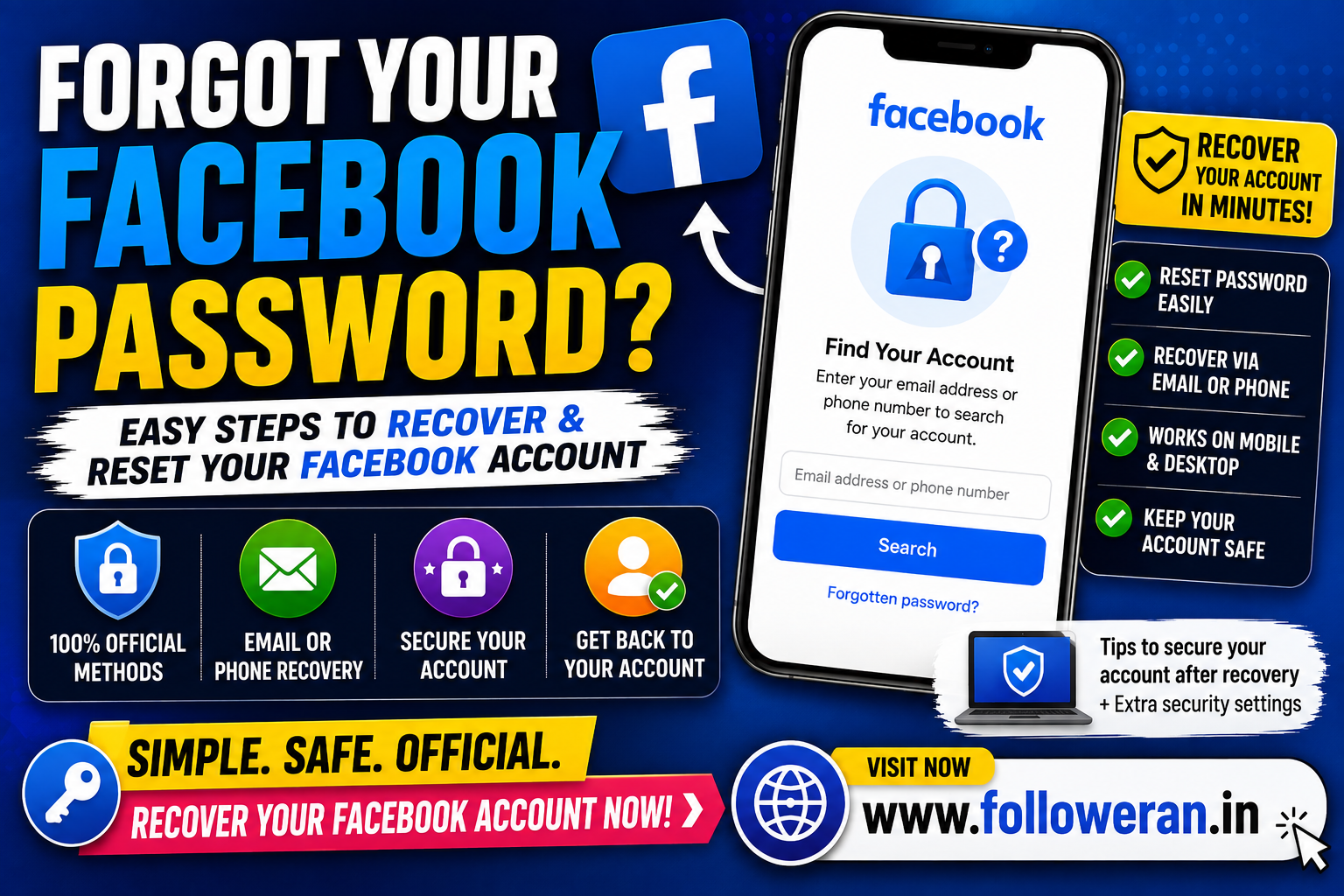
Forgot Your Facebook Password: How to Recover Your Account
If you forgot your Facebook password, you don't necessarily need to know the old password to regain access to your account.
Facebook's login system currently provides a “Forgot account?” recovery option, allowing users to begin the account-recovery process from the login page.
The safest approach is to use Facebook's official recovery process rather than third-party websites claiming they can reveal or bypass your password.
What to Do If You Forgot Your Facebook Password
Start from Facebook's official login page.
Look for the Forgot account? option and follow the recovery instructions shown for your account. Facebook's current login pages display this option directly below the login fields.
Depending on your account, Facebook may ask you to identify the account using information associated with it.
How to Reset a Forgotten Facebook Password
A typical recovery process is:
Step 1: Open Facebook
Go to Facebook using the official website or open the Facebook app.
Step 2: Choose “Forgot account?”
Select the account-recovery option displayed on the login screen.
Step 3: Identify Your Account
Use the information Facebook requests, which may include information associated with your account.
Step 4: Select an Available Recovery Method
Follow the recovery options Facebook provides for your account.
Step 5: Complete Verification
Complete any security or verification steps shown by Facebook.
Step 6: Create a New Password
Choose a new, unique password.
Step 7: Log Back In
Use the new password to access your Facebook account.
The exact screens and available recovery methods can change, so follow the instructions displayed by Facebook at the time you recover the account.
What If You Forgot Your Facebook Password but Still Have Your Email?
This is usually the simplest situation.
If you still have access to an email address associated with your Facebook account, use the official recovery process and follow the recovery instructions sent through the available method.
Make sure you're accessing your email account securely before using a password-reset message.
What If You Forgot Your Facebook Password but Still Have Your Phone?
Your phone number may also help identify your Facebook account if it is still associated with the account.
Start from Facebook's official login page and use the available account-recovery option rather than attempting to guess the old password.
What If You Forgot Your Facebook Password and Email?
Recovery can be more difficult when you no longer have access to your previous email address.
Before giving up, try to identify the account using information you still know about it.
You can also check:
- Old emails from Facebook
- Saved passwords
- Your browser's password manager
- Your phone's saved credentials
- A device where you are still signed in
If you're still logged in on another device, don't log out until you've secured the account and updated your recovery information.
Check Your Saved Facebook Password
Before going through account recovery, check whether your password was saved on a device you control.
Depending on your device, you may have saved credentials in:
- Google Password Manager
- Chrome Password Manager
- Microsoft Edge Password Manager
- Apple Passwords
- A third-party password manager
This can be useful if you've simply forgotten the password but haven't actually lost access to the account.
What If You Think Your Facebook Account Was Hacked?
A forgotten password and a hacked account are not exactly the same problem.
If someone changed your password without your permission, use Facebook's official account-recovery process rather than trying to bypass Facebook's security.
After recovering the account:
- Change the password again.
- Check your email address.
- Check your phone number.
- Review active sessions.
- Remove unfamiliar devices.
- Enable additional security measures.
- Review recent account activity.
What If Facebook Temporarily Blocks Recovery?
Facebook's current login and recovery pages can display a temporary-block message when the system detects activity happening too quickly.
If this happens, don't repeatedly submit recovery attempts in a short period.
Follow the instructions Facebook displays and avoid using third-party services that claim they can bypass the restriction.
Don't Guess Your Password Repeatedly
Repeatedly trying random passwords isn't a good recovery strategy.
It can waste time and may trigger additional security checks or temporary restrictions.
Instead:
Stop guessing → Start official recovery → Verify ownership → Set a new password
Create a Strong New Facebook Password
After recovering your account, use a password that is:
- Unique
- Long
- Difficult to guess
- Not based on obvious personal information
- Not reused on other websites
A password manager can make it easier to maintain unique passwords across your accounts.
Secure Your Email Account Too
Your email may be an important recovery channel.
After recovering Facebook, make sure your email account is protected with:
- A unique password
- Two-factor authentication where available
- Updated recovery information
- Recent-login monitoring
If your email has also been compromised, secure the email account first.
Enable Additional Facebook Security
Once you're back in your account, review Facebook's security and login settings.
Look for unfamiliar devices or sessions and remove anything you don't recognise.
Also review the email addresses and phone numbers associated with the account.
Avoid Fake Facebook Password Recovery Services
Be especially cautious when searching online for:
“forgot Facebook password”
Scammers may advertise:
- Password-recovery services
- Hacking services
- Instant account recovery
- Password cracking
- Recovery guarantees
Never pay someone who claims they can reveal your old Facebook password.
Never provide an unknown person with your:
- Facebook password
- Email password
- Verification code
- Two-factor authentication code
- Backup code
- Recovery code
Can Someone Find Your Old Facebook Password?
A legitimate recovery process is designed to help you regain access without revealing your existing password.
The safer solution is to reset the password through Facebook rather than trying to obtain the old one.
What If You Are Still Logged In Somewhere?
This can be helpful.
If Facebook is still open on a trusted device:
- Don't log out immediately.
- Review your account settings.
- Update your password.
- Check your recovery email and phone.
- Review active sessions.
- Enable stronger security.
Being already logged in can make it easier to secure the account before access is lost.
Forgot Facebook Password on Mobile
If you're using the Facebook app and can't remember your password, begin with the app's login/recovery options.
If the app isn't providing a useful recovery route, use Facebook's official website from a trusted browser.
The exact interface may vary between app versions and devices.
Forgot Facebook Password on a Computer
On a computer, open the official Facebook login page and select the account-recovery option.
Facebook's current login pages show Forgot account? beneath the login fields.
Follow the instructions shown instead of entering your credentials into a third-party recovery website.
How to Prevent Forgetting Your Facebook Password Again
Use a Password Manager
A password manager can securely store a long, unique password.
Keep Recovery Information Updated
Make sure your email and phone number remain accessible.
Don't Reuse Passwords
Avoid using the same password for Facebook, email and other important accounts.
Enable Two-Factor Authentication
An additional authentication method can help protect the account if your password is compromised.
Keep Your Email Secure
Your email is often an important part of account recovery.
Forgot Facebook Password Checklist
Open Facebook's official login page.
Select Forgot account?
Identify your account.
Use an available recovery method.
Complete verification.
Create a new unique password.
Secure your email account.
Review Facebook login sessions.
Enable additional security.
Frequently Asked Questions
What should I do if I forgot my Facebook password?
Open Facebook's official login page and select Forgot account?, then follow the recovery instructions Facebook provides.
Can I reset Facebook without knowing my old password?
Yes. The account-recovery process is specifically intended for situations where you don't know your existing password.
What if I forgot my Facebook password and email?
Try to identify the account using information you still have, check saved passwords and look for Facebook emails on devices or email accounts you can still access.
What if I also lost my phone number?
Start with Facebook's official recovery process and use whatever recovery options remain available to your account.
Why is Facebook temporarily blocking recovery?
Facebook can temporarily block certain actions when its systems detect activity occurring too quickly. Current Facebook login and recovery pages display such temporary-block notices.
Should I pay someone to recover my Facebook password?
No. Avoid anyone promising to reveal your password, bypass Facebook security or guarantee account recovery for payment.
How can I avoid forgetting my Facebook password again?
Use a password manager, keep recovery information updated, use a unique password and enable additional account security.
Final Thoughts
If you forgot your Facebook password, don't panic and don't use unofficial password-recovery services.
Start with Facebook's official Forgot account? recovery option, use the recovery information available to you, create a new unique password and secure the account once access is restored.
For more Facebook and social-media marketing resources, visit www.followeran.in.
