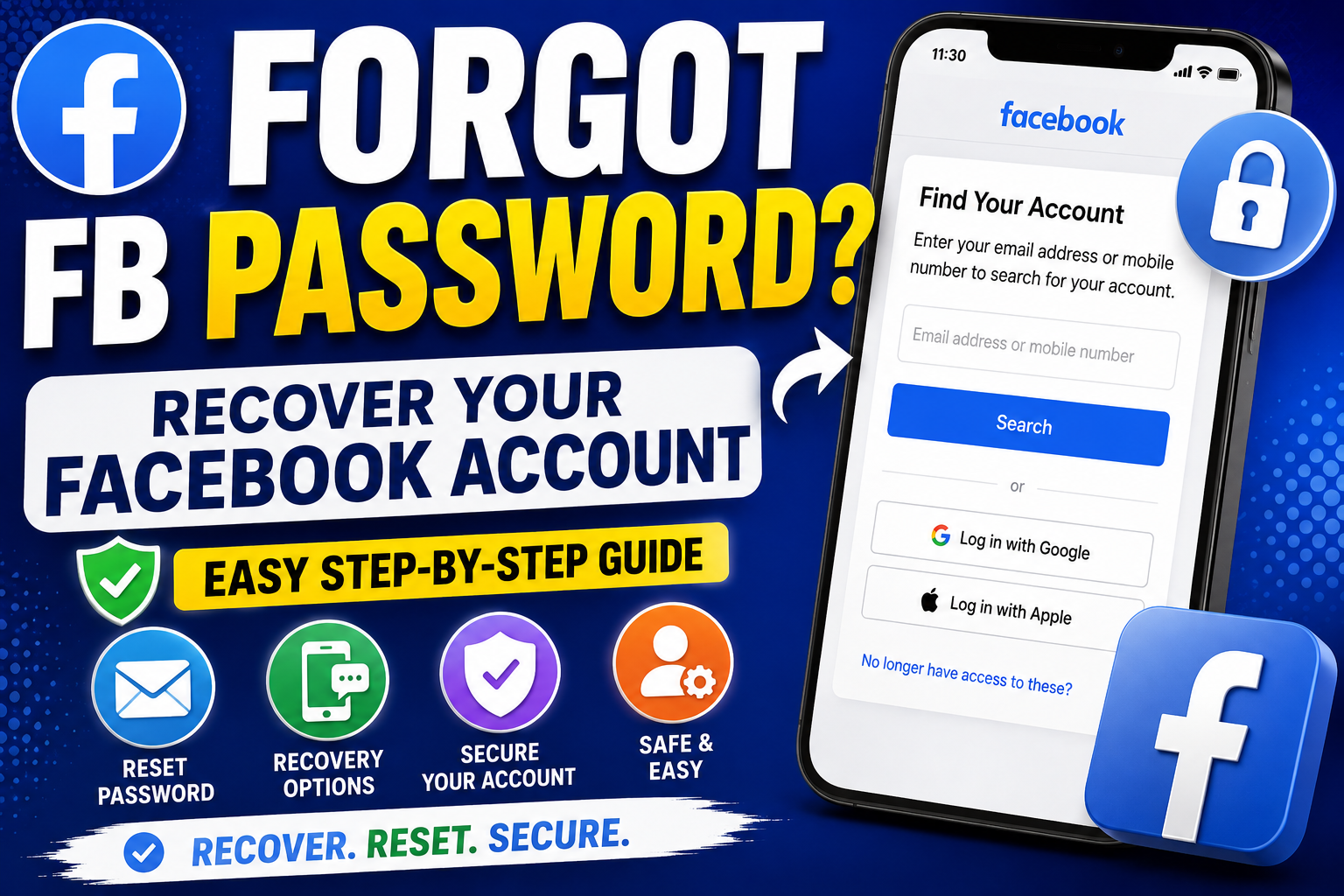
Forgot FB Password? Here's How to Recover Your Facebook Account
Have you forgot your FB password and can't log in to your Facebook account?
Don't worry. Forgetting a Facebook password is common, and in many cases you can regain access by using Facebook's official account-recovery process.
You don't necessarily need to remember your old password. Facebook can provide recovery options based on information associated with your account, such as your email address or mobile phone number.
This guide explains what to do if you've forgotten your Facebook password and what you can try if you no longer have access to your recovery email or phone.
How to Reset Your Facebook Password
If you still have access to the email address or phone number connected to your Facebook account, resetting your password is usually straightforward.
Step 1: Open Facebook
Go to Facebook's login page using the official Facebook website or app.
Step 2: Select "Forgot password?"
Look for the Forgot password? option on the login screen.
Step 3: Find Your Account
Facebook may ask you to enter information such as:
- Email address
- Mobile phone number
- Name
- Username
Enter information associated with your account.
Step 4: Select a Recovery Method
Depending on what's available for your account, Facebook may offer a way to receive a recovery code or link.
Step 5: Verify Your Identity
Follow the instructions provided by Facebook.
Step 6: Create a New Password
Once Facebook allows you to reset your password, create a new password that you haven't used previously.
What If You Forgot Your Facebook Password but Still Have Your Phone Number?
If your phone number is still connected to your Facebook account, account recovery may be easier.
You can try the Forgot password? option and provide your phone number when Facebook asks you to identify your account.
If Facebook finds your account, follow the available verification instructions.
What If You Forgot Your Facebook Password and Email?
If you don't remember the email address associated with your account, try using another piece of information Facebook accepts for account identification, such as your phone number or name.
You can also check:
- Old emails from Facebook
- Saved browser passwords
- Your phone's password manager
- Other devices where you may still be logged in
- Facebook account information in your existing sessions
Never share a recovery code or password with another person.
What If You Don't Have Access to Your Email or Phone?
This situation can be more complicated.
If you no longer have access to the recovery email address or phone number, use Facebook's official account-recovery options and follow the identity-verification instructions Facebook provides.
The recovery options available can vary depending on your account and security settings.
Avoid websites that claim they can "recover your Facebook password" if they ask you to send them your password, login cookies, verification codes or other sensitive credentials.
Can You Recover Facebook Without Knowing Your Old Password?
Yes, potentially.
You normally don't need to know your old password to initiate a password reset.
Instead, Facebook uses its account-recovery process to verify that you are the legitimate account owner.
However, successfully recovering an account depends on the recovery information and verification options available to you.
What If Facebook Doesn't Send the Recovery Code?
If you requested a code but haven't received it, check:
Your Email
Look in:
- Inbox
- Spam
- Junk
- Promotions
Your Phone
Make sure your phone can receive SMS messages and that the number you're checking is the one associated with your Facebook account.
You should also avoid repeatedly requesting codes in quick succession, as this can make troubleshooting more difficult.
I Can't Find My Facebook Account
If Facebook can't find your account, double-check the information you're entering.
Try:
- Your current email address
- An older email address
- Your mobile number
- An older mobile number
- Your Facebook name
- Your username
You can also ask a trusted friend to look at your Facebook profile and confirm the name or profile information associated with your account.
What If You're Still Logged Into Facebook on Another Device?
This can make recovery much easier.
If Facebook is still open on your:
- Smartphone
- Tablet
- Laptop
- Desktop browser
don't immediately log out.
Instead, go to your Facebook account's Password and security settings and review the available options for changing your password and securing your account.
After changing your password, review your logged-in devices and remove sessions you don't recognize.
How to Create a Strong New Facebook Password
Once you regain access, create a strong and unique password.
A good password should:
- Be difficult to guess
- Not contain obvious personal information
- Be different from passwords used on other websites
- Be reasonably long
-
Avoid simple patterns such as
123456
Consider using a reputable password manager to generate and store unique passwords.
Turn On Two-Factor Authentication
After recovering your account, consider enabling two-factor authentication (2FA).
2FA adds an additional security step when logging into your account from an unfamiliar device or location.
This can help protect your account even if someone obtains your password.
How to Avoid Losing Your Facebook Account Again
Once you've recovered your account, take a few minutes to improve its security.
Keep Your Recovery Information Updated
Make sure you have access to the email address and phone number associated with your account.
Enable Two-Factor Authentication
This adds another layer of protection.
Review Logged-In Devices
Remove devices and sessions you don't recognise.
Don't Share Verification Codes
Facebook recovery codes should be treated like passwords.
Avoid Suspicious Login Pages
Always check that you're using Facebook's legitimate website or official app before entering your credentials.
Beware of Facebook Password Recovery Scams
When people search for forgot FB password, they may encounter websites or individuals claiming they can recover an account for them.
Be extremely careful.
A legitimate recovery process should not require you to give a stranger:
- Your Facebook password
- Your SMS verification code
- Your email password
- Your authentication codes
- Your browser cookies
- Your recovery codes
If someone asks for these details, don't provide them.
Forgot FB Password: Quick Recovery Checklist
If you've forgotten your Facebook password, follow this checklist:
1. Open Facebook's official login page.
2. Select Forgot password?
3. Identify your account.
4. Select an available recovery method.
5. Complete Facebook's verification process.
6. Create a new, unique password.
7. Review your logged-in devices.
8. Enable two-factor authentication.
