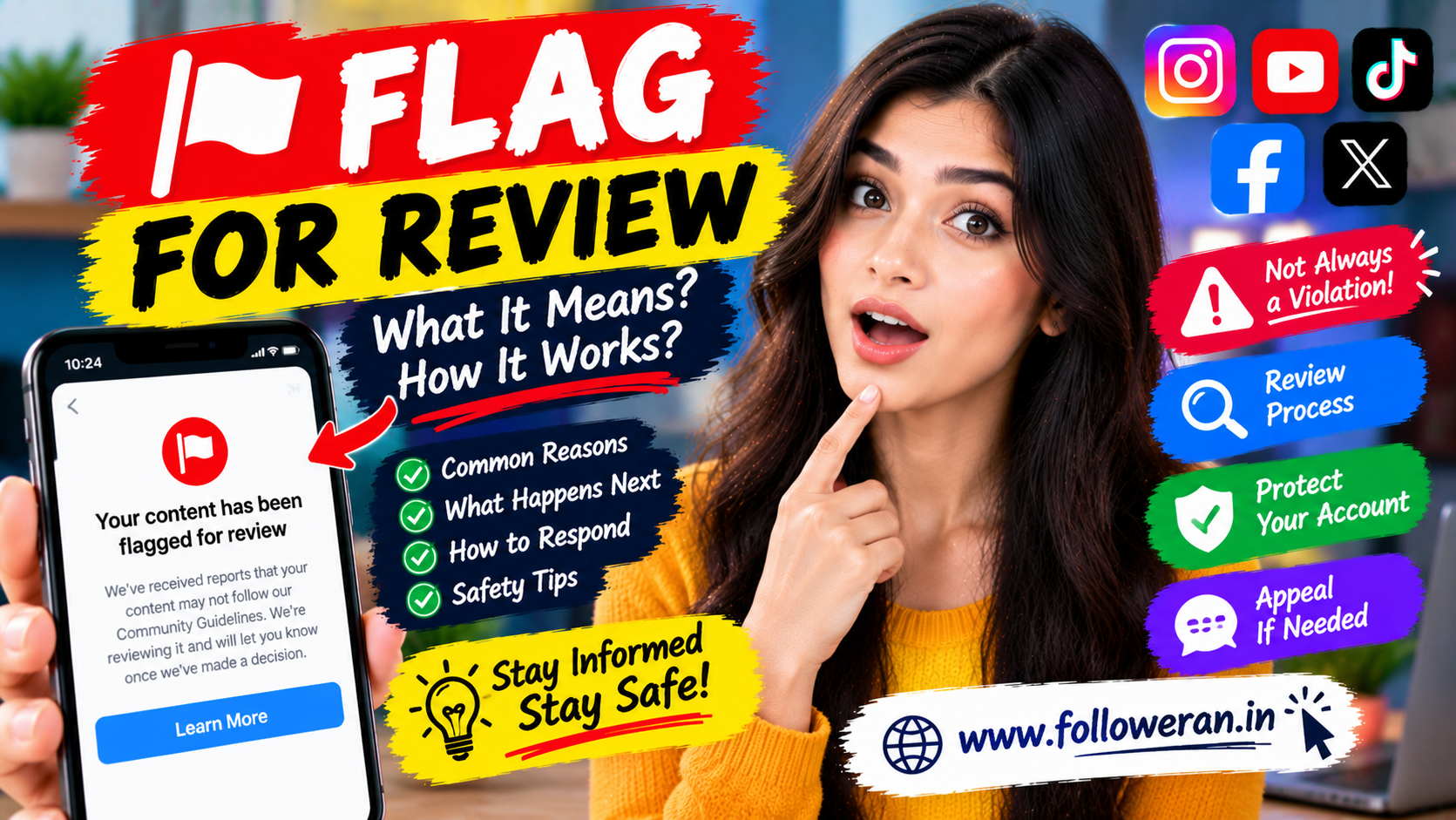
Flag for Review: What It Means and What You Should Do
Seeing a flag for review message can be confusing, especially when you're not sure what triggered it or what will happen next.
On social-media platforms, websites, marketplaces and online services, a flag for review generally means that a piece of content, account, activity or submission has been identified for additional checking.
The word flag doesn't automatically mean that you have broken a rule. In many cases, content can be sent for review because an automated system detected something unusual, another user submitted a report or the platform wants a human or automated system to make a further decision.
This guide explains what flag for review means, why something can be flagged, what happens after a review and how to respond appropriately.
What Does "Flag for Review" Mean?
Flag for review generally means:
Something has been identified for additional evaluation.
The item being reviewed could be:
A social-media post
A comment
A video
A photo
A profile
An advertisement
A product listing
A message
An account activity
A submitted document
A user report
A flag is usually a signal that more checking may be required.
Does Flag for Review Mean You Did Something Wrong?
Not necessarily.
A review flag can happen because:
Automated systems detected a possible issue
Someone reported the content
A platform detected unusual activity
The content contains a sensitive topic
The system couldn't confidently classify the content
The platform needs additional information
A flag should therefore be treated as a review status, not automatically as a final decision.
Why Is Content Flagged for Review?
There are many possible reasons.
Community Guidelines
Content may be checked against platform rules.
Spam Detection
Rapid or repetitive activity can sometimes trigger automated systems.
Suspicious Activity
Unusual account behaviour may lead to additional checking.
User Reports
Another user may report content for possible violations.
Advertising Review
Ads can go through additional checks before or after publication.
Sensitive Topics
Certain subjects may receive additional scrutiny.
Automated Errors
Automated detection systems can sometimes flag content incorrectly.
Automated Flags vs Human Review
A platform may use automated systems to identify content that needs attention.
For example:
Content uploaded → Automated check → Possible issue detected → Flag for review
The review process may then involve:
Additional automated checks
Human moderation
Additional information
An appeal process
The exact workflow differs between platforms.
What Happens After Something Is Flagged?
A platform may take several different actions.
No Action
The content is reviewed and allowed to remain.
Limited Visibility
The content may receive restrictions while under review or afterward.
Content Removal
If a violation is confirmed, the content may be removed.
Warning
The platform may issue a warning.
Account Restriction
Repeated or serious issues can sometimes lead to restrictions.
Appeal
You may be given an opportunity to challenge the decision.
A flag itself doesn't tell you which outcome will happen.
How Long Does a Flag for Review Take?
There is no universal review time.
It can depend on:
Platform
Type of content
Number of reports
Severity
Review queue
Automation
Need for human review
Some decisions may happen quickly.
Others may take longer.
Avoid assuming that a review will always be completed within a specific number of hours.
Why Is My Content Still Under Review?
A review can take longer when:
The platform receives many reports
The issue requires additional checks
Human review is needed
The system needs more context
The content involves a sensitive category
Repeatedly changing the content during a review may make the situation more difficult to understand, so it's usually better to follow the platform's instructions.
What Does "Your Content Has Been Flagged for Review" Mean?
This wording typically indicates that your content has been identified for additional evaluation.
It doesn't necessarily mean:
"Your content has been permanently rejected."
Instead, think of it as:
"This content needs to be checked before a final decision is made."
Flag for Review on Social Media
Social-media platforms may review:
Posts
Reels
Videos
Stories
Comments
Messages
Ads
Profiles
Account activity
Common triggers can include:
Spam-like behaviour
Copyright concerns
Sensitive content
Misleading information
Impersonation
Harassment
Suspicious automation
User reports
The exact rules depend on the platform.
Flag for Review on Instagram
On Instagram, users may encounter review-related restrictions involving content, accounts, recommendations or reports.
Possible reasons can include:
Community guideline concerns
Spam detection
Unusual account activity
User reports
Content classification
A review message doesn't automatically prove that a violation occurred.
If Instagram provides an option to request a review or appeal a decision, use the official in-app process.
Flag for Review on Facebook
Facebook may review posts, Pages, advertisements and account activity.
Possible triggers include:
Reported content
Community Standards concerns
Advertising-related checks
Suspicious activity
Spam detection
The appropriate response is to review the notice provided by Facebook and follow its official appeal or review instructions where available.
Flag for Review on TikTok
TikTok may review content when automated systems or reports identify a potential issue.
Examples can include:
Videos
Comments
Accounts
LIVE-related activity
Advertising content
The best response is to read the exact notice and determine whether an appeal or review option is provided.
Flag for Review on YouTube
YouTube can evaluate videos, comments, channels and other content for policy compliance.
A review may be associated with:
Community Guidelines
Copyright-related issues
Advertising suitability
Spam
Other platform policies
Check the specific reason given in your account rather than assuming what triggered the review.
Flag for Review for Ads
Advertising platforms often use automated and manual review processes.
An advertisement may be reviewed for:
Policy compliance
Landing-page quality
Misleading claims
Restricted products
Image or text issues
Targeting
Account history
An ad being reviewed doesn't necessarily mean that it will be rejected.
Why Can a Good Advertisement Be Flagged?
Even compliant ads can sometimes trigger additional checks.
Possible reasons include:
Automated Detection
A keyword or image may resemble content associated with a restricted category.
Unusual Changes
Large changes in creative, budget or targeting may trigger checks.
Landing Page Issues
The destination may need verification.
Policy Ambiguity
The system may need more context.
That's why a review doesn't automatically mean the ad is invalid.
How to Respond When an Ad Is Flagged
Start by reading the exact reason.
Then review:
Ad copy
Images
Targeting
Landing page
Business information
Claims
Restricted terms
Don't immediately create dozens of duplicate ads.
Instead, identify the potential issue and make deliberate corrections.
Flag for Review in Content Moderation
Content moderation systems often work through multiple stages.
A simplified model is:
Detection → Flag → Review → Decision → Appeal if available
Detection can come from:
Automated systems
User reports
Moderators
Pattern analysis
The purpose of the flag is to identify content that deserves closer attention.
Why Automated Systems Make Mistakes
Automated moderation systems work with patterns.
They may misunderstand:
Sarcasm
Context
Slang
Quotes
Educational discussions
News reporting
Cultural references
For example, a user may quote a harmful phrase while discussing why it is wrong.
A system could potentially interpret the phrase without fully understanding the context.
This is one reason review and appeal mechanisms can be important.
What to Do When You Believe a Flag Is Wrong
If you're confident that your content follows the applicable rules:
Read the Notice
Find the exact reason for the flag.
Review the Content
Look at the specific section that may have caused concern.
Check the Rules
Compare the content with the platform's stated requirements.
Request a Review
Use the official appeal or review process if available.
Provide Context
Explain the purpose of the content clearly and factually.
Don't submit multiple emotional appeals saying only:
"I did nothing wrong."
A specific explanation is usually more useful.
What Not to Do After Being Flagged
Avoid panic.
Don't:
Create multiple replacement accounts immediately
Spam support forms
Share your password with "unflag" services
Pay unknown people who promise instant removal
Install suspicious software
Give away verification codes
Repeat the same potentially problematic action
A flag should be handled carefully rather than emotionally.
Can Someone Pay to Remove a Flag?
Be very cautious.
Scammers may claim:
"Pay me and I'll remove your restriction."
or:
"Send your login details and I'll unflag your account."
These claims should be treated as suspicious.
Never give your:
Password
OTP
Two-factor authentication code
Backup codes
to someone claiming they can remove a platform flag.
Flag for Review vs Account Suspension
These are not necessarily the same.
Flag for Review
Something is being examined.
Restriction
A feature or activity may be temporarily limited.
Suspension
Account access or functionality may be significantly restricted.
A review may occur before a platform decides whether additional action is necessary.
Flag for Review vs Content Removal
Again, these are different.
Flagged for review means evaluation.
Removed means the platform has already taken a removal action.
The exact sequence can vary.
Can a Flag Affect Reach?
Potentially, depending on the platform and the type of review.
Some services may temporarily restrict content visibility or distribution while a decision is being made.
However, you shouldn't assume that every review flag automatically causes a reach penalty.
Review the exact notice and available account information.
Can a Flag Affect Account Trust?
Some platforms may consider previous account behaviour when determining how future activity is handled.
That doesn't mean one review flag automatically damages your account permanently.
Focus on:
Following rules
Avoiding spam
Maintaining normal activity
Using official features
Correcting confirmed problems
How to Avoid Getting Flagged for Review
You can't guarantee that a platform will never flag something.
However, you can reduce avoidable problems.
Follow the Rules
Read the current guidelines for the platform you're using.
Avoid Spam
Don't repeatedly publish identical content or messages.
Use Honest Claims
Avoid misleading titles, offers or advertisements.
Avoid Suspicious Automation
Be careful with unofficial tools that automate large amounts of activity.
Respect Copyright
Don't use content you don't have rights to use.
Be Transparent
Clearly identify promotions and commercial relationships when applicable.
How Posting Behaviour Can Trigger Reviews
Rapid or repetitive activity can sometimes look unusual.
Examples include:
Extremely high posting frequency
Repeated comments
Large numbers of follows
Repeated identical messages
Aggressive automation
Normal user activity can vary, so there isn't one universal threshold that guarantees a flag.
The practical rule is:
Avoid spam-like behaviour.
Flag for Review and Automation
Automation deserves extra caution.
Some third-party tools promise:
Auto-follow
Auto-like
Auto-comment
Auto-message
View generation
These activities can create account-management and policy risks.
Unknown automation software can also create security risks if it requests your credentials.
How to Protect Your Account
Use good account-security practices.
Strong Password
Use a unique password.
Two-Factor Authentication
Enable it where available.
Review Login Activity
Check for unfamiliar sessions.
Remove Unknown Connections
Disconnect services you no longer use.
Avoid Suspicious Links
Don't enter credentials into random websites.
Use Official Apps
Prefer official applications and services.
What If Your Account Was Flagged After Using a Third-Party Tool?
Consider whether the timing is connected.
Review recently used:
Automation services
Browser extensions
Follower tools
Engagement platforms
Modified applications
If you entered your password into an unfamiliar service, change the password and secure the account.
How Businesses Should Handle a Review Flag
Businesses should avoid reacting impulsively.
Instead:
Identify → Review → Correct → Appeal if appropriate → Monitor
Identify
Find the exact reason.
Review
Check the content or activity.
Correct
Fix genuine problems.
Appeal
Request another review when you believe the decision is incorrect.
Monitor
Watch for similar issues.
This turns a frustrating situation into a process.
How Creators Should Handle a Flag
Creators can use the experience to understand what triggered the review.
Ask:
Was the title misleading?
Did the video contain restricted material?
Was music used appropriately?
Did a third party report the content?
Did automated activity occur?
Don't assume every flag means you've done something wrong.
Flag for Review and Copyright
Copyright-related reviews can be particularly confusing.
A platform may evaluate:
Music
Video footage
Images
Clips
Audio
Reused content
Make sure you understand what rights you have before publishing material that belongs to someone else.
Flag for Review and Community Guidelines
Community guidelines generally define what content is allowed, restricted or prohibited.
A review may examine whether content includes:
Harassment
Hate
Violence
Sexual content
Dangerous activities
Spam
Deception
Other restricted categories
Always read the specific platform's current rules because policies can change.
Can Deleting Flagged Content Solve the Problem?
Not necessarily.
Deleting content may remove the public post, but it doesn't automatically erase a platform's internal review record or resolve a restriction.
Before deleting anything, read the notice and understand the consequences.
Should You Repost Flagged Content?
Avoid immediately reposting the same material without understanding the reason for the flag.
If there is an actual policy issue, reposting identical content can lead to the same result.
Correct the underlying problem first.
How to Write an Appeal
A good appeal should be:
Short
Factual
Specific
Professional
For example:
"I believe this content was flagged incorrectly. The post is educational and does not promote the activity described in the review notice. Please review the content and surrounding context."
Don't exaggerate or threaten support staff.
Flag for Review Checklist
When you see a review notice:
☑ Read the exact message
☑ Identify the content involved
☑ Check the relevant policy
☑ Review recent account activity
☑ Remove suspicious third-party access
☑ Avoid repeating the flagged behaviour
☑ Use the official appeal process if appropriate
☑ Keep your account credentials private
☑ Monitor for further notices
A Simple Troubleshooting Process
Use this five-step approach:
Step 1: Understand
What exactly was flagged?
Step 2: Verify
Does the notice appear inside the official platform?
Step 3: Investigate
What content or activity triggered it?
Step 4: Respond
Correct or appeal as appropriate.
Step 5: Secure
Review passwords, permissions and connected services.
This approach helps avoid making the situation worse.
Common Flag for Review Scenarios
Social Media Post
A post is reported or automatically detected.
Advertisement
An ad enters policy review.
Account Activity
Unusual actions trigger additional checking.
Marketplace Listing
A product description requires verification.
Comment
A comment is flagged because of language or context.
Video
The platform reviews audio, visuals or subject matter.
The specific reason depends on the platform.
Frequently Asked Questions
What does flag for review mean?
It generally means that content, an account or an activity has been identified for additional checking.
Does flag for review mean I broke a rule?
No. A flag is not always a final finding of wrongdoing.
Why was my content flagged for review?
Possible reasons include automated detection, user reports, suspicious activity, policy concerns, sensitive subjects or classification errors.
How long does a review take?
There is no universal time limit. The duration depends on the platform, queue and type of issue.
Can a flagged post still be approved?
Yes. A review can result in no further action when the content is found to comply.
Can a flagged post be removed?
Yes, if the platform determines that it violates its rules.
Can I appeal a flag for review?
Some platforms provide review or appeal options. Use the official process shown in your account.
Should I delete flagged content?
Not automatically. Read the notice first and understand what action the platform recommends.
Should I repost content that was flagged?
Don't repost the same content without understanding why it was flagged. If there is a genuine policy issue, correct it first.
Can a flag reduce my reach?
It can depend on the platform and type of review. Don't assume that every flag automatically causes a permanent reach penalty.
Can I pay someone to remove a flag?
Be very cautious. Promises to remove flags in exchange for your password, OTP or payment may be scams.
Should I give my password to someone offering to unflag my account?
No. Keep your password, OTP and two-factor authentication codes private.
Can automation cause a review flag?
Certain automated or unusual activities may create additional scrutiny. Unknown automation tools can also create security risks.
What should I do if I think the flag is wrong?
Read the notice, review the applicable policy and submit an official appeal or review request when available.
Can one flag permanently damage my account?
Not necessarily. The impact depends on the platform, the reason for the review and any subsequent decision.
How can I avoid being flagged?
Follow platform rules, avoid spam, use honest claims, respect copyright, avoid suspicious automation and use official tools.
Final Thoughts
A flag for review is best understood as a signal that something needs additional evaluation. It doesn't automatically mean that your account or content has been found guilty of violating a rule.
Whether you're dealing with a social-media post, advertisement, video, account or marketplace listing, start by reading the exact notice and identifying what triggered the review.
Don't panic, don't share your login credentials with anyone promising a quick fix and don't repeatedly repost potentially problematic content before understanding the issue.
Treat a review flag as a prompt to investigate, correct genuine problems and use the official review process—not as a reason to take risky shortcuts.
