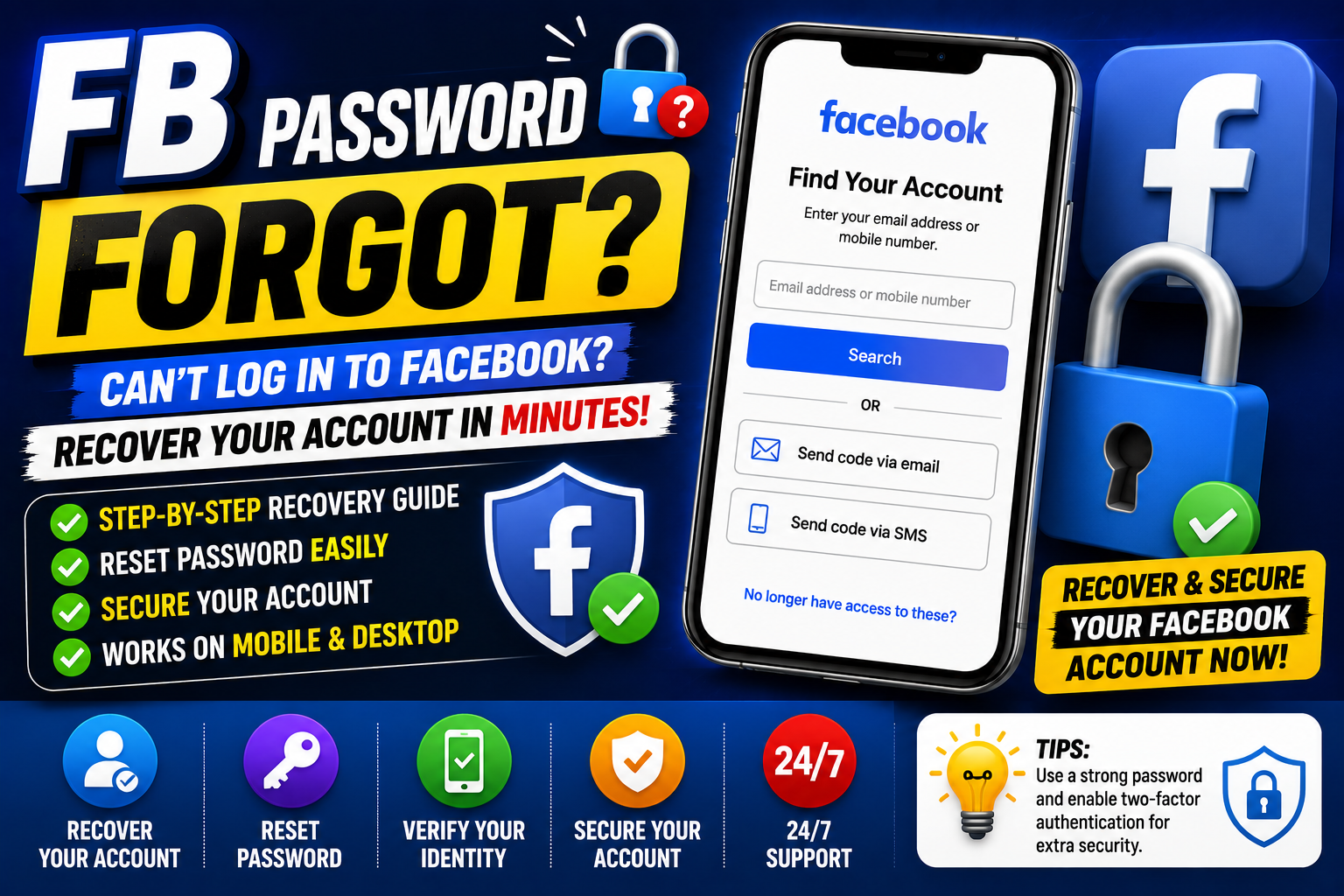
FB Password Forgot: How to Recover Your Facebook Account
If you've searched for “FB password forgot,” you're probably trying to regain access to your Facebook account after forgetting your password.
Fortunately, forgetting your Facebook password doesn't necessarily mean you've lost your account. Facebook provides account-recovery options that can help you reset your password and regain access.
The safest approach is to use Facebook's official recovery process rather than third-party websites claiming they can recover or bypass your account.
What to Do If You Forgot Your Facebook Password
If you can't remember your Facebook password, start with the account-recovery option on the Facebook login page.
A typical recovery process involves:
- Open Facebook's login page or app.
- Select Forgot account? or the available password-recovery option.
- Enter your email address, mobile number or other account information.
- Identify your account.
- Choose an available recovery method.
- Complete the verification process.
- Create a new password.
- Log in with your new password.
Facebook's login interface currently provides a “Forgot account?” option for users who need account recovery.
How to Reset a Forgotten Facebook Password
The exact options available can depend on the recovery information connected to your account.
Step 1: Go to Facebook
Open the official Facebook website or the Facebook application.
Step 2: Select the Forgotten-Account Option
On the login screen, look for the option relating to a forgotten account or password.
Step 3: Find Your Account
Enter information associated with your account, such as your email address or phone number.
Step 4: Select a Recovery Method
Facebook may show available ways to verify your identity and regain access.
Step 5: Create a New Password
After successfully completing the recovery process, create a strong password that you haven't used elsewhere.
Forgot Facebook Password but Still Have Your Email
If you still have access to the email address connected to your Facebook account, account recovery can be more straightforward.
Make sure you can access the email account before starting the recovery process.
If Facebook sends a security or password-reset message, carefully verify that it is a legitimate Facebook communication before following the instructions.
Forgot Facebook Password and Phone Number
Losing access to your phone number can make account recovery more difficult.
Try the other recovery options offered by Facebook.
If you still have access to the email address associated with your Facebook account, use that option when it is available.
Don't provide your password or verification codes to people claiming they can recover your account.
Forgot Facebook Password and Email
If you've lost access to both your email address and phone number, recovery may require additional verification.
Use Facebook's official account-recovery options and follow the instructions presented for your account.
Avoid websites promising an instant password bypass or guaranteed Facebook recovery.
What If You Think Your Facebook Account Was Hacked?
If you didn't simply forget your password and believe someone else changed it, treat the situation as a potential account-security issue.
Look for signs such as:
- Your password suddenly stops working.
- Your email address has changed.
- Your phone number has changed.
- Unfamiliar posts appear.
- Messages were sent without your permission.
- Unknown login activity appears.
- Your profile information was changed.
In this situation, use Facebook's official recovery process rather than trying random password-reset websites.
Create a Strong New Facebook Password
After recovering your account, create a new password that is difficult to guess.
A good password should be:
- Unique
- Long
- Difficult to predict
- Unrelated to obvious personal information
- Different from passwords used on other websites
Avoid using the same password for Facebook and your email account.
Secure Your Facebook Account After Recovery
Recovering your account is only the first step.
After you regain access, review your account security.
Review Login Activity
Look for devices or locations that you don't recognise.
Enable Two-Factor Authentication
Two-factor authentication can add an additional layer of protection to your account.
Check Your Contact Information
Make sure your email addresses and phone numbers are correct.
Review Connected Accounts
Check whether any unfamiliar services or accounts have access to your Facebook account.
Remove Suspicious Activity
Review recent posts, messages and account changes for anything you didn't make yourself.
Avoid Facebook Password-Recovery Scams
People searching for FB password forgot are sometimes targeted by scammers.
Be cautious of anyone promising:
- Instant Facebook recovery
- Guaranteed account access
- Password bypasses
- Secret Facebook contacts
- Employee access
- Account recovery for an upfront payment
Never give your Facebook password, email password, authentication codes or recovery codes to an unknown person.
How to Protect Your Facebook Account
Once you've recovered your account, take a few additional security steps.
Use a Unique Password
Don't reuse your Facebook password on other websites.
Protect Your Email
Your email account can be important for password recovery, so secure it with a strong password and additional security features.
Enable Two-Factor Authentication
Use an available two-factor authentication method to strengthen account security.
Be Careful With Links
Don't enter Facebook login information on suspicious websites reached through messages, advertisements or emails.
Keep Recovery Information Updated
Make sure your recovery email address and phone number are current.
Common Facebook Password Problems
I Forgot My Facebook Password
Use Facebook's account-recovery option to identify your account and reset the password.
Facebook Isn't Sending My Recovery Code
Check that you're using the correct email address or phone number and look in your email spam or junk folder.
If recovery options aren't working, follow the additional instructions provided by Facebook.
My Facebook Password Was Changed Without Me
Your account may have been compromised. Use Facebook's official account-recovery process and secure your email account.
I Can't Access My Old Phone Number
Try another recovery method available for your account, such as an accessible email address.
Someone Changed My Email Address
Check your original email account for legitimate Facebook security notifications and follow Facebook's recovery instructions.
Facebook Password Recovery vs Creating a New Account
If you've forgotten your password, don't immediately create another Facebook account.
Try recovering the existing account first.
Your original account may contain:
- Friends
- Photos
- Posts
- Messages
- Pages
- Groups
- Business information
Recovering the existing account can help preserve your account history.
Frequently Asked Questions
How do I recover my Facebook account if I forgot my password?
Use Facebook's official account-recovery option and enter information associated with your account. Follow the verification instructions provided.
What should I do if I forgot my FB password?
Go to Facebook's login screen and select the account or password recovery option. Then follow the available recovery steps.
Can I reset my Facebook password without my old password?
Yes, Facebook's account-recovery process is designed for situations where you can't remember your current password.
What if I forgot my Facebook password and email?
Try the other recovery options available for your account, such as a connected phone number or additional identity-verification steps.
Is it safe to use a third-party Facebook password recovery website?
Be very cautious. Use Facebook's official recovery process and never provide your password or security codes to an unknown third party.
How can I prevent forgetting my Facebook password again?
Use a reputable password manager, create a unique password and keep your account recovery information up to date.
Final Thoughts
If you've forgotten your FB password, don't panic. Start with Facebook's official account-recovery process and use the recovery information connected to your account.
After regaining access, create a strong unique password, enable additional security protections and review your account for unauthorised changes.
Most importantly, avoid unofficial password-bypass services and never share your login credentials or security codes with strangers.
