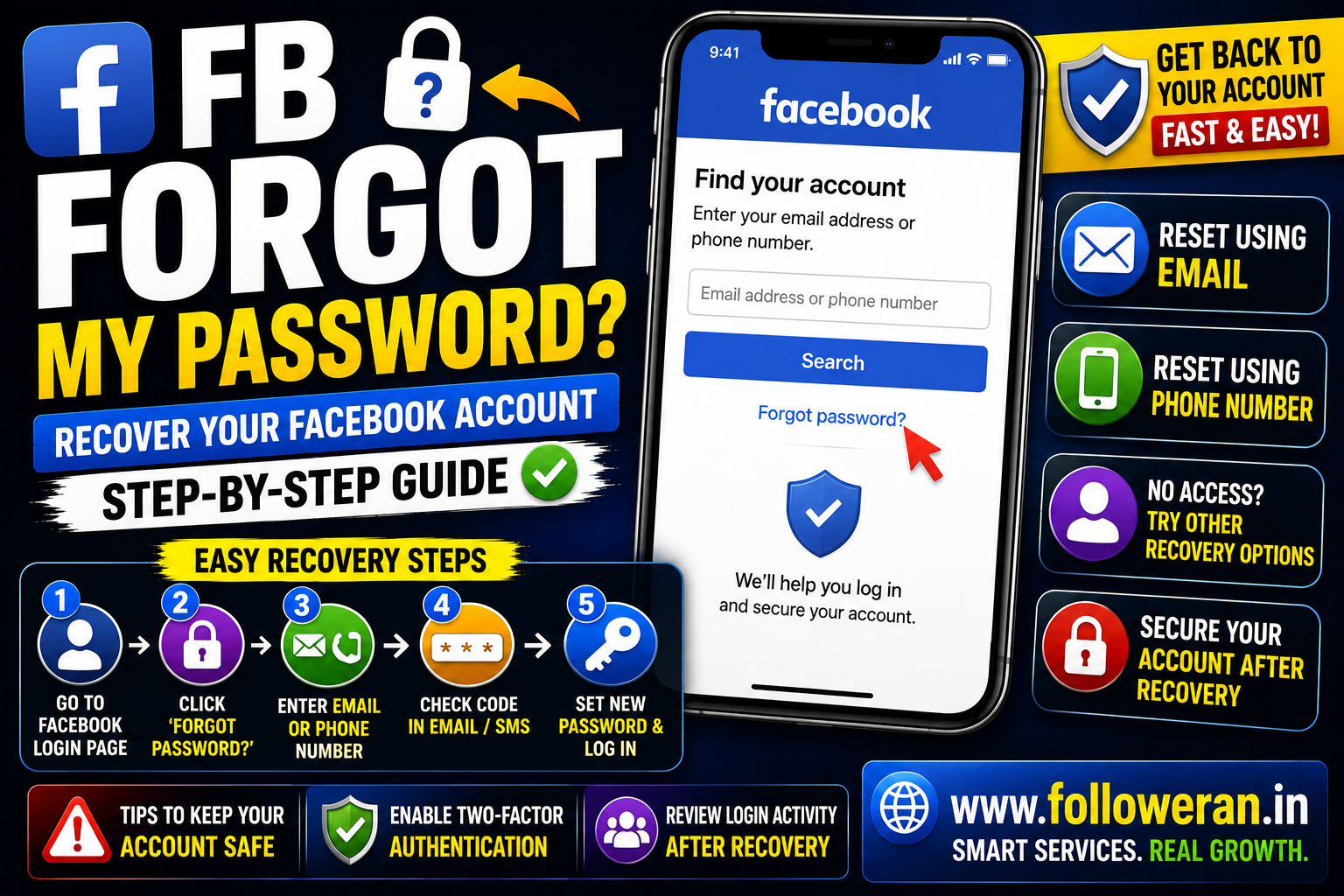
FB Forgot My Password: How to Reset and Recover Your Facebook Account
If you're searching for “fb forgot my password,” you're probably trying to regain access to your Facebook account after forgetting your password.
The good news is that forgetting your password does not usually mean you've lost your account. Facebook provides an official account-recovery process that can use the email address or mobile phone number associated with your account.
This guide explains how to reset your Facebook password, what to do if you don't receive a recovery code, and what to do when you no longer have access to your email or phone.
How to Reset Your Facebook Password
The easiest method is to use Facebook's official login and recovery process.
Step 1: Open Facebook
Go to the Facebook login page and select Forgot account? or the equivalent password-recovery option. Facebook's current login page provides an account-recovery route from the sign-in screen.
Step 2: Find Your Account
Enter information associated with your Facebook account, such as:
- Email address
- Mobile phone number
- Other identifying account information requested by Facebook
Facebook's account-recovery system provides options for users who cannot log in.
Step 3: Choose a Recovery Method
If Facebook can identify your account, it may offer a way to receive a recovery code through an available email address or phone number.
Step 4: Enter the Code
Check your email or SMS for the recovery code.
If you don't receive it immediately, check your spam or junk folder and make sure your phone has network connectivity. Facebook recommends waiting a few minutes before requesting another code.
Step 5: Create a New Password
Once verified, choose a new password that you haven't used on another website.
What If I Don't Receive the Facebook Password Reset Code?
There are several things to check.
Check Your Spam Folder
The email may have been filtered into spam or junk.
Check Your Phone Signal
If you're waiting for an SMS, make sure your phone can receive messages.
Wait Before Requesting Another Code
Facebook recommends waiting a few minutes and then trying again if a code doesn't arrive.
Make Sure You're Using the Correct Email or Phone Number
An old email address or phone number may no longer be associated with the account.
I Forgot My Facebook Password but Still Have My Email
This is usually one of the simpler recovery situations.
Use Facebook's password-reset process and select the email address associated with your account.
Once you receive the recovery message, follow Facebook's instructions to create a new password.
I Forgot My Facebook Password but Still Have My Phone Number
You can also attempt recovery through the mobile number associated with your account.
Enter the number during Facebook's account-recovery process and follow the verification instructions.
Facebook notes that users who have access to the login email or mobile number can try resetting their password.
I Forgot My Facebook Password and Don't Have My Email
This situation can be more difficult, but Facebook provides additional recovery options for people who no longer have access to the email address or phone number associated with the account.
Start with Facebook's official account-recovery process and follow the options presented for your account.
Avoid websites claiming they can bypass Facebook's security.
I Forgot My Facebook Password and Lost My Phone
If the phone number connected to your Facebook account is no longer available, try recovering the account through another available recovery method, such as your email address.
If neither your email nor phone is accessible, use Facebook's account-recovery guidance for that situation.
What If Your Facebook Account Was Hacked?
Forgetting a password and having your account hacked are different situations.
If you believe someone else changed your password or took control of the account, Facebook directs users to:
facebook.com/hacked
Facebook specifically recommends visiting this recovery page from a device that you've used to log in to Facebook before.
What If the Hacker Changed Your Email or Phone Number?
If your recovery details were changed without your permission, use Facebook's hacked-account recovery process rather than repeatedly attempting normal password resets.
Facebook also provides guidance for situations where an email address has been removed from an account and directs compromised users to Facebook.com/hacked.
How to Recover Facebook Without Your Old Password
You don't need to know your old password to reset it through Facebook's official recovery process.
The recovery flow is designed for people who cannot log in and may use other account information for verification.
Do not use password-cracking services or ask someone else to bypass Facebook security.
What If Facebook Says My Password Is Incorrect?
First, make sure:
- Caps Lock isn't enabled
- You're entering the correct email or phone number
- You're using the correct Facebook account
- Your browser or password manager hasn't inserted an old password
If the password is genuinely unknown, use the password-reset process rather than trying random passwords repeatedly.
How to Choose a Strong New Facebook Password
After recovering your account, create a password that is:
- Long
- Unique
- Difficult to guess
- Not reused on other websites
Avoid using:
- Your name
- Birthday
- Phone number
- Simple sequences
- The same password as your email account
A unique password reduces the impact if another website experiences a data breach.
Enable Two-Factor Authentication
Once you're back into Facebook, strengthen your account with two-factor authentication.
This adds another security layer beyond your password.
Also keep your recovery methods and backup information secure.
Review Login Activity After Recovery
If you suspect someone accessed your account, review recent login activity.
Look for:
- Unknown devices
- Unknown locations
- Browsers you don't recognise
- Sessions you don't remember
Sign out of suspicious sessions where Facebook provides that option.
Check Your Facebook Activity
A compromised account may have been used to:
- Send messages
- Publish posts
- Follow Pages
- Add unfamiliar contacts
- Change profile information
Facebook notes that malicious software or compromised accounts can sometimes result in spam activity, unwanted messages and unfamiliar activity in the account history.
Review your activity after regaining access.
What If You Received a Suspicious Facebook Email?
Be careful with password-reset messages you didn't request.
Facebook says it will never ask for your password in an email or send your password as an attachment. Facebook also lists official email domains, including facebook.com, facebookmail.com, fb.com, meta.com and related domains.
Don't click links in suspicious messages simply because they appear to mention Facebook.
Can Someone Recover My Facebook Password for Me?
Avoid anyone who claims they can reveal, “hack,” or bypass your Facebook password.
A legitimate account-recovery process should be completed through Facebook's own tools.
Never give another person:
- Your Facebook password
- Email password
- OTP
- Two-factor authentication code
- Recovery codes
What If You're Locked Out After Too Many Attempts?
Facebook can temporarily restrict certain recovery or login actions when it detects unusual activity. Current Facebook login pages can display temporary-block messages when a feature has been used too quickly.
If that happens, avoid repeatedly submitting the same request and follow the recovery options Facebook presents.
Facebook Password Reset on Mobile
You can recover your account through Facebook's mobile experience as well.
The general process is:
Open Facebook → Forgot account? → Find your account → Choose recovery method → Enter code → Set new password
The exact wording and interface can differ between the Facebook app, mobile browser and Facebook Lite.
Facebook Password Reset on Computer
On a desktop computer:
- Open Facebook.
- Select Forgot account?
- Enter your email or mobile number.
- Find your account.
- Select an available recovery method.
- Enter the verification code.
- Set a new password.
Facebook's Help Center provides dedicated guidance for people having trouble logging in.
What If You Don't Remember Your Facebook Email?
Try any email address or phone number you may have used when creating the account.
You can also use Facebook's account-recovery tools to help identify your account.
If you're still unable to find it, Facebook's Help Center provides troubleshooting resources for account recovery.
Can I Use a One-Time Facebook Password?
Facebook has documented a one-time-password feature for certain login situations, although availability depends on your account and security setup.
Facebook says one-time passwords aren't available when two-factor authentication is enabled and that qualifying SMS-based one-time passwords expire after 20 minutes.
This is separate from the standard forgotten-password recovery flow.
What If You Can't Recover Your Account?
If normal password recovery doesn't work:
- Check whether you still control the recovery email or phone.
- Try Facebook's official account-recovery flow again.
- Use facebook.com/hacked if you suspect compromise.
- Review Facebook's Help Center recovery options.
- Avoid third-party “account recovery” services.
Facebook maintains dedicated login and account-recovery guidance for these situations.
How to Prevent Forgetting Your Facebook Password Again
Use a Password Manager
A password manager can store a unique Facebook password securely.
Keep Your Recovery Email Updated
Make sure the email account connected to Facebook remains accessible.
Keep Your Phone Number Updated
An active mobile number can make account recovery easier.
Enable Two-Factor Authentication
This provides additional protection against unauthorised logins.
Don't Reuse Passwords
Your Facebook password should be different from your email and other important accounts.
Common FB Forgot My Password Mistakes
Avoid:
- Entering your password into unofficial websites
- Sharing recovery codes
- Using password-cracking services
- Repeatedly requesting codes
- Ignoring your email security
- Clicking suspicious Facebook-looking links
- Assuming a hacked account is merely a forgotten password
- Giving your login details to “recovery experts”
FB Forgot My Password Checklist
Open Facebook's official login page.
Select Forgot account?
Enter your email or phone number.
Find the correct account.
Choose an available recovery method.
Check your email or SMS for the code.
Check spam/junk if the message doesn't arrive.
Create a new unique password.
Enable two-factor authentication.
Review login activity.
If hacked, use facebook.com/hacked.
Secure your email account.
Frequently Asked Questions
What should I do if I forgot my Facebook password?
Use Facebook's official Forgot account? recovery process and reset your password using an available email address or phone number.
How do I reset my Facebook password without my old password?
You can use Facebook's account-recovery process to verify your account and set a new password.
What if I forgot my Facebook password and don't have my phone?
Try recovery through your associated email address or Facebook's additional account-recovery options.
What if I forgot my Facebook password and my account was hacked?
Use Facebook's official hacked-account recovery page at facebook.com/hacked, preferably from a device you've previously used to log in.
What if the hacker changed my Facebook email?
Use Facebook's hacked-account recovery process. Facebook specifically directs users with compromised accounts to Facebook.com/hacked.
Why am I not receiving my Facebook reset code?
Check your spam or junk folder, make sure your phone has signal if you're expecting an SMS, and wait a few minutes before requesting another code.
Does Facebook send passwords by email?
Facebook says it will never ask you for your password in an email or send your password as an attachment.
How can I protect my Facebook account after recovery?
Create a unique password, enable two-factor authentication, review login activity and keep your recovery email and phone number current.
Final Thoughts
If you searched for “fb forgot my password,” start with Facebook's official account-recovery process rather than a third-party password-recovery website.
If you still have access to your account email or phone, resetting the password is generally the simplest route. If you suspect your account was hacked, Facebook specifically recommends using facebook.com/hacked from a device you've used to log in before.
After recovering the account, use a unique password, enable two-factor authentication and review your recent login activity to reduce the chance of another compromise.
For more Facebook, Instagram and social-media resources, visit www.followeran.in.
