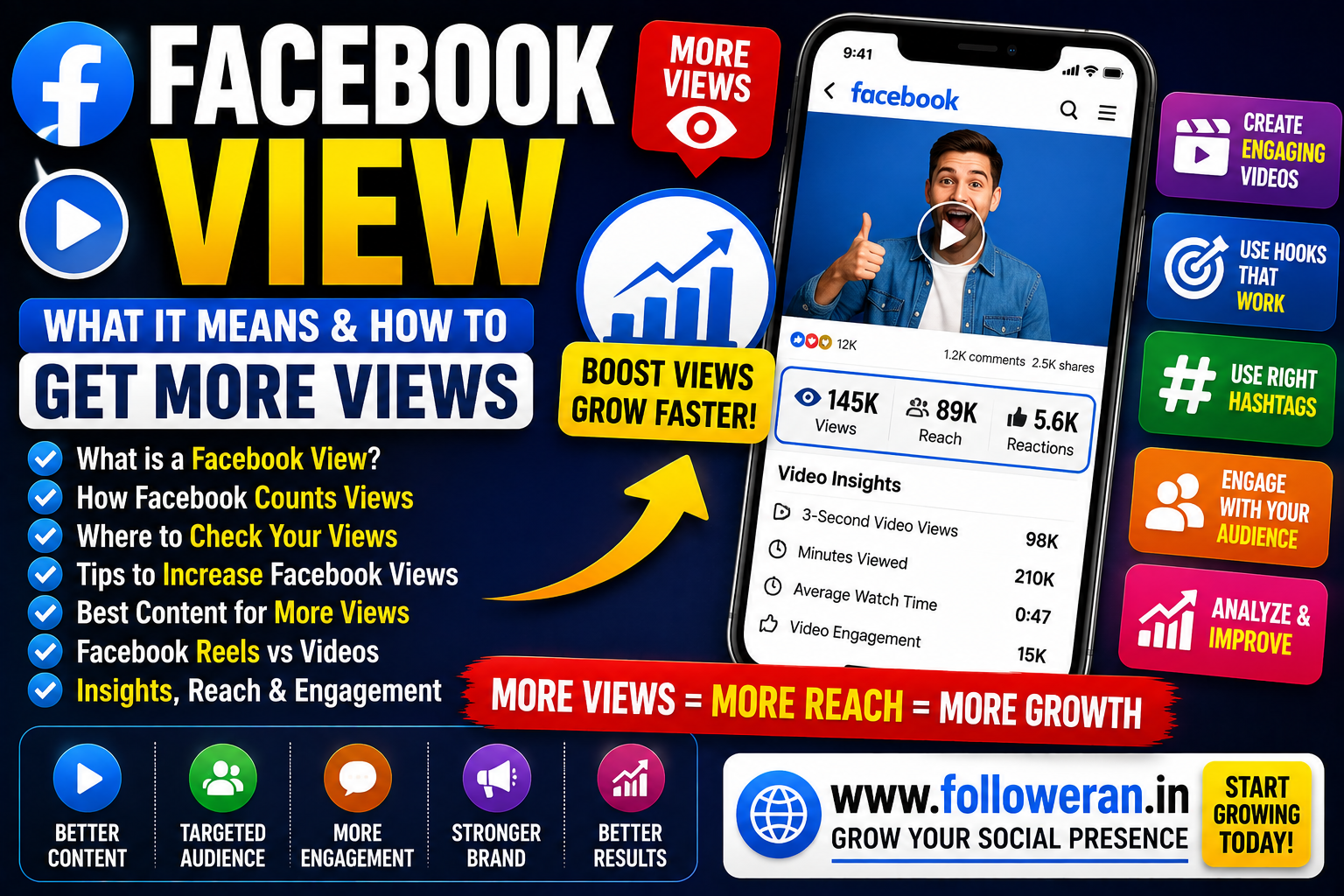
Facebook View: What It Means and How to Get More Facebook Views
If you're searching for Facebook view, you may want to understand what a Facebook view means, how Facebook counts video views, where to check your view count, or how to increase views on your Facebook videos and Reels.
Facebook's current help documentation says views are available for public videos and Reels, while Pages can access additional video-performance metrics through Meta Business Suite. Facebook also renamed its Videos tab to Reels in 2025 as it moved toward sharing videos as Reels.
What Is a Facebook View?
A Facebook view is a measurement of video or Reel viewing activity.
For current Facebook Reels, Meta defines a view as the Reel being played; its help documentation states that a Reel view is recorded after 1 millisecond of playtime. Videos published before March 14, 2024 use a different historical definition of a view.
This is important because the meaning of a view can depend on the content format and when it was published.
Facebook Views vs Reach
Views and reach are not the same thing.
Views relate to video playback or viewing activity.
Reach generally refers to the number of people or accounts exposed to content, depending on the specific Facebook metric.
For Pages, Meta Business Suite provides additional video-performance information, including viewing and engagement metrics.
A video can therefore have many views without reaching the same number of unique people.
How to Check Facebook Views
Facebook provides different ways to check views depending on the content and account type.
For a public video, Facebook says you can find the video and see its view count. For Reels, the current process is available through the Facebook app.
For a Page you manage, you can use:
Facebook → Meta Business Suite → Insights → Video
Meta says Business Suite provides video-performance categories and additional metrics for Page videos.
How to Check Facebook Reel Views
Facebook's current help information provides a Reel-specific view process through the mobile app.
A typical route is:
- Open Facebook.
- Go to the Reels section.
- Find the Reel.
- Open the Reel and view its available information.
Facebook also states that public Reel and video view counts can be visible while using the platform.
What Metrics Should You Track Besides Views?
Views are only one part of Facebook performance.
For Page videos, Meta Business Suite can show metrics such as:
- Minutes viewed
- 3-second video views
- Reactions
- Comments
- Shares
Meta defines a 3-second video view as a video playing for at least three seconds, or 97% of the video's total length when the video is shorter than three seconds.
These metrics can tell you much more than the headline view number.
Why Facebook Views Matter
Views can indicate how much attention your video content is receiving.
For creators, higher views can help expose content to a larger audience.
For businesses, views can support:
- Brand awareness
- Product discovery
- Website traffic
- Lead generation
- Customer education
However, views alone do not guarantee conversions.
A video with fewer views but highly relevant viewers may produce better business results than a viral video with an unrelated audience.
How to Get More Facebook Views
1. Create Better Video Topics
Choose topics your audience already cares about.
Good examples include:
- How-to videos
- Quick tips
- Product demonstrations
- Tutorials
- Before-and-after videos
- Frequently asked questions
- Customer stories
- Industry updates
A specific topic is often easier to understand than a generic video.
2. Start With a Strong Hook
The opening seconds should give viewers a reason to keep watching.
Examples:
“3 Facebook mistakes you should stop making.”
“Here's why your Facebook videos get low views.”
“Before posting your next Reel, try this.”
Make sure the video delivers what the hook promises.
3. Use Facebook Reels
Facebook says its Videos tab was renamed to Reels in June 2025, and it has been moving toward sharing videos as Reels. Reels can now be different lengths and orientations.
That makes Reels an important part of a modern Facebook video strategy.
4. Make Videos Easy to Watch
Focus on:
- Clear audio
- Good lighting
- Readable text
- Strong framing
- Simple editing
- Mobile-friendly presentation
Avoid clutter that distracts from the main message.
5. Keep One Main Idea Per Video
Don't try to explain everything at once.
Instead, create a series.
For example:
Video 1: How to improve Facebook Page reach
Video 2: How to create better Facebook Reels
Video 3: How to increase Facebook engagement
A content series can give viewers a reason to watch additional videos.
6. Use Captions and On-Screen Text
Many people encounter social videos in situations where audio isn't ideal.
Use short text to reinforce the main point.
For example:
“5 FACEBOOK GROWTH MISTAKES”
Then explain each mistake visually.
7. Create Shareable Content
Shares can help your video reach people outside your current audience.
Try:
- Useful tips
- Checklists
- Tutorials
- Comparisons
- Interesting facts
- Problem-solving videos
Ask:
“Would someone naturally send this to a friend?”
8. Use Facebook Stories to Promote Videos
Stories can remind your existing audience about a new video or Reel.
Instead of simply writing:
“New video.”
try:
“Your Facebook videos getting low views? Here's one common mistake.”
A teaser gives people a reason to watch.
9. Engage With Your Audience
Reply to genuine comments and questions.
Engagement can help you understand:
- What your audience wants
- Which topics confuse people
- Which subjects generate discussion
- Which videos should become follow-up content
10. Study Your Facebook Insights
Meta recommends using Page Insights to understand how people respond to your content and identify which posts perform best.
Look for patterns in:
- Views
- Watch time
- Reactions
- Comments
- Shares
- Reach
Then create more content around the topics that perform well.
Facebook View Count vs 3-Second Video Views
These metrics can be confused.
Meta Business Suite provides a 3-Second Video Views metric for Page video analysis. It measures videos that played for at least three seconds, with a shorter-video rule for videos under three seconds.
A high overall view count doesn't necessarily mean every viewer watched the complete video.
That's why watch time and retention-related measurements are important.
Facebook Views for Reels
Facebook Reels have their own view measurement.
Meta currently says a Reel view is counted after 1 millisecond of playtime, and Reels use that definition regardless of when they were published.
This differs from older Facebook video-view definitions.
When comparing older video results with newer Reels, keep the measurement differences in mind.
Facebook View vs Facebook Reach
A useful simplified comparison is:
| Metric | What It Tells You |
|---|---|
| Views | Video/Reel viewing activity |
| Reach | Audience exposure |
| Watch time | Total time spent watching |
| Reactions | Viewer responses |
| Comments | Conversation |
| Shares | Distribution |
| Follows | Audience growth |
Use several metrics together rather than judging a video from its view count alone.
How Facebook Recommends Reels
Facebook says the Reels feed is personalised based on factors such as what people watch, like, comment on and share. It also considers preferences, trending content, followed creators and other signals.
This suggests that content relevance and audience response are important parts of reaching more viewers.
Free Ways to Increase Facebook Views
You don't need to pay for every view.
Try this process:
Research → Create → Publish → Share → Engage → Analyse → Improve
Research
Find topics your audience cares about.
Create
Make useful or entertaining content.
Publish
Use a strong hook, clear visuals and an accurate caption.
Share
Promote through Stories and relevant communities.
Engage
Reply to genuine interactions.
Analyse
Review your view and engagement metrics.
Improve
Create more content around successful themes.
Can You Buy Facebook Views?
Some third-party providers advertise Facebook views.
If you consider a service, research:
- Service description
- Delivery method
- Pricing
- Refund policy
- Retention terms
- Account-security requirements
Artificially increasing a view number doesn't guarantee:
- Real engagement
- Relevant followers
- Website traffic
- Leads
- Customers
Never give an unfamiliar provider your Facebook password, email password, two-factor authentication code or backup codes.
Free Facebook Views vs Paid Promotion
| Factor | Organic Views | Paid Promotion |
| Direct cost | Can be free | Paid |
| Speed | Usually gradual | Potentially faster |
| Audience targeting | Depends on content | More controllable |
| Engagement | Can be genuine | Depends on campaign |
| Long-term value | Strong potential | Depends on strategy |
| Best use | Community growth | Targeted reach |
Paid promotion can complement organic content when used for a clear marketing objective.
Facebook Views for Businesses
Businesses can use videos to promote:
- Products
- Services
- Tutorials
- Customer testimonials
- Case studies
- Before-and-after projects
- Offers
- Events
A useful business funnel is:
Video → Engagement → Page Visit → Website → Enquiry → Customer
Measure business results in addition to views.
Facebook Views for Creators
Creators can experiment with:
- Reels
- Tutorials
- Reviews
- Educational videos
- Behind-the-scenes content
- Commentary
- Interviews
- Short tips
Compare which formats produce the best combination of views, watch time and engagement.
Common Facebook View Mistakes
Avoid:
- Focusing only on view count
- Using misleading clickbait
- Creating weak opening seconds
- Reposting content without permission
- Posting inconsistently
- Ignoring comments
- Buying views without researching the provider
- Sharing your Facebook credentials
- Ignoring watch time and other performance metrics
Explore Facebook and Social-Media Marketing Services
If you're comparing Facebook likes, followers, views and other social-media marketing services, you can explore:
Review the current services, pricing, delivery information, requirements and terms before placing an order.
Frequently Asked Questions
What does Facebook view mean?
It generally refers to a recorded view of a Facebook video or Reel. For current Facebook Reels, Meta says a view is counted after 1 millisecond of playtime.
How can I check Facebook views?
For public videos and Reels, Facebook provides view counts on the platform. For Pages, Meta Business Suite provides additional video insights.
What is a 3-second Facebook video view?
For Page video Insights, Meta defines a 3-second video view as a video playing for at least three seconds, or 97% of its length when the video is shorter than three seconds.
Are Facebook views and reach the same?
No. Views relate to video viewing activity, while reach measures audience exposure. They should be analysed together.
How can I get more Facebook views for free?
Create useful videos and Reels, use stronger hooks, share content through Stories, make videos easy to watch, engage with your audience and analyse your Page Insights.
Can I buy Facebook views?
Some third-party services sell views, but a higher view count does not automatically produce genuine engagement or customers. Research providers carefully and protect your account credentials.
Are Facebook Reels important for views?
Yes. Facebook has shifted its video experience toward Reels, and Meta says Reels recommendations are influenced by viewer behaviour and content relevance.
Final Thoughts
If you're searching for Facebook view, the most important thing is to understand that a view count is only one part of video performance.
Facebook's current system provides different measurements for videos and Reels, while Pages can use Meta Business Suite to review more detailed viewing and engagement information.
To increase views organically, focus on better topics, strong hooks, clear videos, Reels, useful captions, Stories promotion, audience interaction and consistent analysis.
The ultimate goal isn't simply more views. It's turning those views into engaged followers, website visitors, leads and customers.
For more Facebook and social-media marketing resources, visit www.followeran.in.
