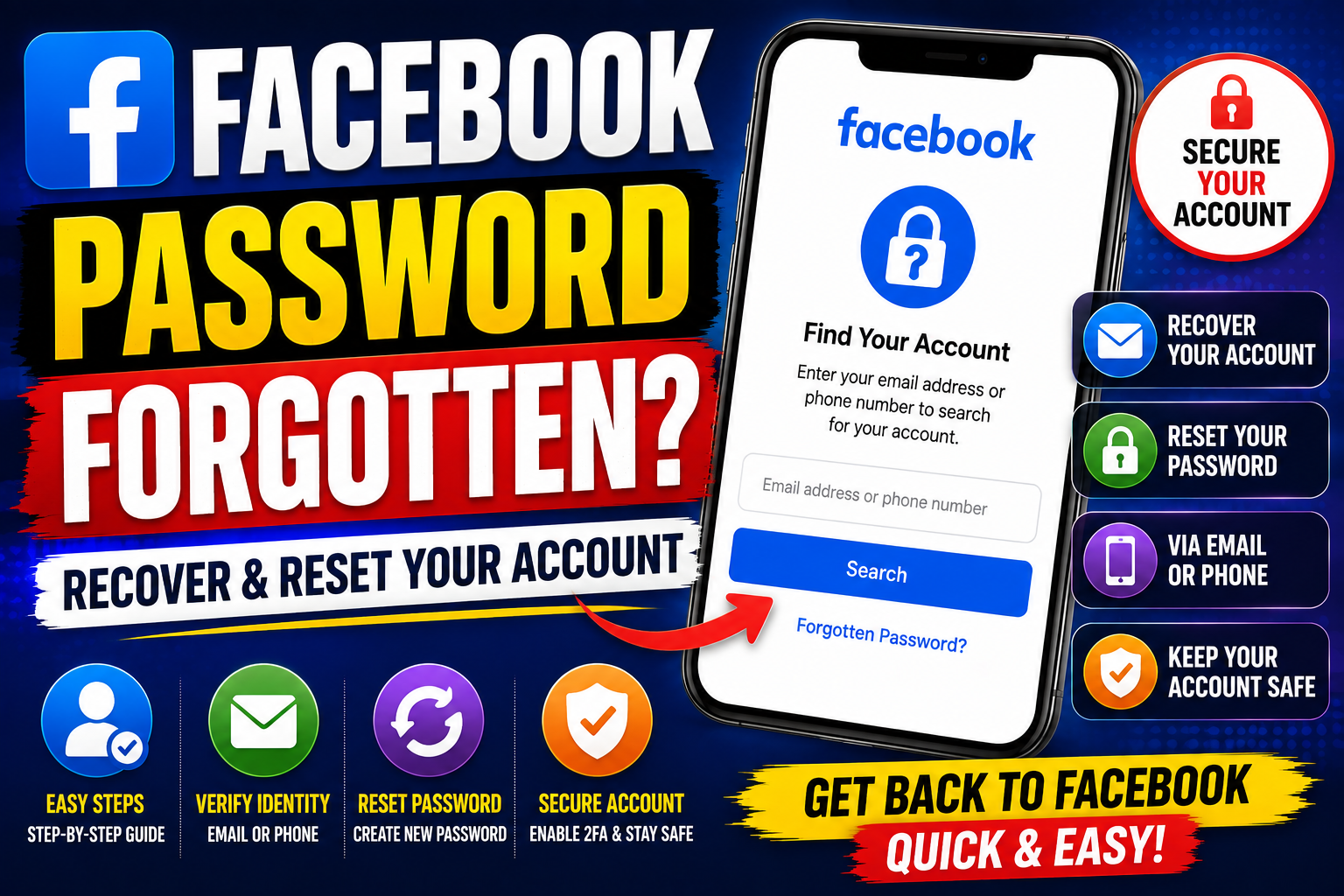
Facebook Password Forgotten: How to Recover Your Account
If your Facebook password is forgotten, you may be worried that you have permanently lost access to your account. In most cases, you can use Facebook's account-recovery process to reset your password and regain access.
The recovery process can be slightly different depending on whether you still have access to the email address or phone number associated with your account.
What to Do If Your Facebook Password Is Forgotten
If you can't remember your Facebook password, start with Facebook's official account-recovery option.
You'll generally need to:
- Open the Facebook login page.
- Select Forgot password?
- Enter your email address, phone number, name or other requested account information.
- Find your account in the results.
- Choose an available recovery method.
- Follow the verification instructions.
- Create a new password.
- Sign in using your new password.
The exact screens and recovery options may change as Facebook updates its platform.
How to Reset a Forgotten Facebook Password
A password reset normally involves verifying that you are the legitimate account owner.
Facebook may provide a recovery code or another verification method through an email address or phone number associated with your account.
Once you've successfully completed verification, choose a new, strong password that you haven't used elsewhere.
Create a Strong New Password
A good password should:
- Be difficult to guess
- Be unique to your Facebook account
- Avoid easily guessed personal information
- Not be reused on other websites
- Be stored securely
Consider using a reputable password manager to generate and store a strong password.
What If You Forgot Your Facebook Email and Password?
If you don't remember both your password and the email address associated with your Facebook account, try identifying your account using information Facebook provides during account recovery.
You may be able to search using information associated with the account, depending on the recovery options currently available.
You can also check:
- Old emails from Facebook
- Your browser's saved passwords
- Password-manager entries
- Contact information previously associated with your account
Never give your password or recovery codes to another person claiming they can recover your account.
What If You Lost Access to Your Email or Phone?
This can make account recovery more difficult.
Start with Facebook's official recovery process and follow the alternative options it provides.
You should also consider recovering access to the email account or phone number itself if possible.
For example, if your Facebook account uses an email address that you can no longer access, the email provider may have its own account-recovery process.
What If Your Facebook Account Was Hacked?
If you believe someone changed your Facebook password without your permission, treat the situation as an account-security issue rather than simply a forgotten-password problem.
Use Facebook's official hacked-account recovery tools and follow the identity and security checks provided.
After regaining access:
- Change your Facebook password.
- Review recent account activity.
- Check your contact information.
- Remove unfamiliar devices or sessions.
- Enable two-factor authentication.
- Review connected applications.
- Secure the email account associated with Facebook.
Don't Share Facebook Recovery Codes
Your recovery code can be highly sensitive.
Never send a Facebook verification code to someone who contacts you through:
- Facebook Messenger
- SMS
- Other social-media platforms
Someone asking for your login code may be attempting to take control of your account.
How to Secure Your Facebook Account After Recovery
Recovering your account is only the first step.
Enable Two-Factor Authentication
Two-factor authentication adds another layer of protection to your account.
When available, use a trusted authentication method and keep your recovery options secure.
Review Login Sessions
Check devices and locations associated with your account and sign out of sessions you don't recognise.
Check Your Contact Information
Make sure your email addresses and phone numbers are correct and belong to you.
Remove Suspicious Apps
Review applications and services connected to your Facebook account and remove anything you don't recognise.
Secure Your Email Account
Your email account can be an important part of Facebook recovery, so use a strong, unique password and appropriate security controls there as well.
Avoid Fake Facebook Password Recovery Services
Search results may include websites claiming that they can recover a forgotten Facebook password for you.
Be extremely cautious.
You should never provide an unknown website or individual with:
- Your Facebook password
- Email password
- Facebook recovery code
- Two-factor authentication code
- Backup codes
- Personal identity documents unless Facebook's official recovery process specifically requests them
A legitimate recovery service should not need your private login credentials.
Can You Recover a Facebook Account Without a Password?
Yes, if Facebook's available recovery process can verify that you are the account owner.
You don't need to know your old password to reset it through an approved recovery process, although the available verification methods depend on your account and current access.
How Long Does Facebook Password Recovery Take?
Some password resets can be completed quickly if you still have access to your registered email address or phone number.
Recovery may take longer if:
- You lost access to your email.
- You changed your phone number.
- Your account has additional security checks.
- Facebook cannot immediately verify the account.
Follow the instructions shown by Facebook rather than using third-party services promising instant recovery.
Frequently Asked Questions
What should I do if my Facebook password is forgotten?
Select Forgot password? on the Facebook login screen and follow the account-recovery instructions.
Can I reset my Facebook password without knowing the old password?
Yes. Facebook's recovery process can allow you to verify your account and create a new password without entering the old one.
What if I forgot my Facebook email and password?
Try identifying your account through Facebook's recovery process and check old emails, saved passwords or your password manager for account information.
Can I recover Facebook without my phone number?
Depending on your account and current recovery options, Facebook may provide another verification method. Follow the options shown during official account recovery.
What if someone changed my Facebook password?
If you believe your account was hacked, use Facebook's official hacked-account recovery process rather than treating it as an ordinary forgotten password.
Is it safe to give someone my Facebook recovery code?
No. Treat recovery and verification codes as confidential. Never share them with people who contact you claiming they can recover your account.
Final Thoughts
If your Facebook password is forgotten, don't panic and don't rely on websites promising instant account recovery.
Start with Facebook's official password-recovery process, use an available email or phone recovery method, create a unique password and then strengthen your account security.
For more social-media and digital-marketing resources, visit www.followeran.in.
